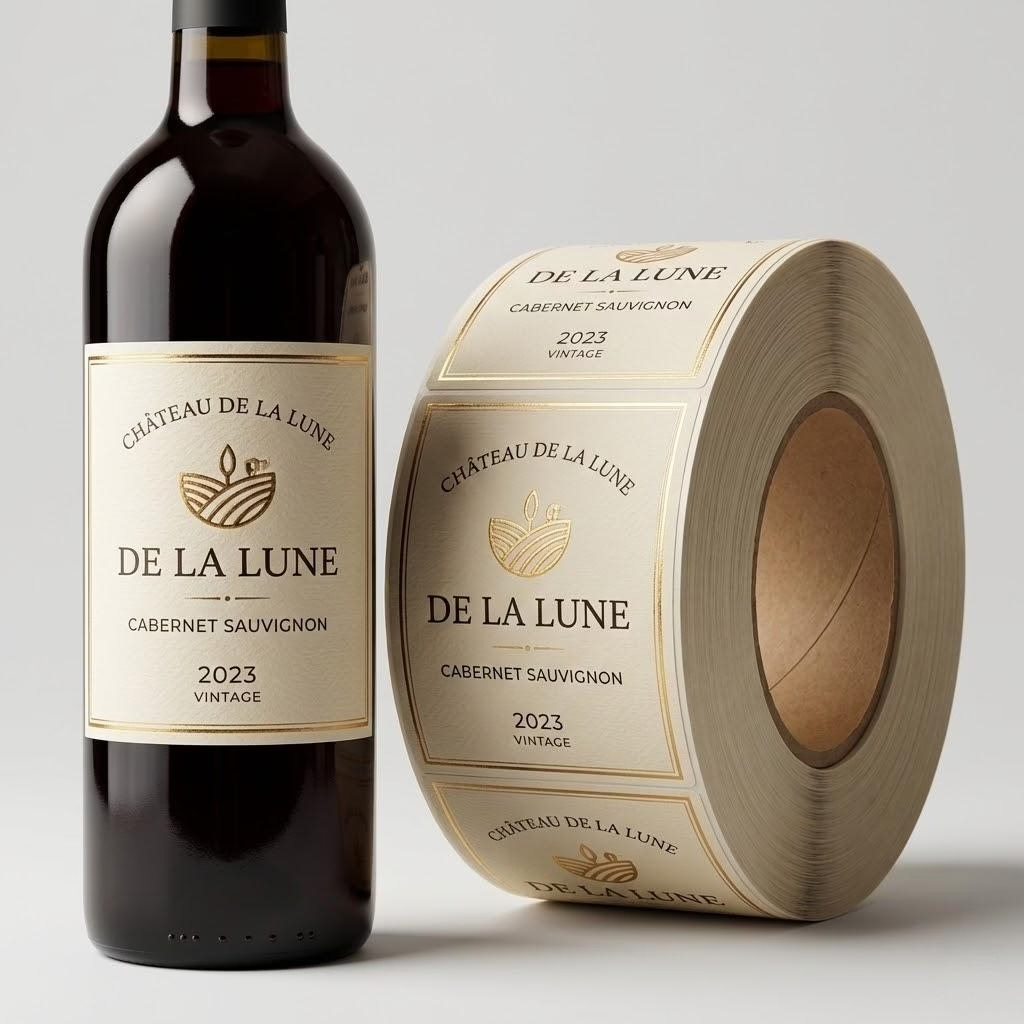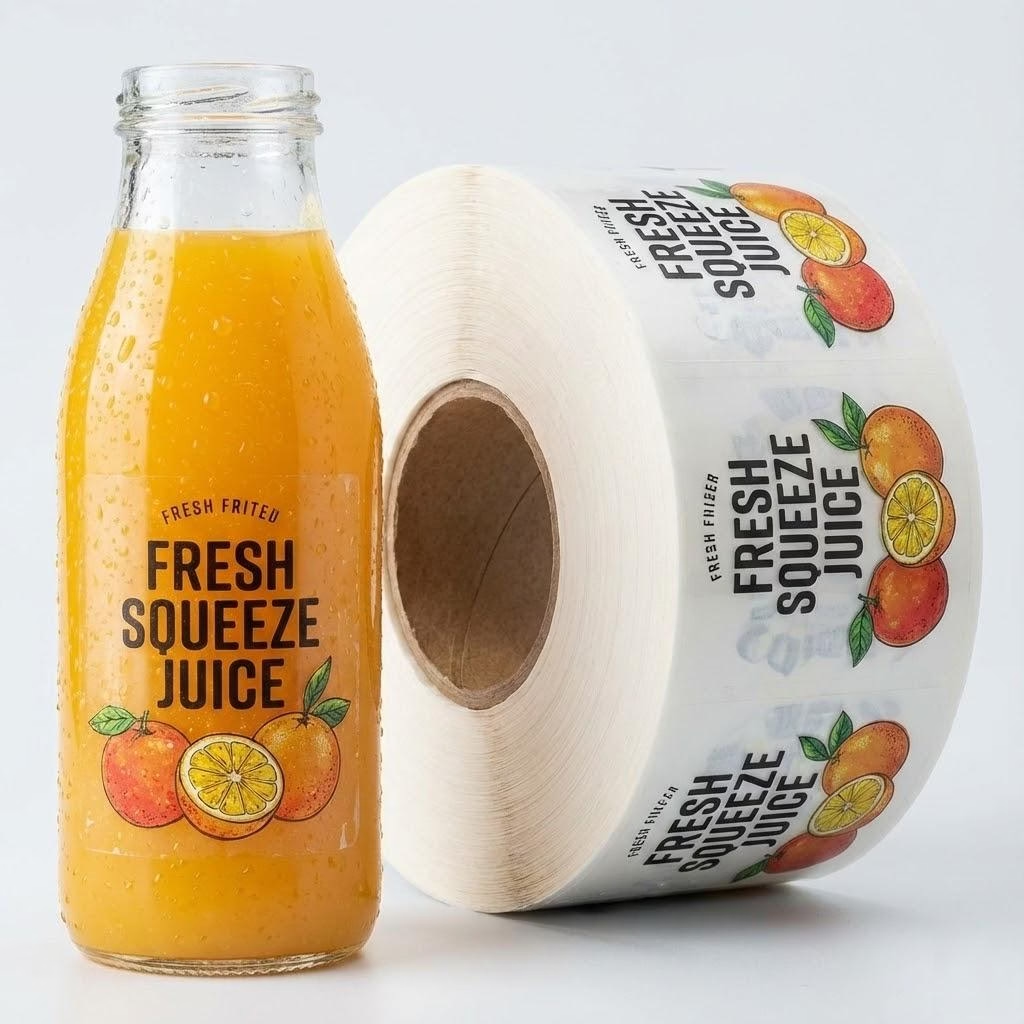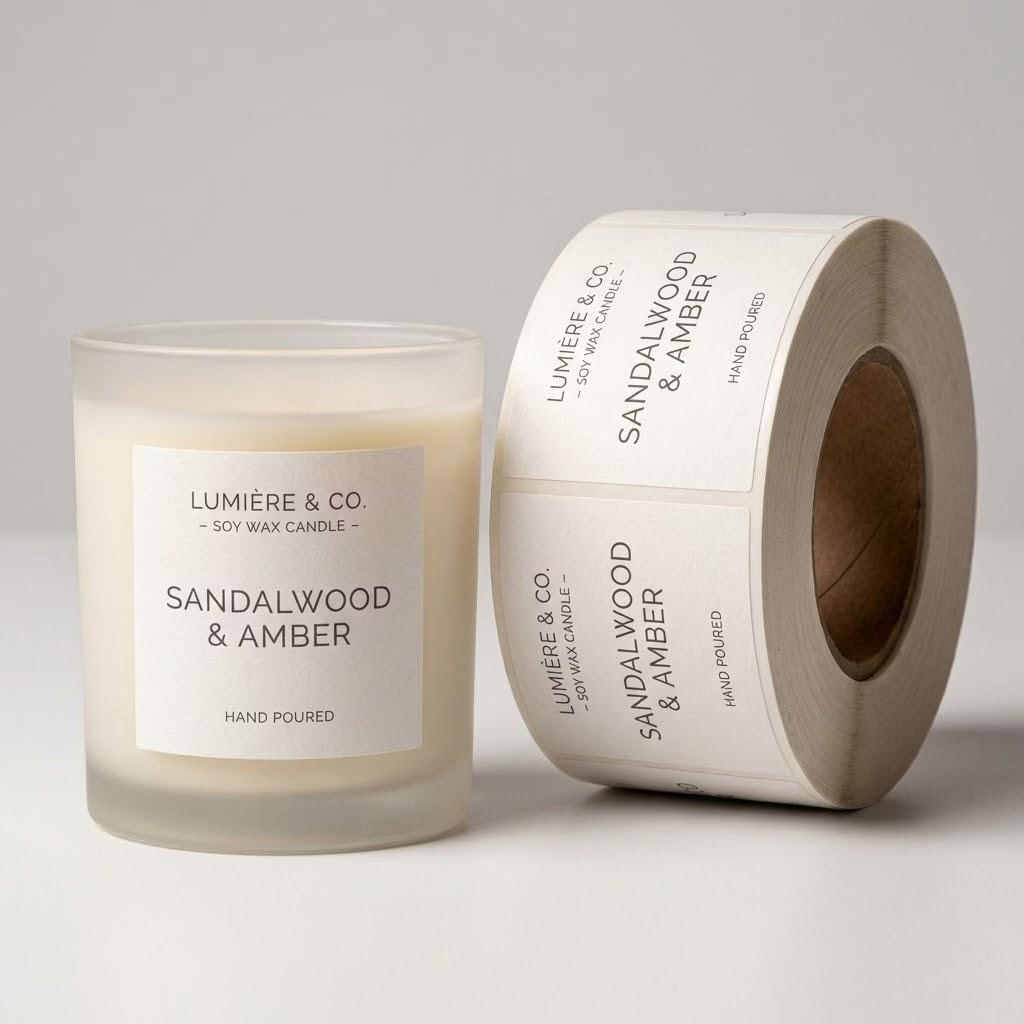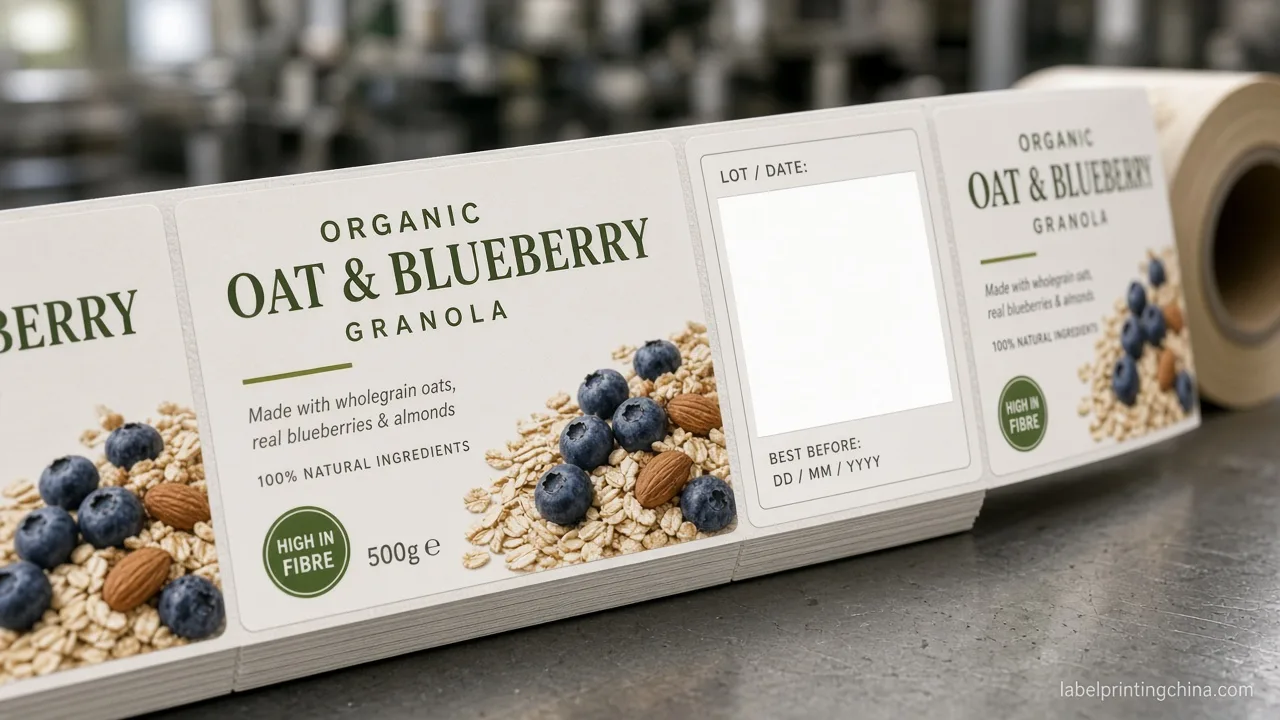
You still have cartons of discontinued flavor labels eating shelf space, while your best seller almost stocked out last week. You are not short on labels—you are missing a multi-SKU inventory rule that tells you what to keep, what to switch, and when to hold the next PO.
Triage your waste into obsolete scrap, cash locked in slow movers, or line-stop mismatch; then Keep, Switch, or Split print mode by SKU velocity and freeze reorder triggers plus a Ready/Hold gate before you place another multi-SKU label order.
What this means: use the Clear/Watch table, the Keep/Switch/Split matrix, the reorder checklist, and the Ready/Hold gate below so you can cut dead stock without cutting the SKUs your buyers still want.
Where Your Label Inventory Waste Actually Starts

When you only say “order less,” your team still argues about the wrong pile. Name the waste type first so your next action matches the real leak—and so you stop treating every carton like the same problem.
| What you see | Clear signal | Watch / next move |
|---|---|---|
| Discontinued SKU rolls still sealed; artwork Rev already changed | Obsolete scrap | Stop reordering that art; scrap or overlabel only with QA sign-off |
| Slow flavor has 6–12 months of labels; cash sits in the cage | Slow-mover cash lock | Cut MOQ path; Switch to short digital lots matched to 4–8 weeks of sell |
| Hero SKU almost empty while odd sizes are full; applicator waits | Line-stop mismatch | Split buys: protect hero coverage first; do not “average” all SKUs to one MOQ |
When you once cut three underperforming flavors but kept flexo minimums on the rest, your cage still filled with slow rolls. Cutting SKU count alone does not fix cash lock if every remaining SKU still forces a long pre-print buy.
If your finance report only shows “label inventory $,” ask which Clear row each carton belongs to before you approve another blanket PO. Your obsolete scrap needs a kill decision; your slow movers need a print-mode Switch; your mismatch needs a Split buy plan.
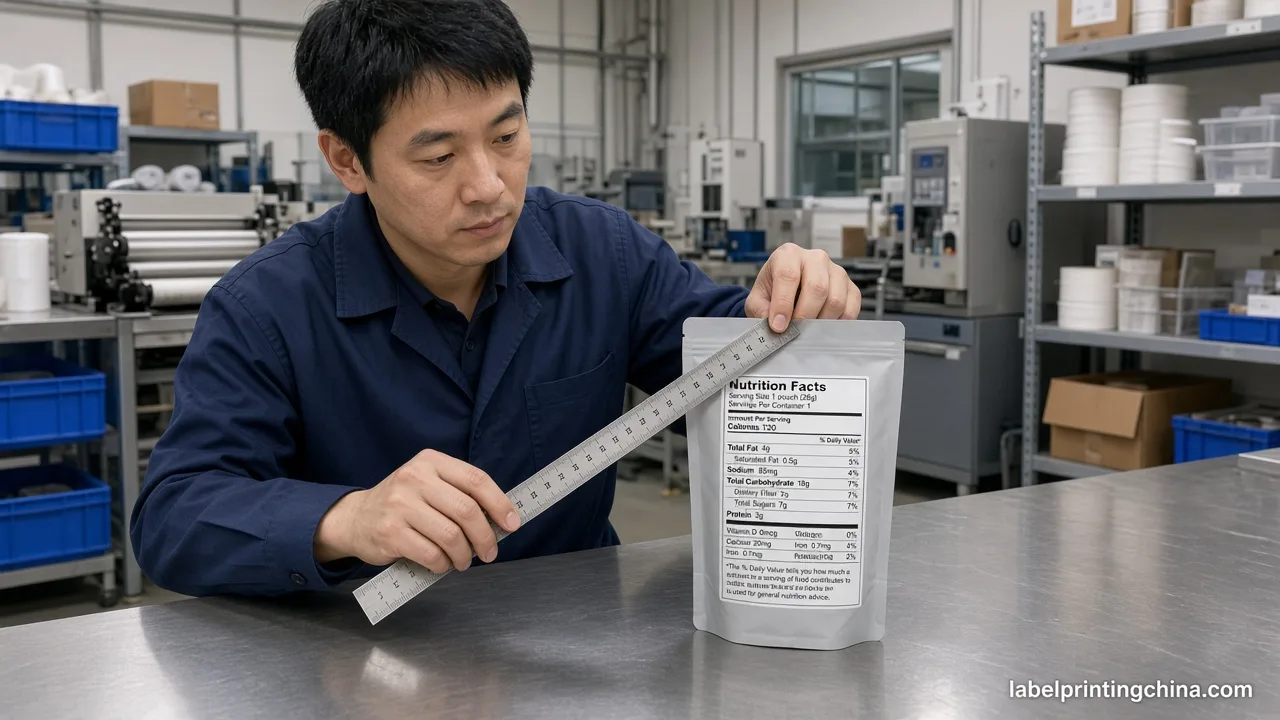
Before you blame the warehouse for “poor rotation,” photograph open cartons with SKU and Rev codes. When you can point to obsolete art versus slow movers, your vendor conversation stops spinning on unit price and starts on the right print path.
When you walk the cage this week, tag each open carton with one Clear label on a sticky note—Obsolete, Slow, or Mismatch. Your ops meeting then debates three decisions, not one vague “labels are messy” complaint.
If your hero SKU almost stopped the applicator while odd sizes sat full, treat that as Line-stop mismatch immediately. You protect coverage first; you do not “average” every flavor to the same carton count just to make the PO look neat.
Keep, Switch, or Split — Print Mode by SKU Velocity

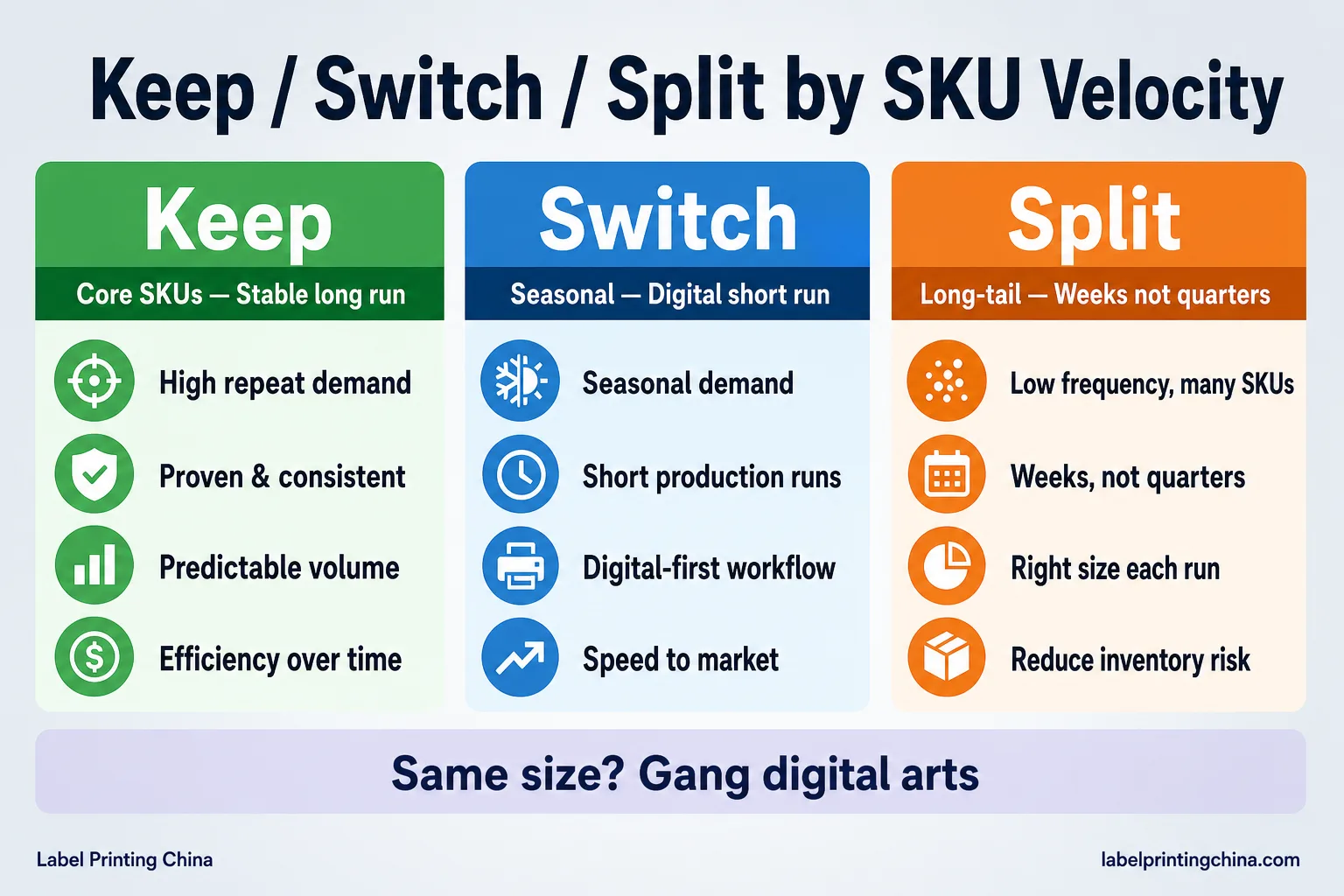
When you force every flavor onto one long flexo PO, you buy tidy unit pricing and messy obsolescence. Sort your SKUs by velocity first, then choose Keep, Switch, or Split so your print mode matches how fast you actually sell.
| Your SKU class | Keep | Switch / Split |
|---|---|---|
| Core (≈70% volume, stable art) | Longer flexo or hybrid runs when size/material stay locked | Watch-out: do not stock 12+ months “to chase a lower unit” |
| Seasonal / promo (timed windows) | Digital short runs sized to the window | Switch off annual pre-print; print the wave, then stop |
| Long-tail / test (slow or unproven) | Digital lots of weeks—not quarters | Split from core: same die size when possible; separate qty logic |
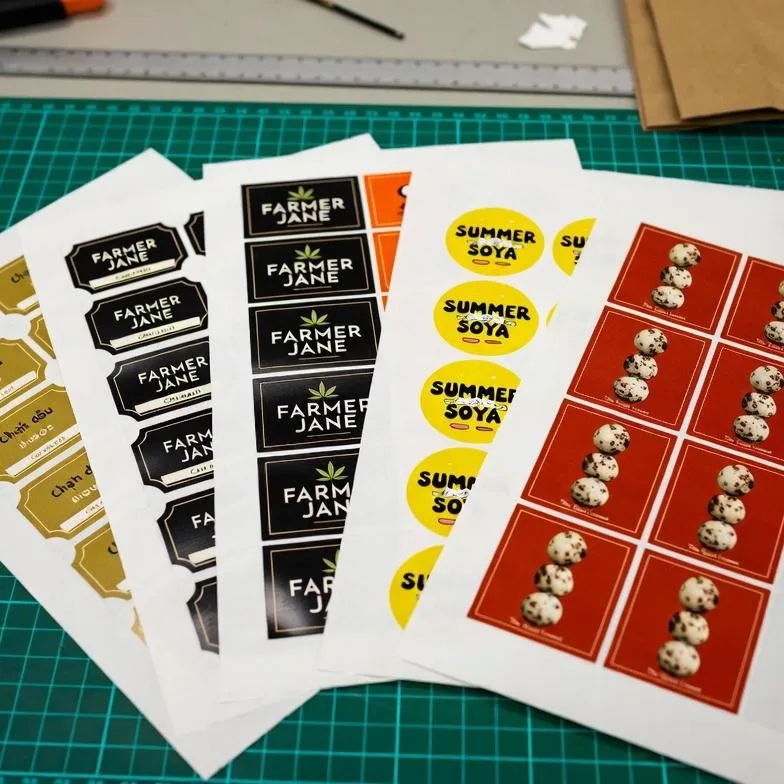
| Same size/material, many arts | Ask for a ganged digital plan | Use multi-SKU digital ganging for plate-free mixes—do not invent a second warehouse strategy here |
When you keep Core on a stable long run but Switch Seasonal off the same PO, you stop January from inheriting December’s holiday art. Your cage should hold coverage for Core—not souvenirs from last launch.
If you previously ordered 5,000 of every new scent “because the MOQ looked cheap,” you likely funded obsolete scrap when two scents died. Next time, Split: Core keeps volume; Long-tail starts at a few hundred to a few thousand matched to sell-through.
Before you approve artwork for a limited drop, write the Keep/Switch/Split row on the quote. If your vendor cannot quote a short digital path for Long-tail, you are still buying a flexo trap with a different name.
When your sizes and materials already match across flavors, ask for one digital gang instead of five lonely minimums. You still own class-based quantities inside that gang—ganging is a press plan, not permission to overbuy slow arts.
If a desktop “print blank stock in-house” pitch shows up in your inbox, compare it to your applicator reality. You may still need factory-finished, machine-ready rolls with locked cores and gaps; Switch to short factory digital lots when that is what your line actually consumes.
Put the class tag on every SKU in your forecast sheet: Core, Seasonal, or Long-tail. Your next quote review then becomes a Keep/Switch/Split conversation instead of a single MOQ argument that ignores velocity.
Reorder Triggers That Stop Dead Stock Before It Starts
When you reorder only when the cage looks empty, you either rush the hero SKU or refill slow movers too early. Set triggers in writing so your next buy follows velocity—not panic or habit.
- Core cover target: reorder when on-hand + inbound covers ≤6–8 weeks of sell (tune to your lead time).
- Seasonal hard stop: no reorder after the promo window closes unless sell-through still clears ≥70% of remaining labels.
- Long-tail cap: never hold more than 4–6 weeks; if velocity drops, pause—do not “top up to a round MOQ.”
- Rev lock: any nutrition, claim, or brand refresh freezes reorder until art Rev is signed.
- Shared die rule: if size/material match, prefer one digital gang over five lonely minimums—details stay on the factory-direct label printing page when you scope machine-ready rolls.
When you ignore the Rev lock and reorder “just in case,” you manufacture obsolete scrap on purpose. Your cheapest unit price is still a loss if the art dies next month.
If your planner still copies last year’s quantities into this year’s PO, force a velocity check first. Your Clear/Watch row for slow movers should block auto-refill until you Switch print mode or kill the SKU.
Copy one sentence into your reorder SOP: “Core follows weeks-of-cover; Seasonal follows the window; Long-tail follows a hard week cap—no SKU inherits another SKU’s MOQ.” Then your team stops averaging bad buys across the line.
When lead time is five weeks, your Core trigger must fire before the cage hits “empty.” Build the cover target from lead time plus a small buffer—not from a round number that felt comfortable last year.
If Seasonal leftovers still exceed 30% after the window, write a no-reorder flag on that art code. You can deplete with a controlled promotion; you should not silently refill the same dead window.
Ready to right-size your multi-SKU label buys?
Send your SKU list with velocity notes—we will map Keep / Switch / Split quantities on machine-ready rolls so you stop funding dead stock.
Ready or Hold — Multi-SKU Label PO Gate
Before you click submit on a combined label PO, run this Ready/Hold gate. It is cheaper to Hold for twenty-four hours than to fund another carton of obsolete scrap.
| Check | Ready if… | Hold if… |
|---|---|---|
| Art / claims / nutrition Rev | Signed Rev matches the SKUs on the PO | Legal or marketing still editing copy |
| Size / material / finish lock | Die, face stock, and adhesive frozen | Bottle or jar change still open |
| Qty logic by SKU class | Core / Seasonal / Long-tail each follow their trigger | One MOQ applied to every flavor “for simplicity” |
| Kill / pause list | Discontinued SKUs explicitly excluded | Old SKU codes still riding along “to use the plate” |
| Machine-ready roll notes | Core, OD, unwind, and gap written for your applicator | Only a flat PDF—no roll map (see your retail label sourcing checks) |
When you Hold because claims are still moving, you protect cash. When you Ready with a signed Rev and class-based quantities, you protect the line. Both outcomes are wins—only “submit while unsure” funds waste.
If you previously shipped a PO that mixed a dying SKU “to fill the gang,” treat that as a Hold lesson: ganging saves setup only when every art on the gang still has a sell path. Dead art on a gang is still dead stock.
Reducing label waste also supports a cleaner sustainability story when you stop printing inventory you will scrap. Use frameworks like ISO 14001 environmental management as context for measuring process waste—your operational lever remains shorter, better-timed label buys.
If machine-ready notes are missing, Hold even when art looks final. A beautiful PDF that cannot run on your applicator creates line-stop mismatch wearing a different costume.
Run the multi-SKU sourcing checklist beside the gate so Rev locks, class quantities, and machine-ready specs are all priced before submit.
- Ready checklist owner: procurement + packaging sign the same one-pager.
- Hold escalation: 24-hour max to clear Rev or size questions—then Ready or cancel lines.
- Kill list review: monthly, before any blanket reorder runs.
- Red flags: unsigned Rev, one MOQ for every flavor, or a dying SKU riding the gang “to fill the press.”
Lock the Rule Before Your Next Flavor Launch
You do not need fewer ideas—you need a rule that keeps Core covered, Seasonal timed, and Long-tail lean. Triage waste with Clear/Watch, choose Keep/Switch/Split by velocity, then refuse any PO that fails Ready/Hold.
When your next launch lands, send the SKU list with class tags and weeks-of-cover targets. You will buy labels that match how you sell—not a warehouse of paper that outlives the product.
If that launch is a beverage flavor or seasonal drop, freeze naming and unequal splits with our seasonal beverage label checklist.
If you only remember one move this week, photograph your cage and classify the open cartons. Your next quote then starts from real waste types—and your multi-SKU line stops funding inventory you already know you will not use.
When buyers ask how your packaging program reduces waste, point to shorter, class-based label buys—not leftover cartons. External program language like EPA sustainability basics can frame the story; your Ready/Hold gate is what actually stops the scrap.