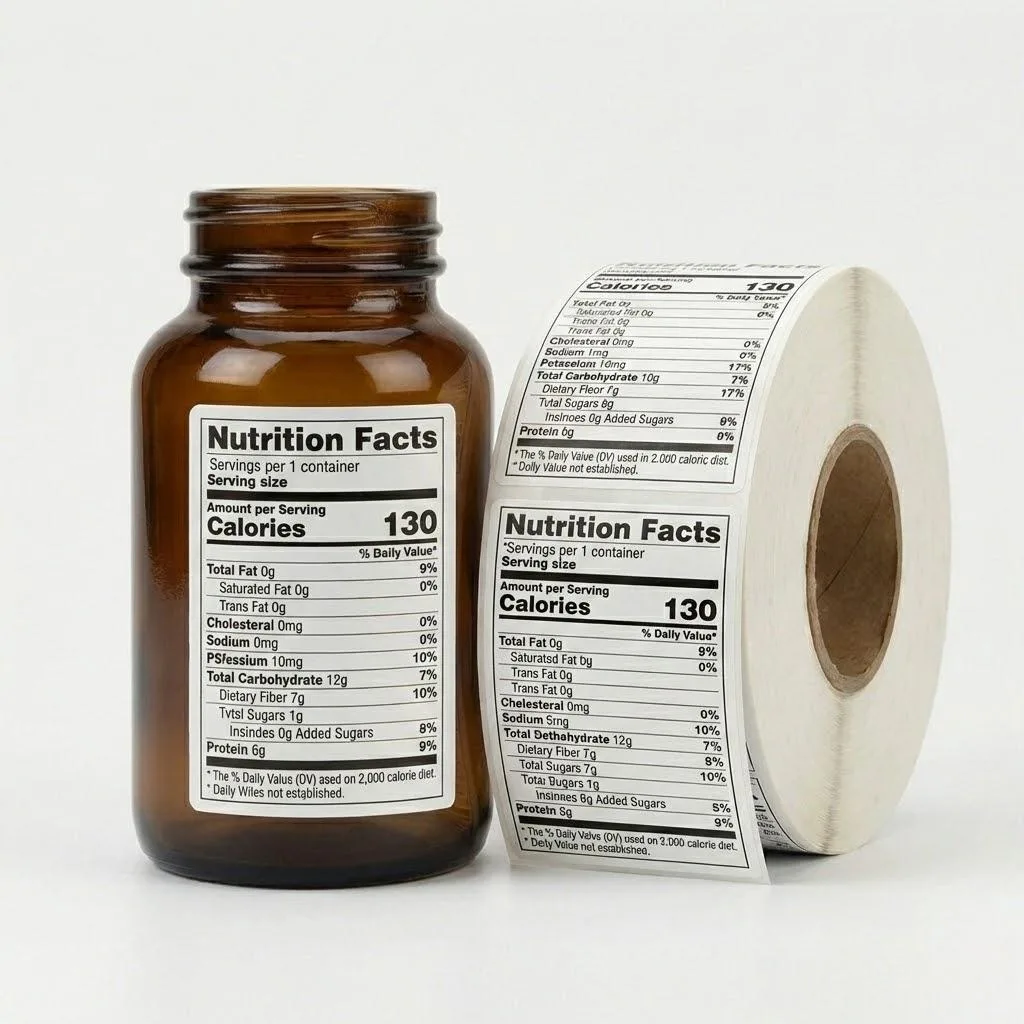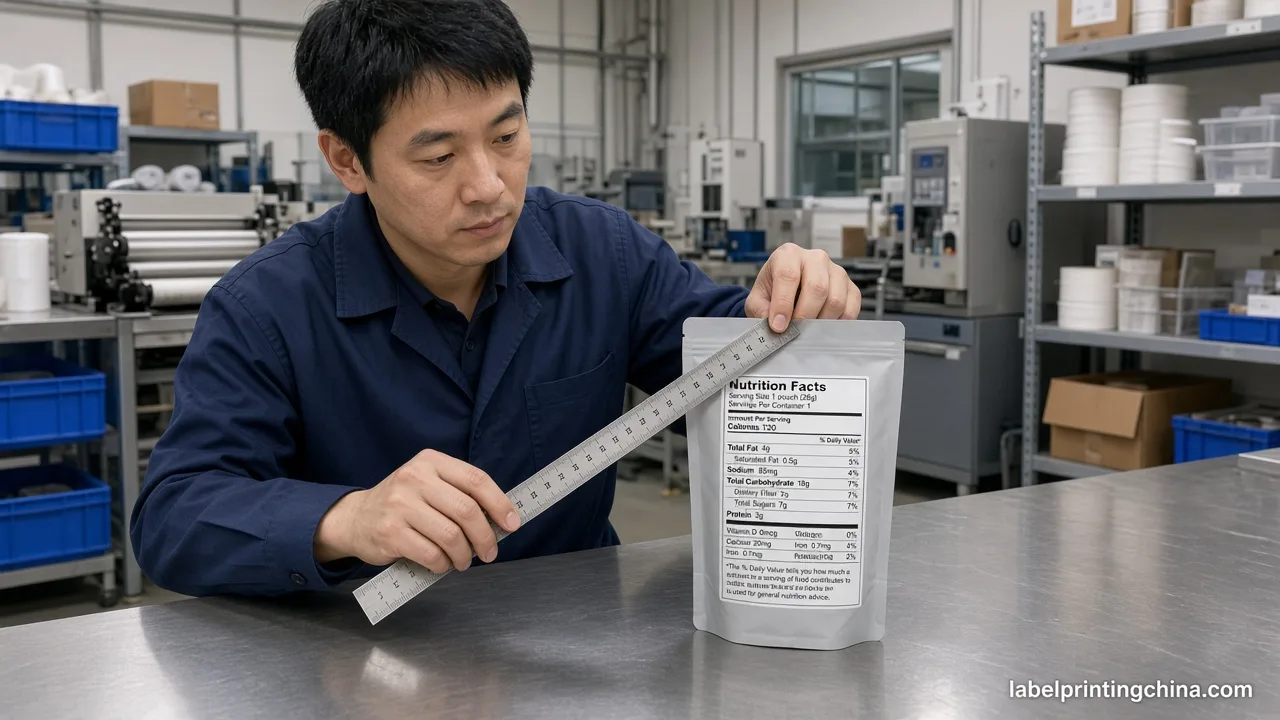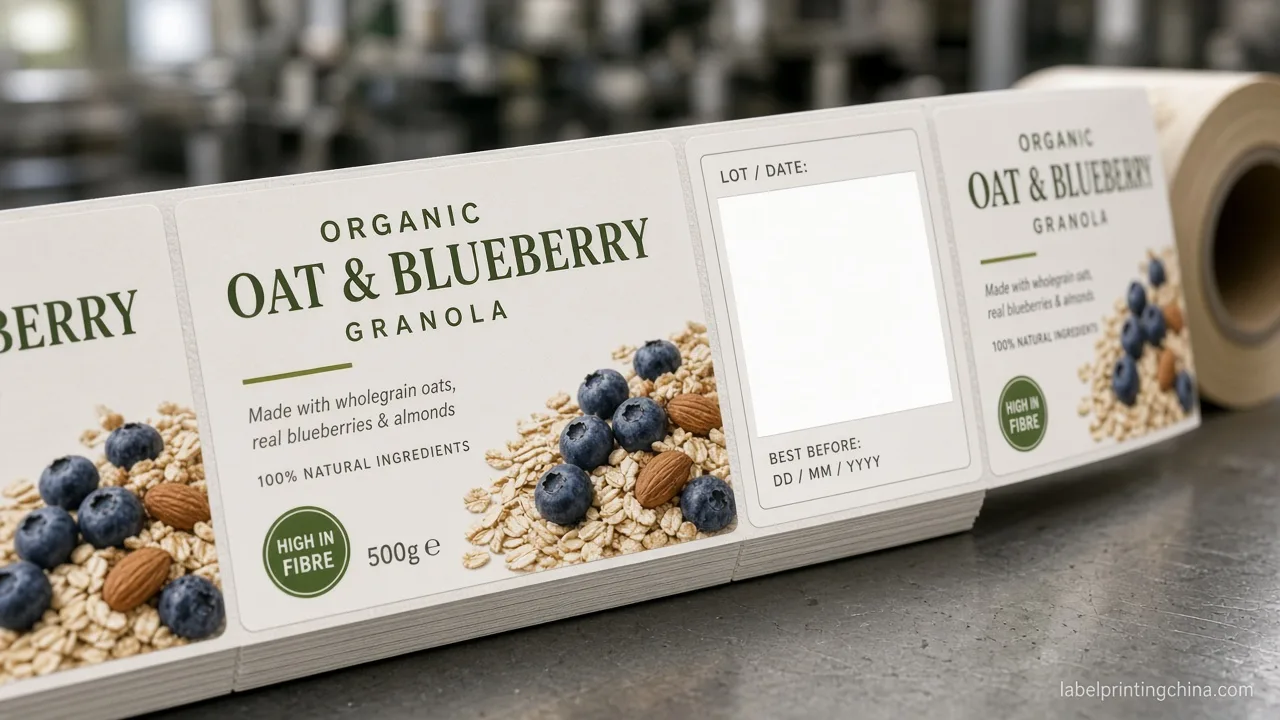
Custom nutrition labels fail at print for reasons the FDA guide never spells out—hairline rules that disappear under flexo trap, Calories type that shrinks below 16 point when your dieline squeezes the panel, and rounding tables that look correct in PDF but violate 21 CFR 101.9 once the plate hits substrate.
Nutrition Facts label requirements under FDA 21 CFR 101.9 mandate a vertical or tabular panel with Nutrition Facts as the largest type, Calories at minimum 16 point on standard packages (10 point on small packages), mandatory nutrients in prescribed order, and rounding rules tied to serving size—brands self-certify without FDA pre-approval, but every millimeter of stroke weight and panel geometry must survive flexo or digital print before you lock plates. The same production line runs our custom supplement labels for supplement and wellness brands.
Below you will see mandatory type-size thresholds, a routing table for standard vertical versus tabular and small-package formats, rounding rules that break at print scale, an eight-point pre-press checklist before plate lock, and Pass/Fail proof checks for custom nutrition label orders.
Mandatory Type Sizes and Panel Geometry Under 21 CFR 101.9
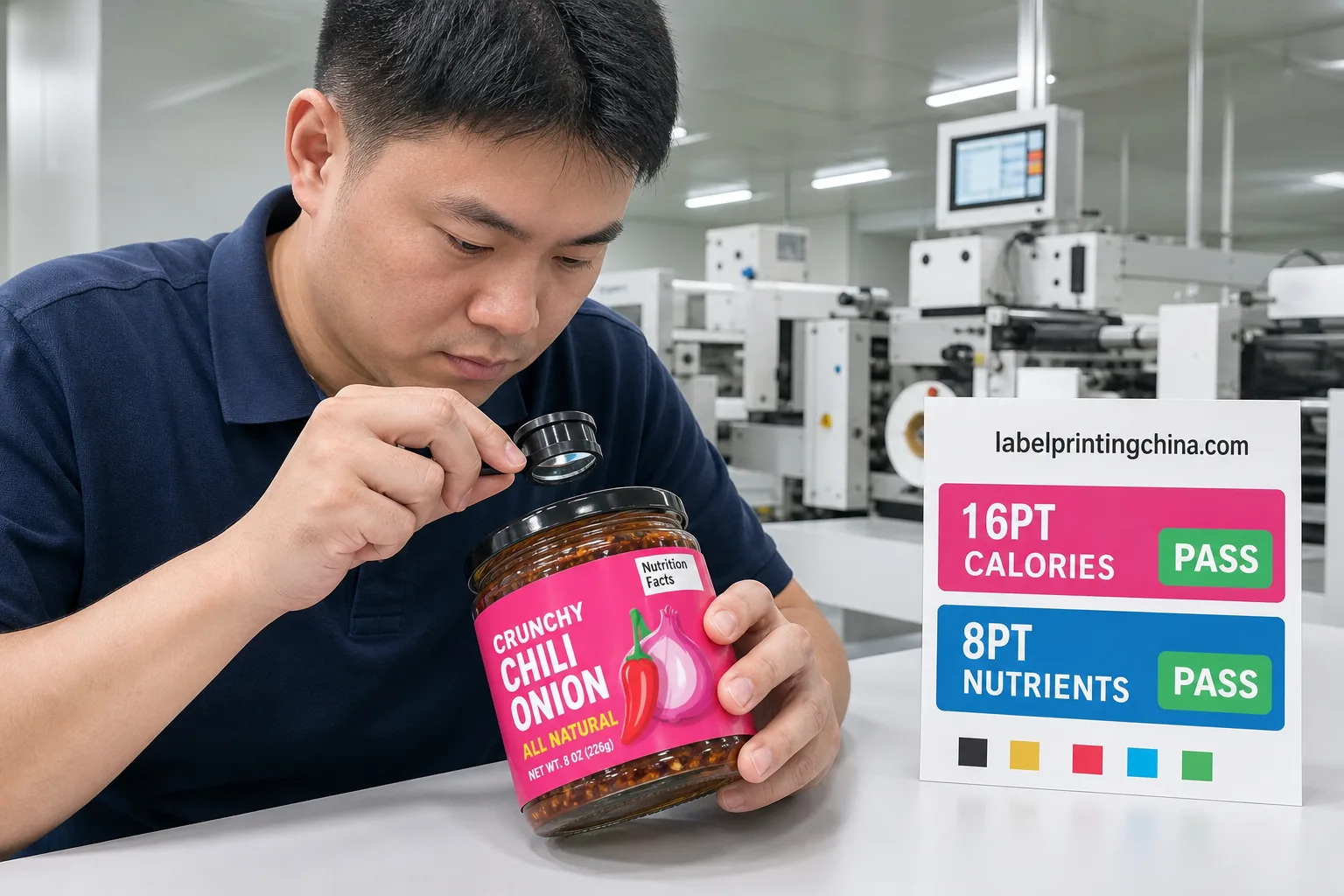
The Nutrition Facts heading must be the largest type on the label except for the numeric calorie value. Calories and the calorie count must appear immediately below the heading in type no smaller than 16 point on packages with more than 40 square inches of label space available to bear labeling.
Most other mandatory nutrients use 8 point minimum with 1 point leading, but footnotes, dual-column transitions, and bilingual stacks compress faster than designers expect on curved jar labels.A converter quoting «FDA compliant artwork» without naming minimum stroke weight is handing you liability—not a production spec.
| Element | Minimum Size (Standard Panel) | Small Package (≤40 sq in) | Pass / Fail |
|---|---|---|---|
| Nutrition Facts heading | Largest type on label | Largest type on label | Pass → measure on proof |
| Calories numeric value | ≥16 point bold | ≥10 point bold | Fail if scaled in artwork only |
| Nutrient names & values | ≥8 point, 1 pt leading | ≥6 point (tabular) | Pass → loupe on print proof |
| Hairline rules & boxes | ≥0.25 pt print; 0.5 pt safer on flexo | Same; trap required | Fail → rules vanish on press |
Typeface must be a sans-serif from the Helvetica or Arial family with no ornamental characters. On a production floor with 18 years of label runs, the recurring failure is not wrong nutrient order—it is artwork exported at 300 dpi while the plate vendor traps hairlines down to nothing on BOPP face stock.
For panel placement rules on curved containers, cross-check die radius against the guide on nutrition facts inspection so mandatory copy does not wrap into a seam zone where type falls below readable height.
Standard Vertical, Tabular, and Small-Package Format Routing
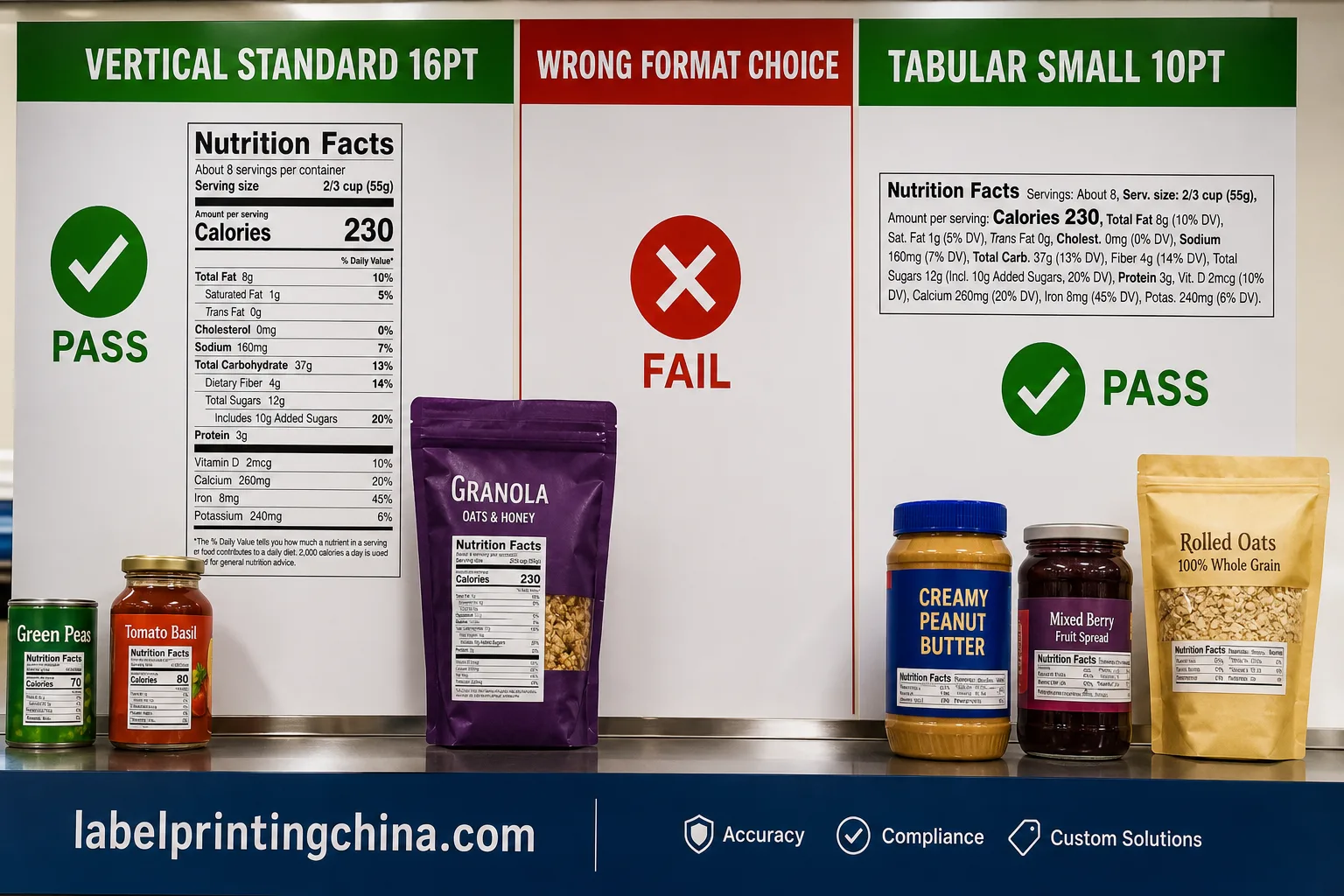
Packages with 40 square inches or less of label space may use the tabular format—a compressed horizontal layout with abbreviated nutrient rows.Packages above that threshold must use the standard vertical panel unless an exemption applies. Dual-column format is allowed only when vertical space exceeds 3 inches and the package footprint warrants it.
After you route tabular vs vertical by area, still prove print readability with readable nutrition panel map so small packs do not shrink type past a scannable, shoppable face.
Decision summary: measure available label area first—above 40 sq in demands a 16 point Calories vertical panel; at or below 40 sq in, tabular at 10 point is the compliant default unless every nutrient remains legible in vertical form.
Routing errors happen when brands copy a competitor’s tabular panel onto a 5-inch-wide jar label that actually has 52 square inches of printable area. Retail auditors measure the principal display panel, not your designer’s bounding box.
| Available Label Area | Required Format | Calories Minimum | Pass / Fail |
|---|---|---|---|
| >40 sq in, vertical space ≥3 in | Standard vertical (or dual-column) | 16 point | Pass → vertical panel |
| ≤40 sq in | Tabular format permitted | 10 point | Pass → tabular only |
| ≤40 sq in but brand uses vertical | Vertical allowed if legible | 10 point minimum | Fail if nutrients truncate |
| Bilingual stack (EN + second language) | Add panel height or separate label | Each language meets minimum | Fail → overlapping type |
Red flags that your format routing is wrong before you approve art:
- Tabular panel on a label wider than 4 inches with no space constraint documented
- Dual-column layout on a flat pouch with less than 3 inches of vertical panel height
- Serving size in grams only when the reference amount is custom and FDA RACC tables apply
- Added Sugars line missing on products manufactured after the 2020 compliance date
When you route SKUs across jar, pouch, and shrink-sleeve formats, keep panel geometry consistent by briefing one master nutrition file per formula and mapping die lines on custom labels for jars before you split artwork across container types.
When the remaining risk is a long ingredient list rather than Nutrition Facts geometry, use the ingredient list print-ready guide to lock type hierarchy, panel splits, and multilingual files before press.
Need FDA-Format Nutrition Panels on Custom Labels?
Get machine-ready nutrition label rolls with pre-press audit, 500-roll MOQ, and 12-hour quote turnaround from an 18-year Shenzhen converter.
Rounding Rules That Break When You Translate to Flexo Print
FDA rounding is deterministic in spreadsheet logic but fragile on press. Calories round to the nearest 5-calorie increment below 50 calories and to the nearest 10-calorie increment at 50 or above.Total fat, carbohydrates, and protein each follow tiered rules—values below 0.5 g may be expressed as zero, while 0.5 to 5 g rounds to the nearest 0.5 g increment.
Where print enters: a 4.6 g fat value rounds to 5 g on the panel, but if your RIP scales the artwork 98% to fit a die, the «5 g» glyph can drop below 8 point while the unrounded source still reads compliant in PDF.Flexo dot gain on reverse-printed film darkens hairline rules and makes bold Calories numerals bleed into the rule below.
| Nutrient | Rounding Rule (Example) | Print-Stage Risk | Pass / Fail |
|---|---|---|---|
| Calories | <50: nearest 5; ≥50: nearest 10 | Bold numeral bleeds on flexo | Pass → hold with trap spec |
| Total fat | <0.5 g = 0; 0.5–5 g = nearest 0.5 g | Decimal lost below 6 pt | Fail → enlarge panel or tabular |
| Sodium | <5 mg = 0; 5–140 mg = nearest 5 mg | Dual-column misalignment | Pass → column grid locked |
| Added sugars | Same tiers as total sugars | Line omitted on legacy art | Fail → mandatory row missing |
Official rounding tables live in 21 CFR Part 101; cross-check your formula spreadsheet against the eCFR text before you send vector art to plate. Cross-reference nutrient declarations against the FDA CFR 101.9 search for serving-size and rounding tables tied to your SKU category.
Pre-Press Verification Before You Lock Nutrition Label Plates
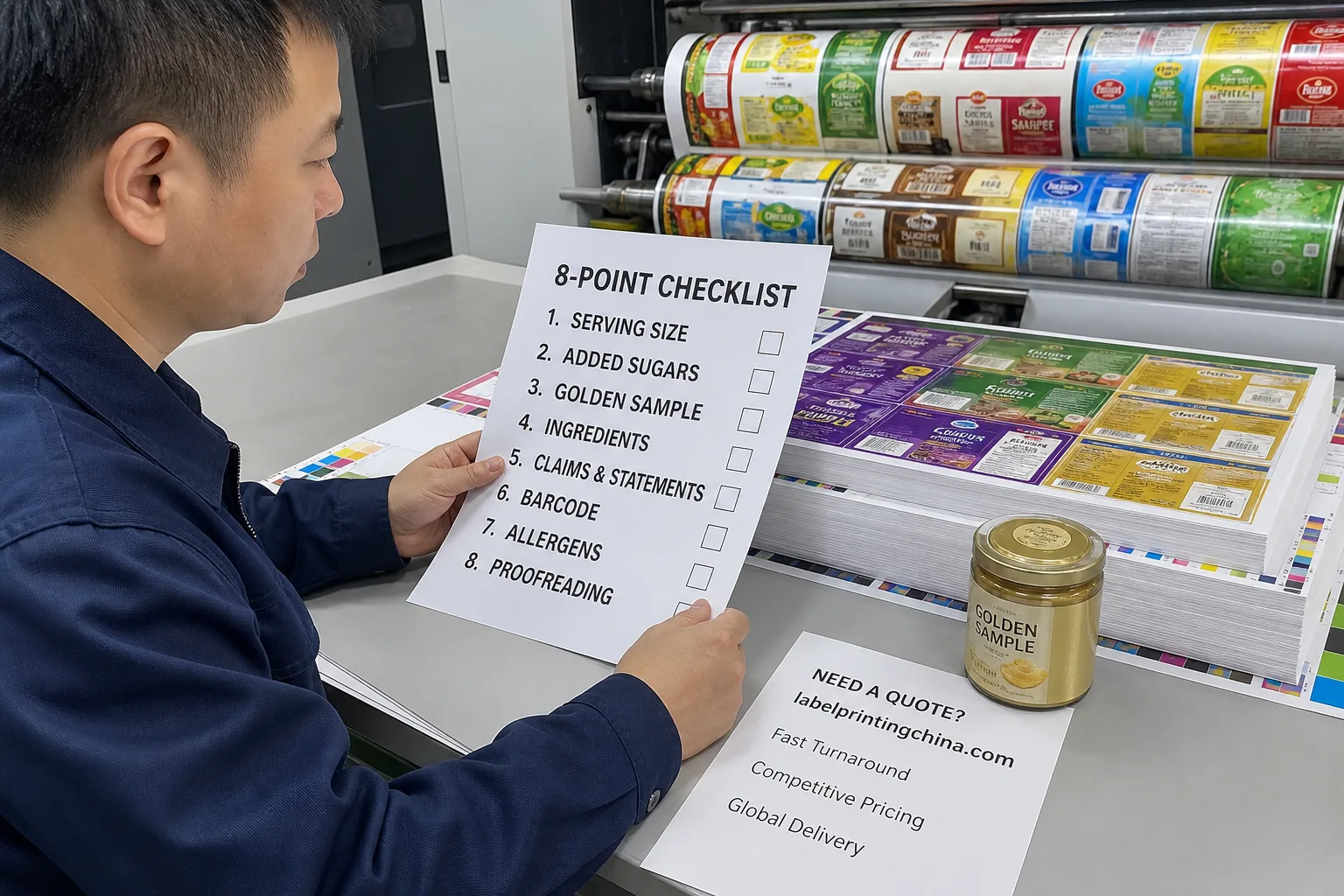
FDA does not pre-approve labels—you self-certify. That makes your signed pre-press approval the legal checkpoint. Before a converter locks flexo plates or certifies a digital repeat run, eight items must appear on the proof sign-off sheet with measured values, not checkbox guesses.
- Serving size and servings per container match your formula record and RACC reference
- Calories and mandatory nutrients appear in FDA order with Added Sugars row present
- Measured type sizes on print proof meet 101.9 minimums at 100% scale—no «looks fine» estimates
- Hairline rules measure ≥0.5 pt on substrate after trap; zero broken boxes at panel corners
- Allergen bolding matches FALCPA eight major allergens plus sesame when present
- UPC and Nutrition Facts quiet zones do not overlap on curved dies
- Ingredient list type size meets minimum 1/16 inch x-height on the principal display panel
- Golden sample retained with batch code linking art revision to plate ID
On press, a technician holding a loupe at 600 mm under line light catches what PDF soft-proofing misses—especially on custom food labels where brand color knocks out white type inside the Calories box.
Pass/Fail Checks on Custom Nutrition Label Proofs
Golden sample approval should mirror how a state inspector reads the label—under store lighting, not only D50 proofing booth conditions. Run these checks on the physical proof your converter ships, not a screen PDF.
| Check | Method | Pass / Fail |
|---|---|---|
| Calories legibility at 1 m | Shelf-distance read test | Pass → approve run |
| Panel box closure | Loupe on all four corners | Fail → re-plate hairlines |
| Nutrient alignment | Grid overlay on proof photo | Pass → lock step-repeat |
| Adhesive bleed into panel | 48h laminated sample hold | Fail → change face stock |
MOQ routing for nutrition panels typically starts at 500 rolls for digital proofing runs and 3,000+ rolls for flexo when panel geometry is locked. Request the rounded nutrient table as a locked CSV attachment in your RFQ so reprints do not drift when a co-packer reformulates sweetener blend.
Frequently Asked Questions
When do FDA rounding rules apply on a nutrition facts panel?
Rounding under 21 CFR 101.9(c) applies to the declared value per serving, not the recipe: calories round to the nearest 2 kcal up to 40 and to nearest 10 above 50; total carbohydrate and sugars round to the nearest gram; values under 0.5 g may declare zero. The declared serving size itself follows RACC tables before any rounding starts.
How is Percent Daily Value calculated before rounding?
Divide the unrounded nutrient amount per serving by the FDA reference daily value, then round the percentage to the nearest whole percent. Daily values for vitamins and minerals use the 2016 updated RDV table, so panels rebuilt from pre-2016 worksheets need a full recalculation before printing.
Does FDA pre-approve custom nutrition labels before I print?
No. FDA does not pre-approve most food labels. You self-certify compliance with 21 CFR Part 101 and maintain records supporting nutrient calculations. Your pre-press sign-off and golden sample archive become the audit trail—not a government stamp on the PDF.
What is the minimum font size for Nutrition Facts labels on small packages?
Packages with 40 square inches or less of label space may use 6 point type for nutrients in the tabular format and 10 point for the Calories declaration. Standard panels on larger packages require 8 point nutrients and 16 point Calories. Always measure on the printed proof, not the screen file.
When must I use the tabular format instead of the vertical panel?
Tabular format is permitted when available label space is 40 square inches or less. Larger packages should use the standard vertical panel unless you document a space exemption and still meet minimum type sizes without truncation.
How do rounding rules affect custom label artwork?
Rounding applies to the declared values on the panel, not the raw lab results. Artwork must reflect rounded numbers, and print scaling must not shrink those glyphs below regulatory minimums. Re-run the rounding table whenever serving size or formula changes—even if brand graphics stay identical.
What should I verify before approving a nutrition label print run?
Confirm serving size, nutrient order, Added Sugars row, allergen bolding, measured type sizes, intact panel rules, quiet zones, and a retained golden sample tied to plate ID. Sign the pre-press checklist before the converter locks plates or starts a repeat digital run.
Ready to move from compliant PDF to machine-ready rolls? Request a free pre-press audit on custom nutrition labels with your formula spreadsheet and dieline attached—response in 12 hours, MOQ 500, and 30% savings versus domestic converter quotes on equivalent FDA-format panels.