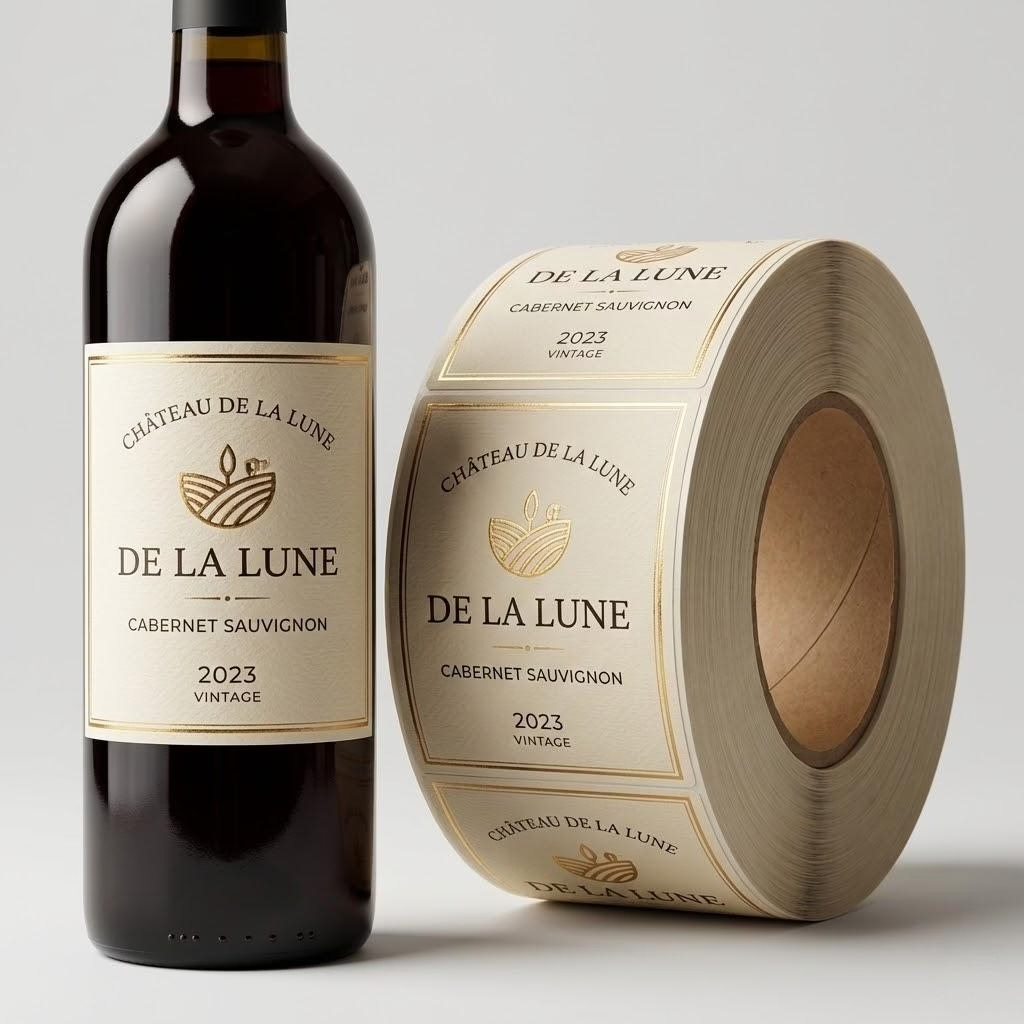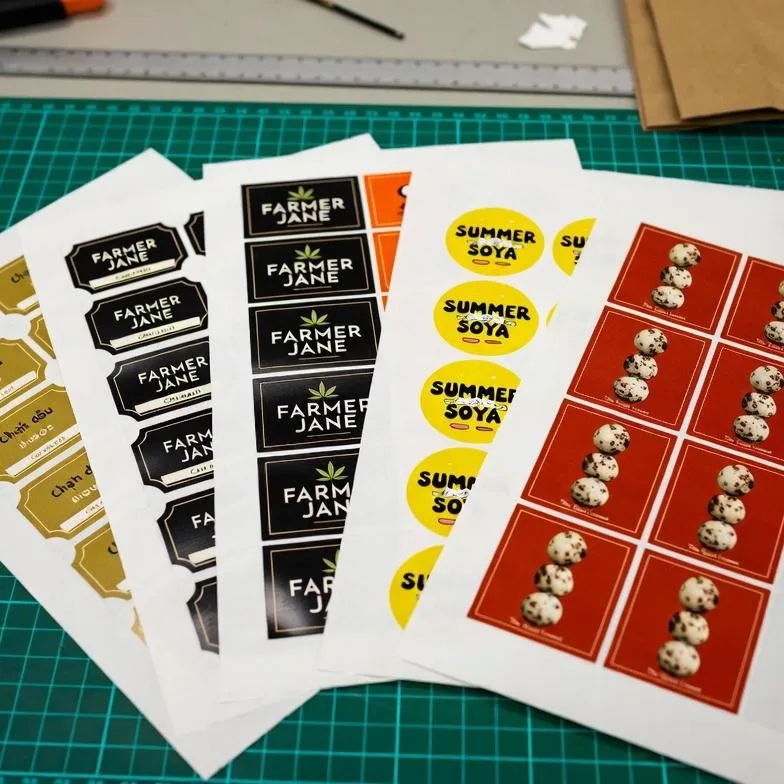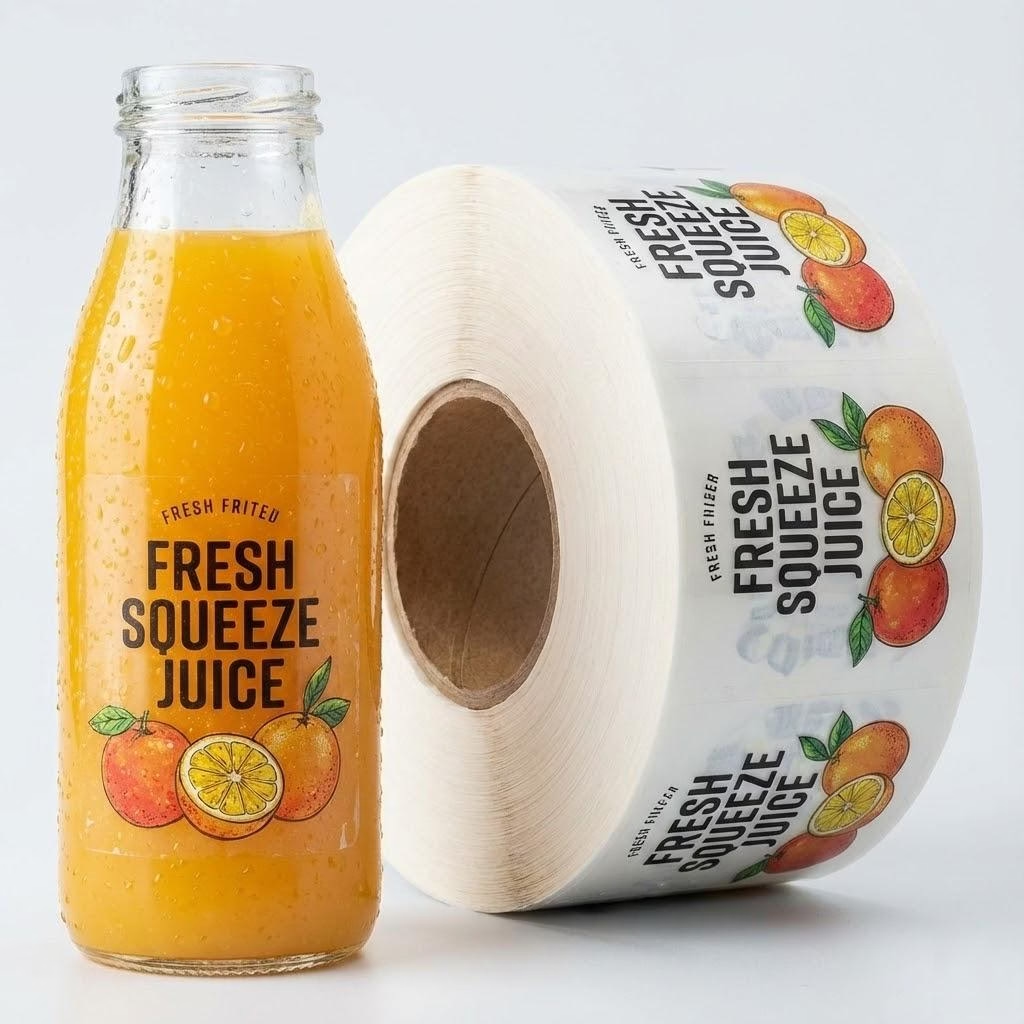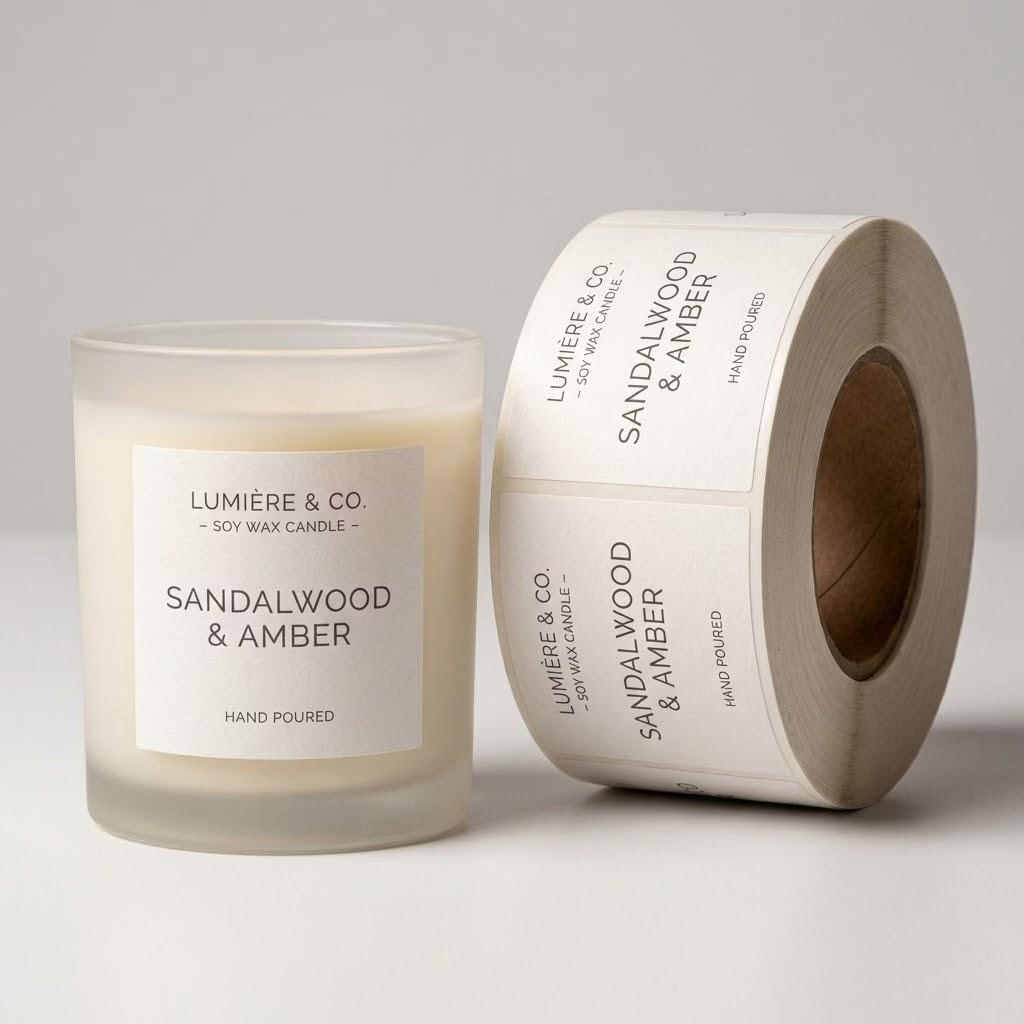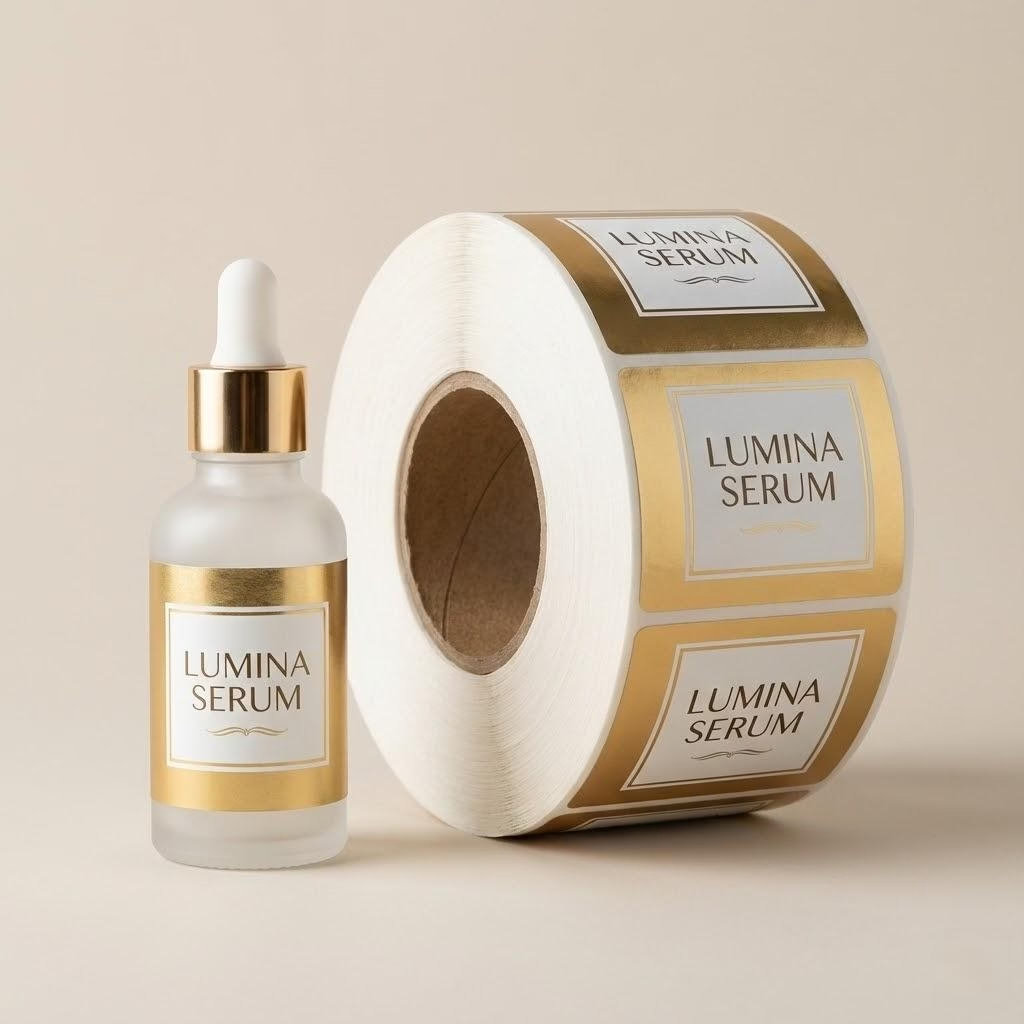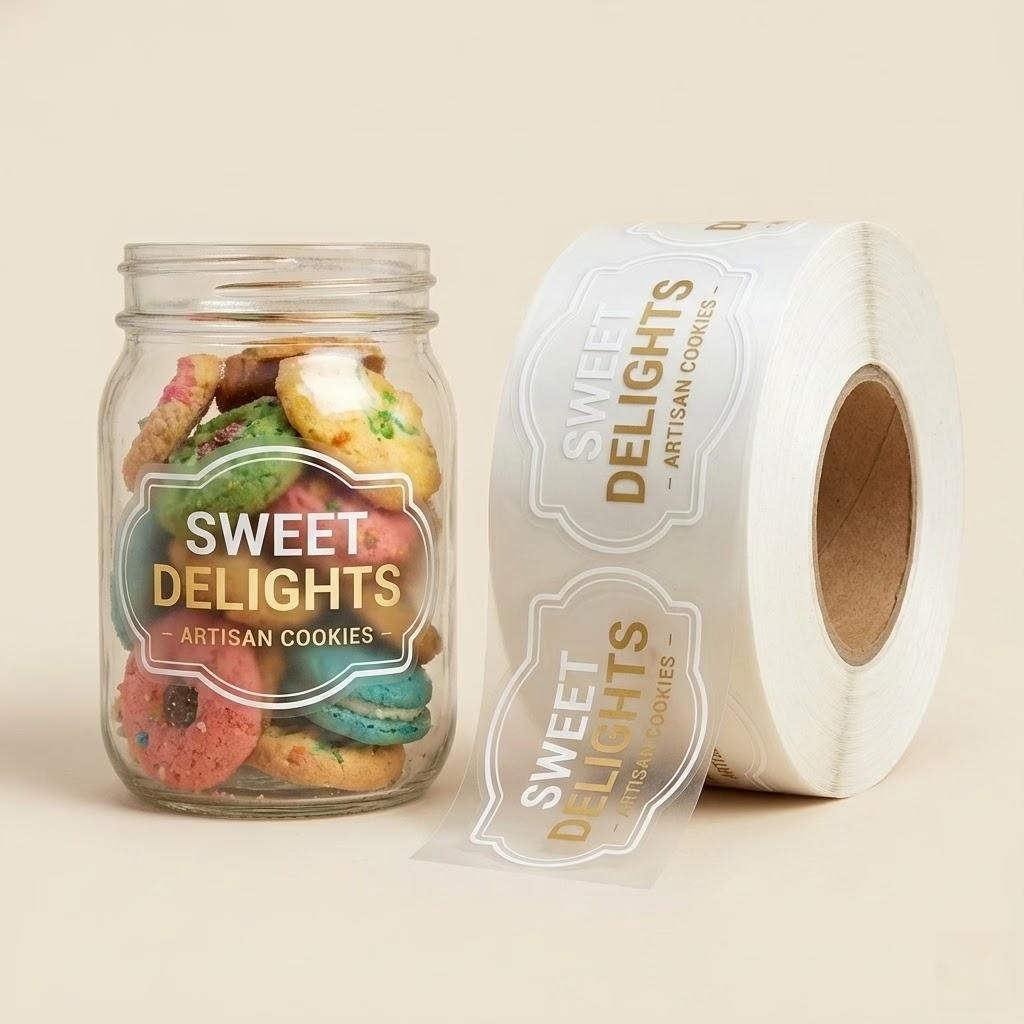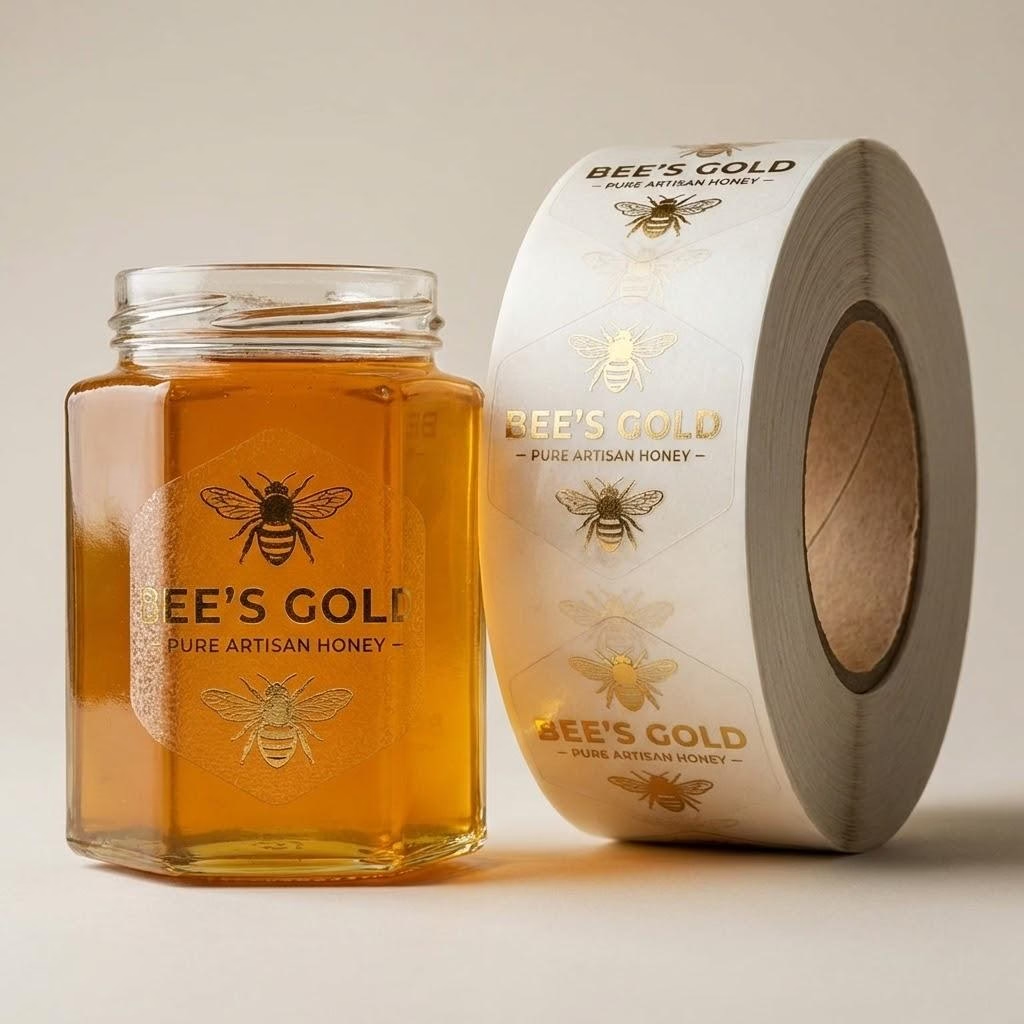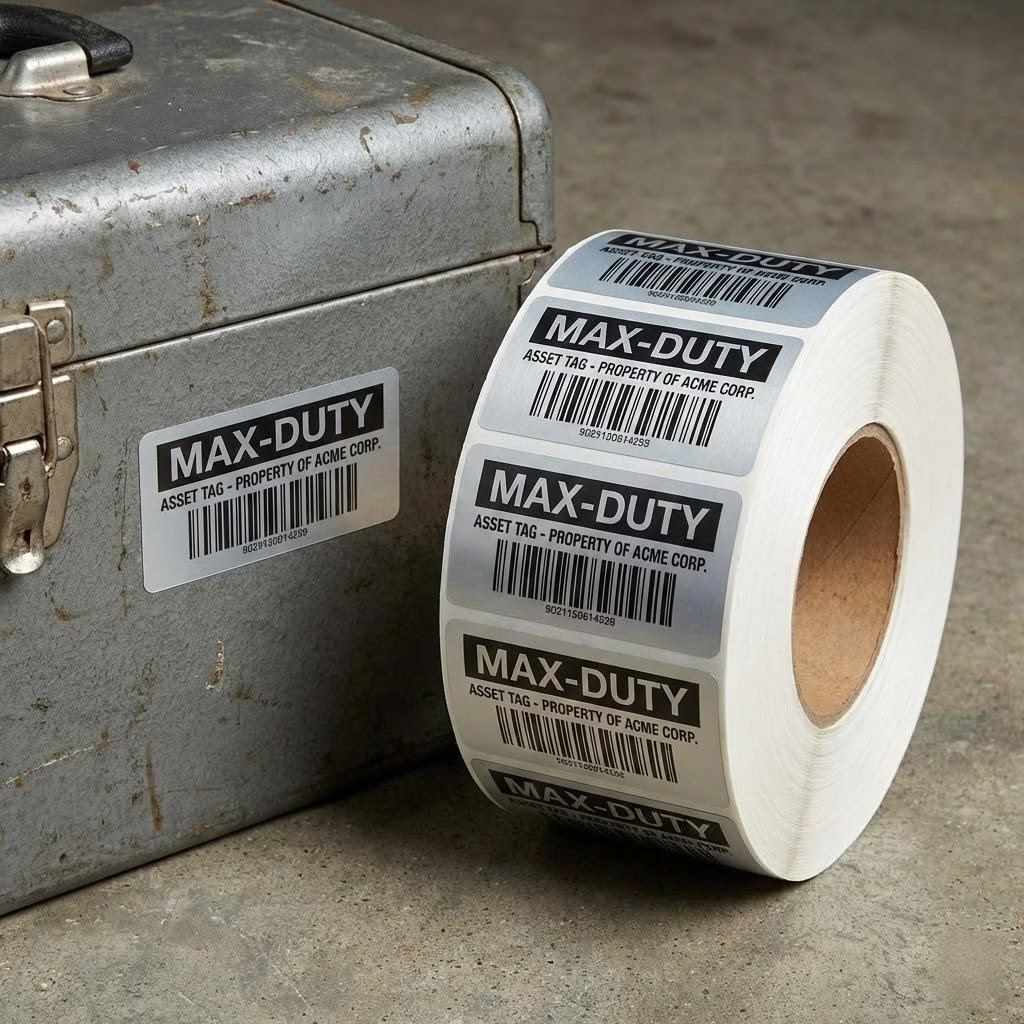
When food or nutrition packs carry brand art that stays fixed while lot and date lines change by batch, the costly mistake is freezing every batch into a full-color reprint. Buyers who lock the marking method after artwork is “done” often scrap rolls that cannot take thermal ribbon, inkjet, or a database-driven field.
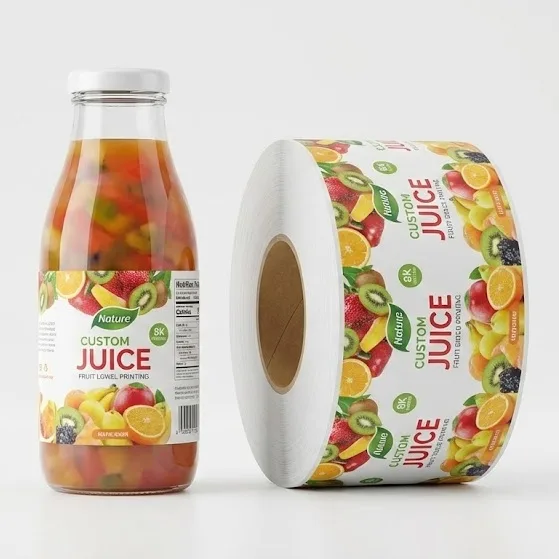
Separate fixed brand panels from batch-changing codes before you print lot code labels. Preprint what never changes, overprint or variable-data print what changes by lot, and reserve a high-contrast code zone that your line can actually mark.
You will leave able to pick preprint, overprint, or variable data for date code labels with a clear RFQ brief—so the next batch does not force a reprint of art that should have stayed static.
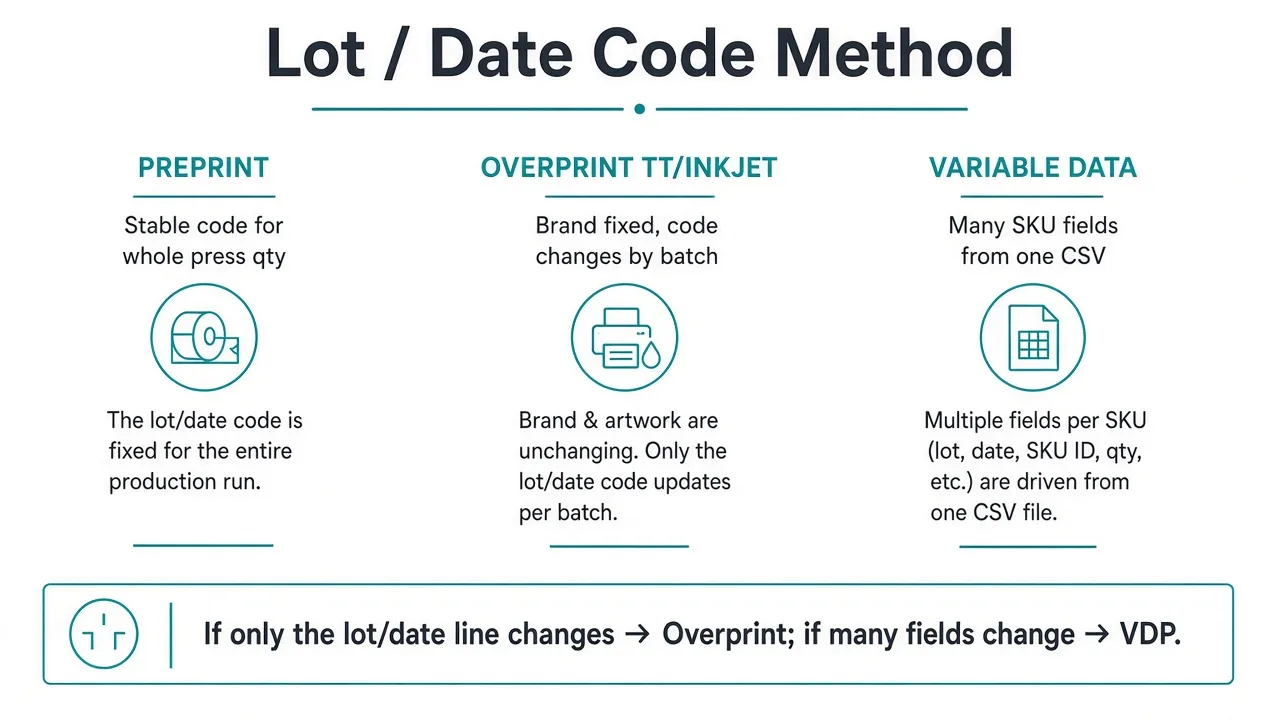
Map Preprint Overprint and Variable Data First
When lot or date codes change by batch, keep brand panels preprinted and put the changing code on an overprint or variable-data field—do not freeze every batch into a full-color reprint.Use this when you are choosing lot code labels or date code labels for food or nutrition packs with batch-changing codes. This page does not certify FSMA or FDA label compliance; your regulatory owner approves the code format.
| Code behavior | Keep / Choose |
|---|---|
| Brand, claims, and panel layout never change | Preprint master art on the press run |
| Only lot / date / best-by line changes by batch | Leave a clean overprint field (TT / inkjet) |
| Many SKU fields change from one database | Plan SKU variable data guide fields |
Industry overprint guides describe thermal transfer, direct thermal, and inkjet as ways to add batch data after a premium master label prints—useful when the brand face must stay rich color while the code stays late-bound.Practical notes on label overprint methods still leave the batch-change decision to you. Traceability education pages stress that lot codes support recall speed; they rarely tell you which print path avoids scrap when the date rolls every shift. Write the method name on the RFQ before die-lines freeze: preprint, overprint, or variable data.
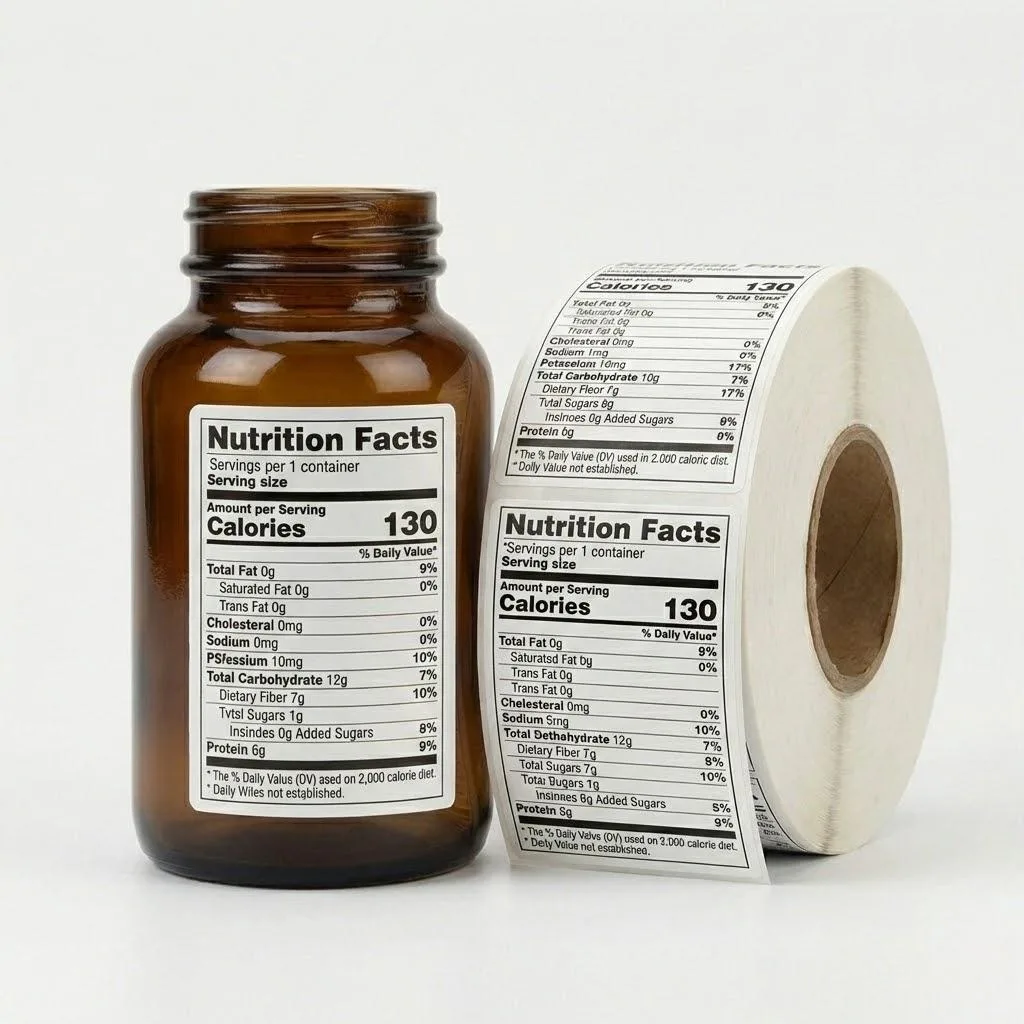
Watch-out: “we will add the date later” with no reserved zone, ribbon spec, or substrate test is how full-color rolls become unusable when the line printer cannot mark varnish or dark art.
When Preprint Still Works for Stable Codes
Preprint the full face—including a fixed lot or date string—only when that string is truly stable for the entire press quantity and storage window.Use this for short promotional runs or single-batch launches where reprint risk is accepted. If the next production day needs a new date, preprint of the code line is the wrong default.
After you reserve the lot/date zone, confirm the retail symbol with scan-ready food barcodes so contrast and quiet zones still survive laminate.
| Situation | What to do |
|---|---|
| One batch = one press quantity; date locked | Full preprint can include the code |
| Same brand art, dates change weekly | Preprint brand only; overprint the code |
| Inventory held across seasons | Do not preprint perishable dates into stock |
Factory-floor pattern: buyers who preprint best-by dates into a six-month label buy often destroy remaining rolls when formulas or pack dates shift.Keep the expensive color work on the master; keep the moving string out of the CMYK file. For nutrition-facing packs that also carry long ingredient panels, lock the static regulatory layout first, then decide how the lot line rides beside it—not the other way around.
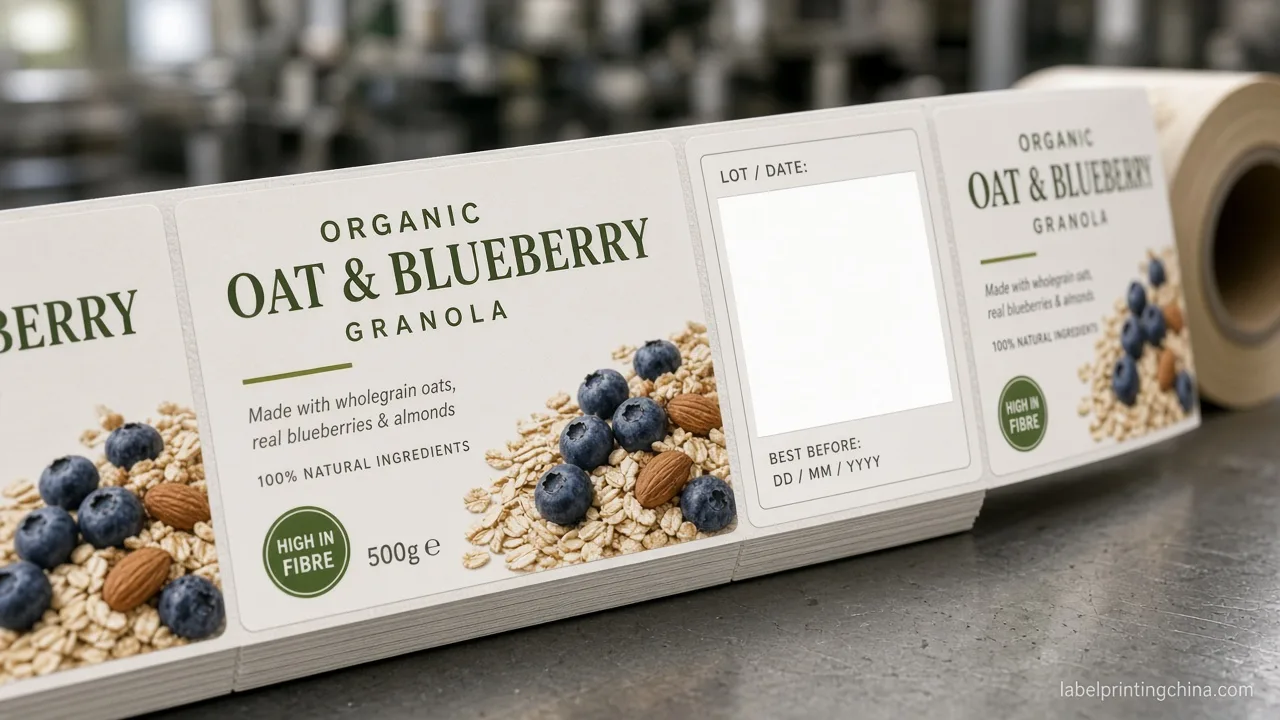
Choose Overprint When Only the Code Line Changes
Choose thermal-transfer or inkjet overprint when codes change often but the brand layout stays fixed; switch to full variable-data printing when many SKUs share one template with database-driven fields.Apply this after you know whether only the lot/date line changes or many SKU fields change in one run. Direct thermal fades in heat and light—do not treat it as a long-life lot code method on retail packs.
| Overprint path | Use when |
|---|---|
| Thermal transfer (ribbon) | Durable lot/date on film or paper; test ribbon + varnish |
| Inkjet (line / coder) | Inline coding; confirm ink wet-out on the real face stock |
| Direct thermal | Short-life logistics only—not long retail shelf life |
Overprint how-tos emphasize matching substrate and ribbon temperature so barcodes and dates stay scannable. That is necessary but incomplete for lot code labels: you also need a reserved high-contrast field that is not on a tight bottle curve, fold, or dark vignette.If your co-packer marks after labeling, send them the same substrate coupons you approve for color—otherwise the master looks premium and the code looks gray.
Red flag: approving a dark photographic background under the “date goes here” note without a white or light panel. Contrast failure shows up after the first production shift, not in the PDF.
Switch to Variable Data When Many Fields Change
Move from a single overprint line to variable data label printing when SKU name, net weight, barcode, and lot/date all pull from one spreadsheet in the same run.Use this when one template must serve dozens of SKUs without unique full-color plates per SKU. Keep broad serialization and multi-SKU VDP workflows on the sister VDP page; this article only decides when lot/date coding outgrows a single overprint box.
Pass / Fail cue: if operators would need three separate overprint setups per case pack just to finish one ship day, the run belongs on a variable-data path—not on hand-stamped masters.Share the template ID, field list, and sample CSV with the printer before die proof. Static brand elements can still be rich color; only the database fields need the VDP engine.
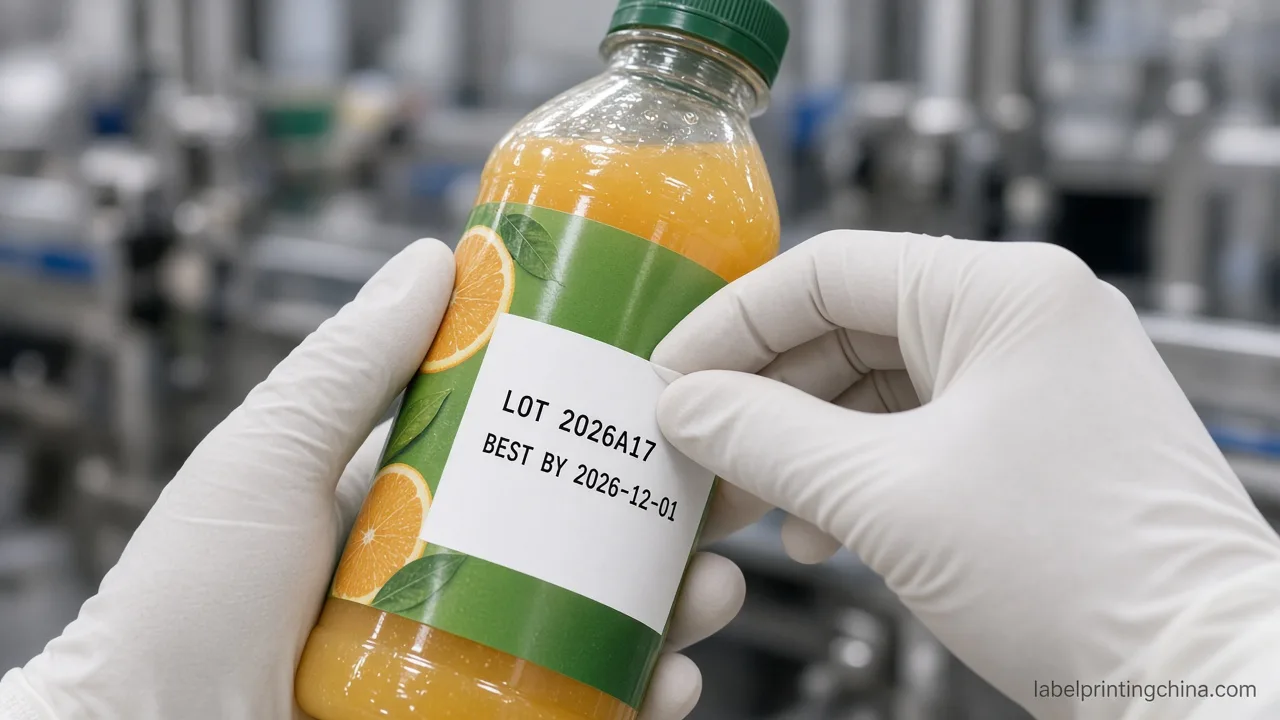
Reserve the Code Zone and Test Before You Lock
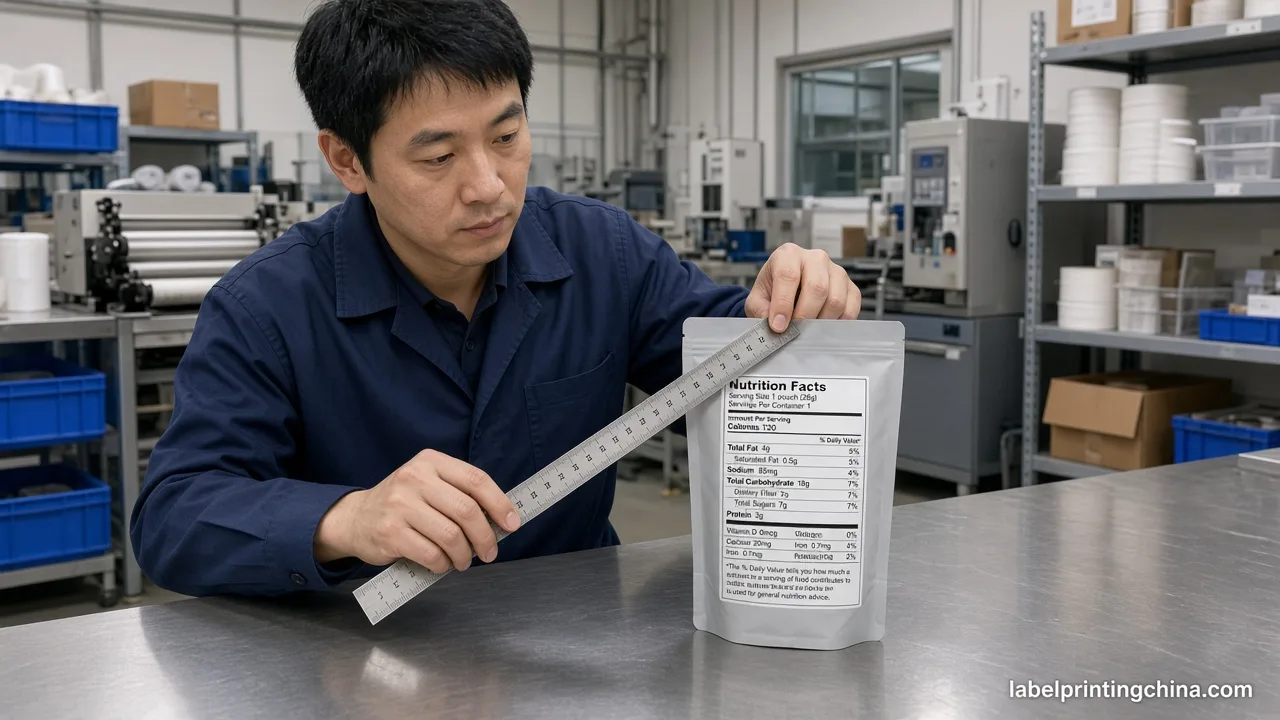
Reserve a high-contrast code zone off tight curves, then run adhesion and readability tests on the real substrate before you lock the lot-code method.Use this before approving artwork when a co-packer or line printer will mark codes after the master label prints. A blank box on the proof is not enough if the ribbon, ink, or varnish stack was never tested on that film.
| RFQ field | Write this |
|---|---|
| Code types | Lot / batch, packed date, best-by, or roast date |
| Marking method | Preprint / TT overprint / inkjet / VDP fields |
| Zone geometry | Size, contrast, distance from curve and varnish |
| Test proof | Adhesion + readability on the real substrate |
Placement guides recommend back or side panels for jars and flat fields for boxes so codes stay readable after application—see also external notes on date code label planning.Borrow that placement sense, then add the method test: mark a sample with the intended ribbon or ink, wipe, refrigerate or warm if the pack sees it, and confirm the code still reads. Zhongda can help size the reserved zone and machine-ready roll specs; your team owns the legal code format and regulatory sign-off.
Lock Your Lot and Date Code Method
Treat the method choice as a production gate, not a footnote on the artboard. When the brand panel is stable and only lot code labels or date code labels move, preprint the master and overprint the line—or step up to variable data when the field list grows.When the code string is truly fixed for the whole buy, full preprint can stay. Either way, reserve the zone, test the stack, and write the method on the RFQ before color locks.
That gate is what keeps nutrition and food label inventory usable across batches. Related artwork work for long ingredient panels sits on the ingredient artwork checklist.
Ready for a lot-code method recommendation?
Send your batch rule, date-code method, container, quantity, and artwork for a variable-data recommendation—or a reserved-zone overprint plan.
After you lock the method, keep the same RFQ pack for the next SKU family so you do not invent a new scrap path. Bring the method name and substrate test notes into the quote email before color freezes.