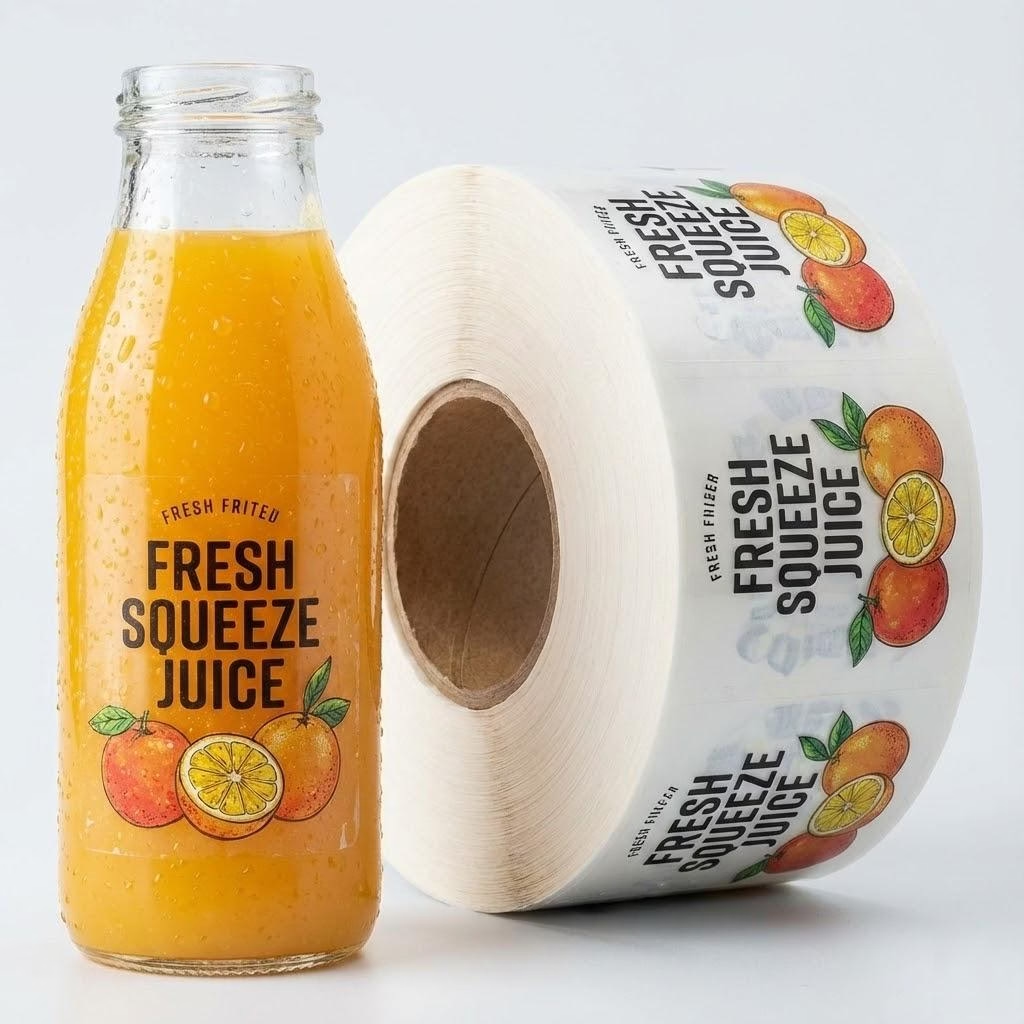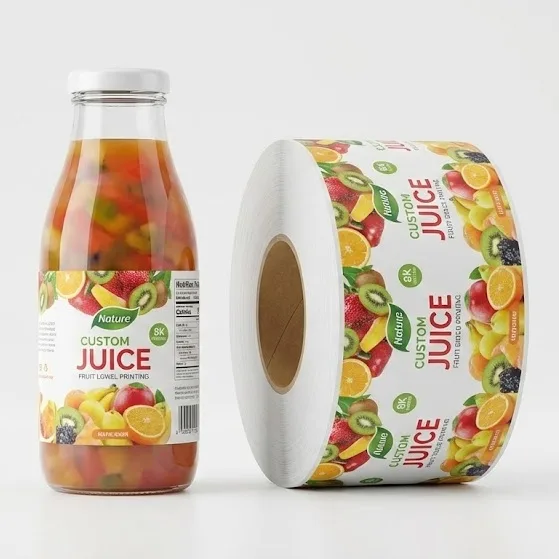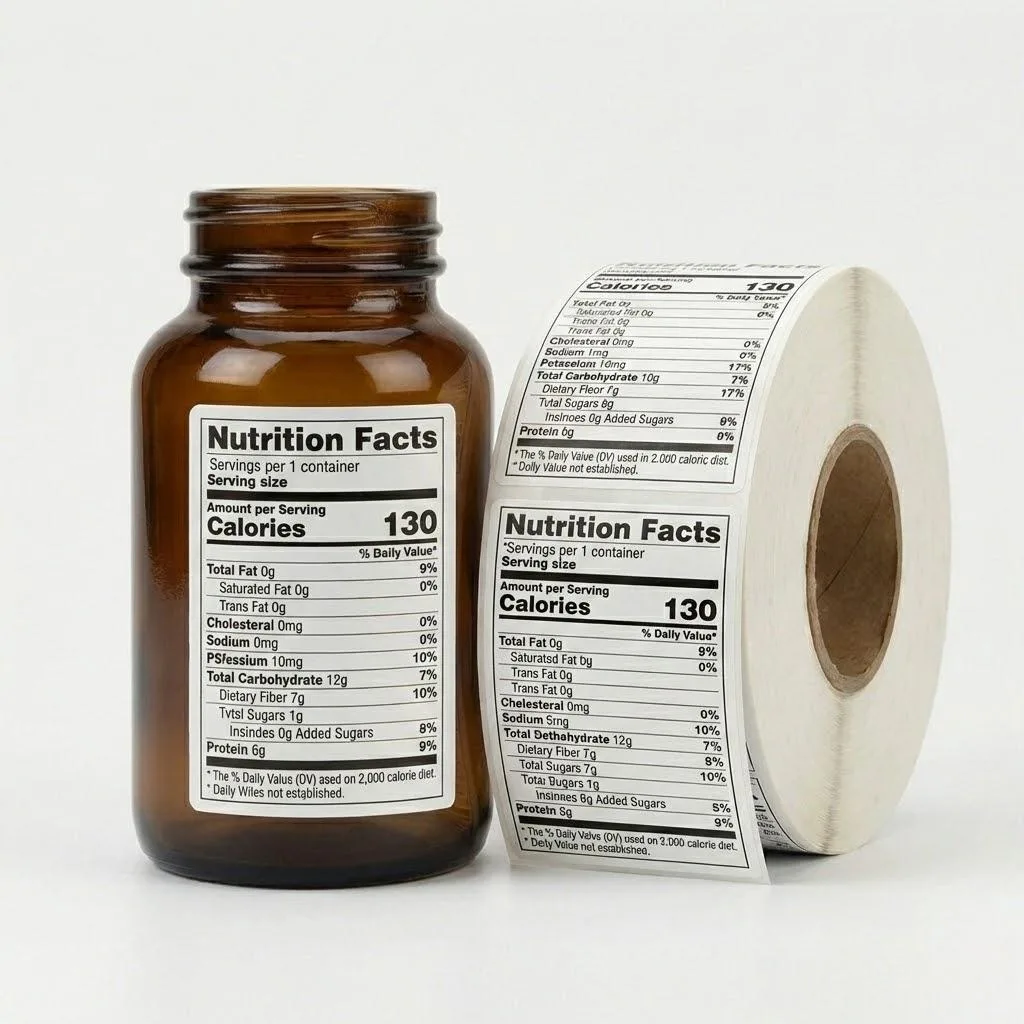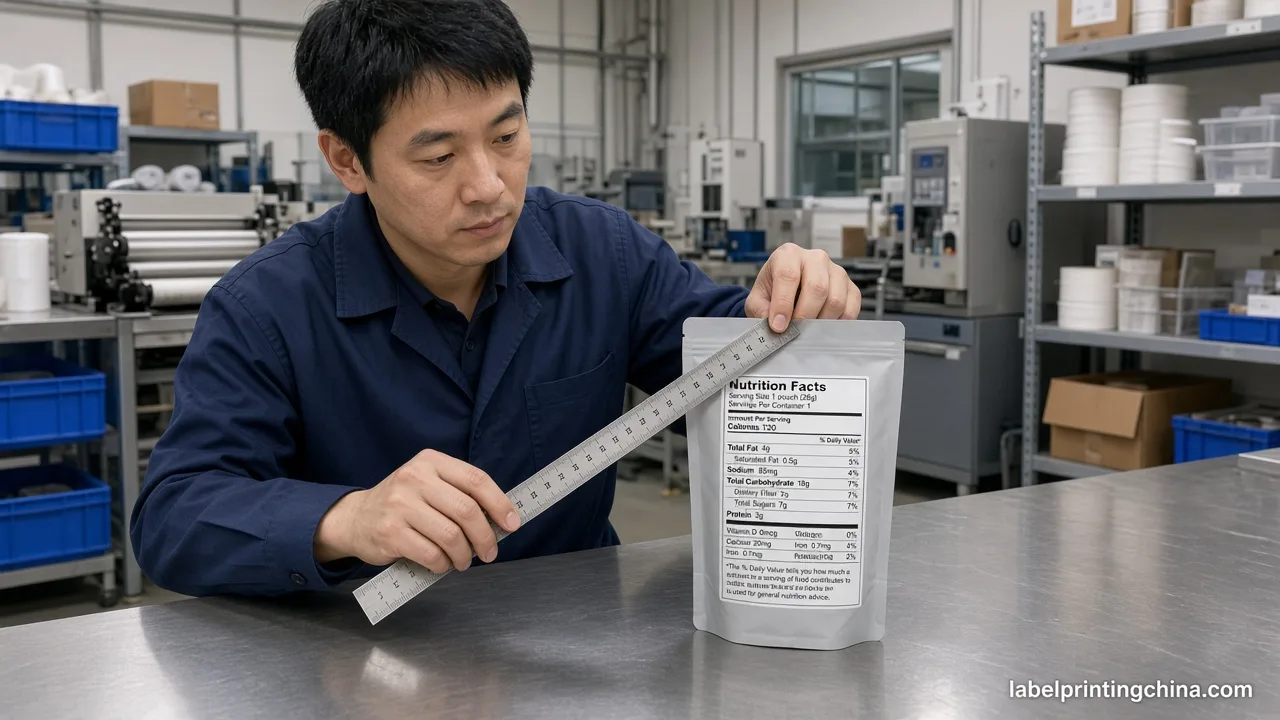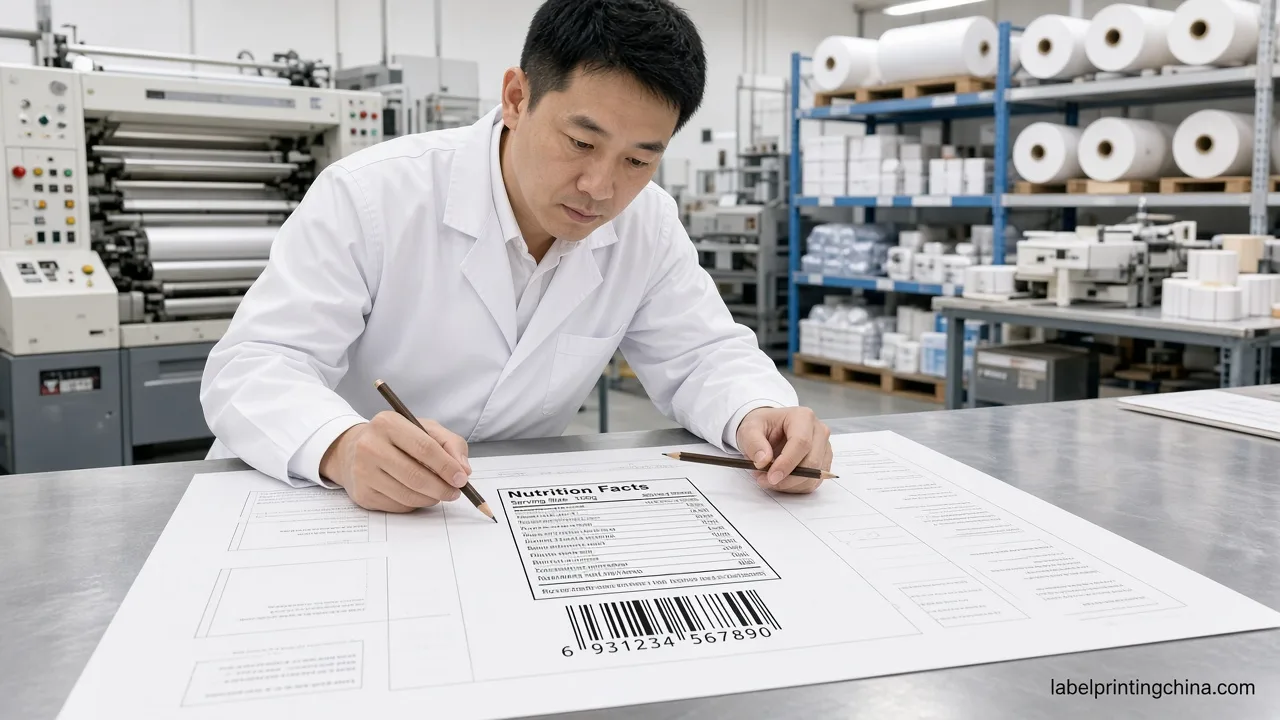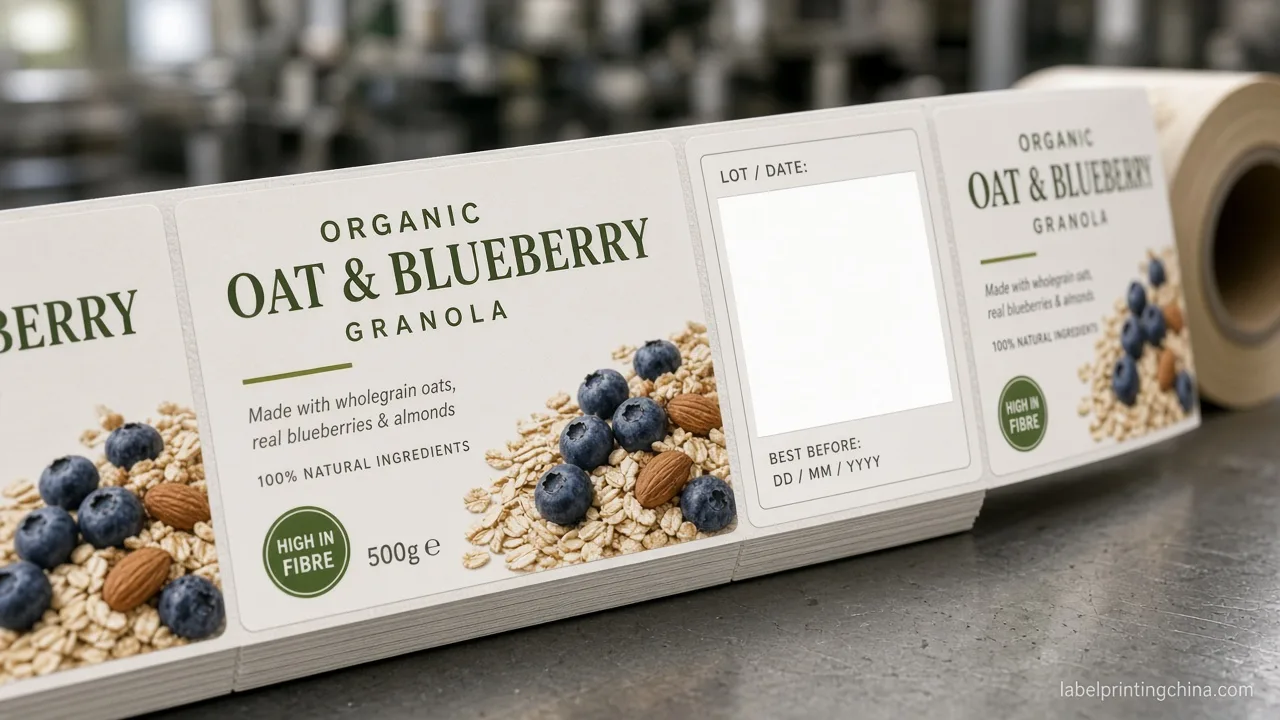
When your juice line carries six flavors and a summer limited run, the bottleneck is rarely the front-panel art—it is whether your cold room, co-packer, and label plant agree on which roll belongs to which SKU this week.You can still build a consistent multi-flavor juice bottle label system before the next seasonal window opens.
Multi-flavor juice bottle labels stay under control when you lock one shared wrap die, assign a two-letter flavor code on every roll core, name seasonal files with Brand_Flavor_Season_YYYY_Rev, split print counts by cold-door sell-through, and quarantine last-season cores before new rolls arrive.
By the end you will know how to color-code cores your pickers can read under cooler light, freeze a curved-bottle panel map every flavor shares, and gate seasonal switches without mixing last year’s watermelon art into this year’s refill PO.
Color-Code Juice Flavors for Cold Room Picking

When you jump straight into Illustrator, your cold-room picker still has to guess which roll is “the green one” under fluorescent light. Give every juice flavor a plant-facing color chip and a two-letter code that lives on the roll core, carton stencil, and PO line before anyone moves pixels.
The chip is warehouse language, not a mood board. If apple and pineapple both use warm yellow on the consumer wrap, your plant still needs two distinct chip codes so a carton glance cannot lie at 5 a.m.
| Your juice flavor setup | What you lock on cores and cartons |
|---|---|
| Core line of 4–8 year-round flavors | One chip + two-letter code (e.g., GR / AP / CR / WM) on core tags and PO lines |
| Limited summer or holiday variant | Keep base chip; add season suffix bar so staff never treat it as core stock |
| Near-identical wraps with tiny flavor callouts | Enlarge chip zone on cartons; do not rely on 8 pt front-panel type for picking |
When a cold-pressed line once shipped “green boost” and “green cleanse” with the same lime sticker on both cartons, night shift mixed rolls and you discovered it after forty cases hit the distributor. Your flavor code is the only signal that survives a rushed pick list—not the hero fruit photo.
Print the legend as a one-page PDF and laminate it at the labeling station and cold-room door. Update it the same day you release seasonal art, not after “someone tidies the drive.”
Paste the legend into every RFQ for custom juice bottle labels, and refuse artwork review until the chip list matches your SKU spreadsheet row for row.
Once pickers can read flavor codes, the next collision happens when every juice SKU secretly shifts die height by two millimeters. Flavor changes should swap ink and callouts—not reinvent the curved wrap every time you add ginger-lime.
Round PET and glass bottles punish “almost the same” templates. Operators re-teach sensors all week, and your barcode quiet zone drifts off the flat panel where scanners actually read.
| Panel zone on curved wrap | What stays fixed across flavors |
|---|---|
| Front brand + flavor callout | Same wrap width, height, bleed; only art and flavor name change |
| Back nutrition + UPC band | Fixed barcode window and batch/best-by rectangle on every artboard |
| Clear bottle, drink color shows through | White-ink underprint rules written once; compare clear vs white film on the juice product page before you split templates |
| 12 oz vs 16 oz same brand family | Separate die codes per bottle height—not a stretched PDF |
When marketing wanted a “slightly taller” summer badge outside the approved panel, the applicator lost barcode lock on three flavors until someone re-measured the shoulder curve.Either approve a true die change with a new code or push the badge inside the existing map—measure once on a physical bottle, not on a flat mockup.
Keep face stock, adhesive, 3 mm gap, 76 mm core, and unwind identical across the family so you can gang SKUs digitally the way the multi-SKU label guide describes—without a new plate story per seasonal tweak.
Red flag: if two flavors share a die code but different bottle heights, barcode quiet zones will not line up on the curve—split die families before you approve art.
Name Seasonal Juice Files So Rolls Never Collide
Shared templates only work if the file on the drive matches the string on the core. When your folder still holds watermelon_final_v3 and watermelon_USE_THIS, the warehouse has already lost.
- Pattern: Brand_Flavor_Season_YYYY_Rev (example: PureSip_Watermelon_Summer_2026_R01)
- Ban “final,” “new,” or “use this” as the only differentiator
- Mirror the same string on PDF, PO line, carton stencil, and roll core
- Move last season’s PDF to /retired/ the day you freeze stock
- Align file revision with approved nutrition panels per 21 CFR Part 101 when ingredient lists change
When a winter ginger shot launched, the printer received ginger_new.ai while the co-packer still held rolls tagged only “ginger.” Half a shift later you had mixed cases on the dock because the season token never reached the core stencil.
Print the revision at the same type size as the flavor name on the core tag—minimum 8 pt under cooler LED. If night shift needs a laptop to read the season code, the naming rule failed.
Watch-out: a “limited” callout on the consumer wrap without a season token on the core is how last year’s ginger shot ships beside this year’s label art.
| Signal at receiving | Ready or Hold |
|---|---|
| Core string matches open PO line character for character | Ready to put rolls on live pick face |
| Season suffix missing but marketing calls it “limited” | Hold until file name and core tag both carry season token |
| Core says core flavor code; carton shows season bar only | Hold—mixed signals guarantee a wrong pick |
Train one receiver to reject inbound rolls that fail the character match. Your cheap insurance is artwork version equals physical roll—not a Slack thread the night before fill.
Ready to review your juice SKU list?
Send your flavor list, quantity split, seasonal plan, and artwork for a multi-SKU juice-label review.
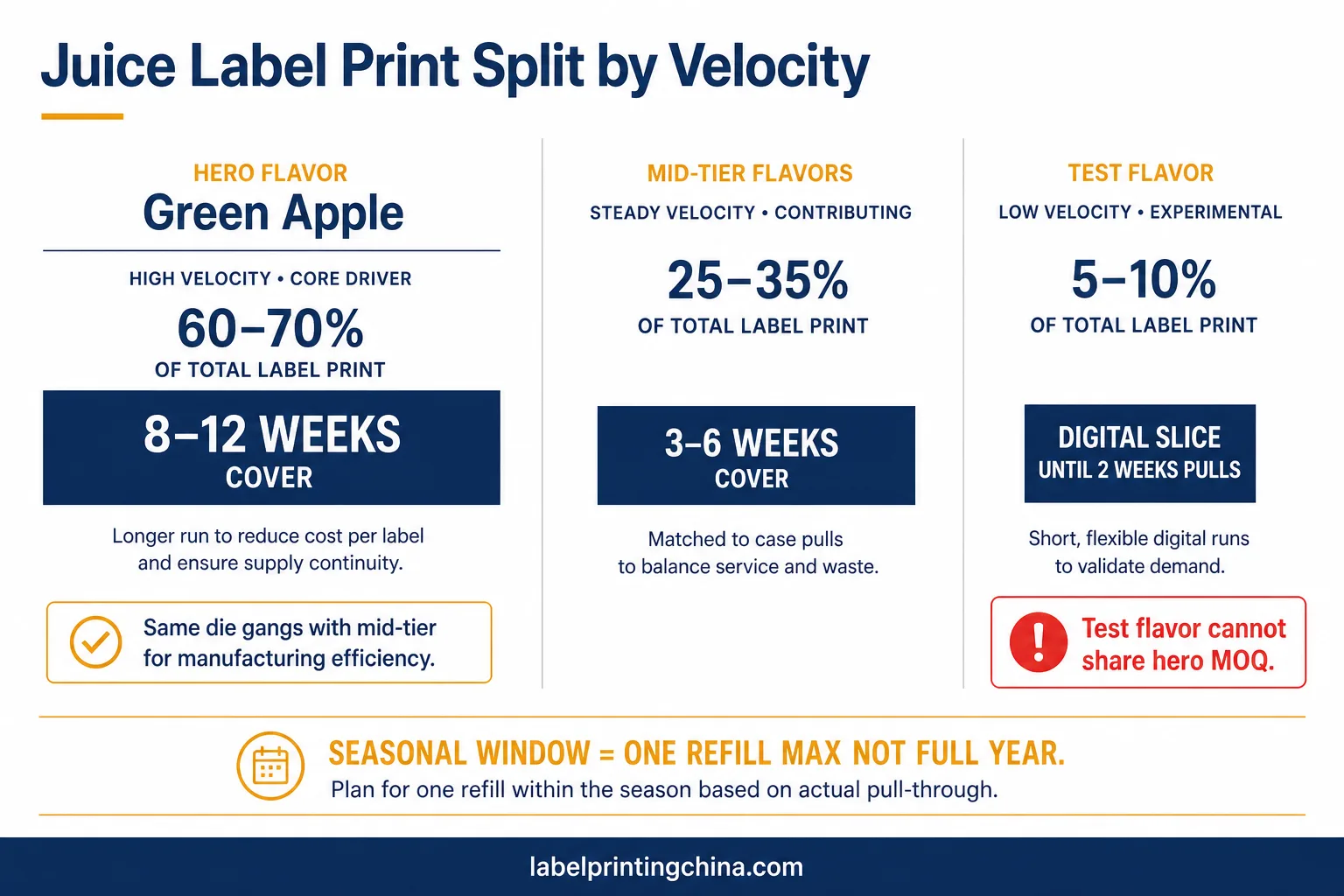
Equal boxes per flavor feel fair in a meeting and expensive in the cold door. Your hero green juice may turn four times a week while ginger-turmeric turns once—your PO should look lopsided on purpose.
Seasonal windows punish equal splits hardest: a short refill beats a pallet of pretty leftovers after the display comes down.
| Juice SKU type | How you size the print run |
|---|---|
| Hero year-round flavor (top cold-door slot) | Cover next 8–12 weeks of fill plus small buffer—not vanity MOQ matching siblings |
| Steady mid-tier flavors | Match recent case pulls from co-packer or distributor; avoid “equal to hero” |
| Seasonal / limited window | Size to sell-in window only; plan one short refill, not a year of dust |
| Test flavor with no sales history | Small digital slice first; scale after two weeks of real cold-door pulls |
When a brand once ordered 5,000 labels for every flavor “because digital is cheap,” summer watermelon sat in cartons while apple-ginger ran dry in week three. Ask your co-packer for last month’s case pulls before you type quantities into the quote form.
List unequal counts on the same ganged PO and mirror those counts on carton marks. If lemon fills four days a week and beet fills one, the label order should show that ratio—not a rounded number that feels fair.
Refrigerated juice adds shrink risk; pair velocity splits with the cold-chain checks in the cold-pressed juice labels checklist when those SKUs share the same bottle line.
Retire Last-Season Juice Cores Before the New Window Ships
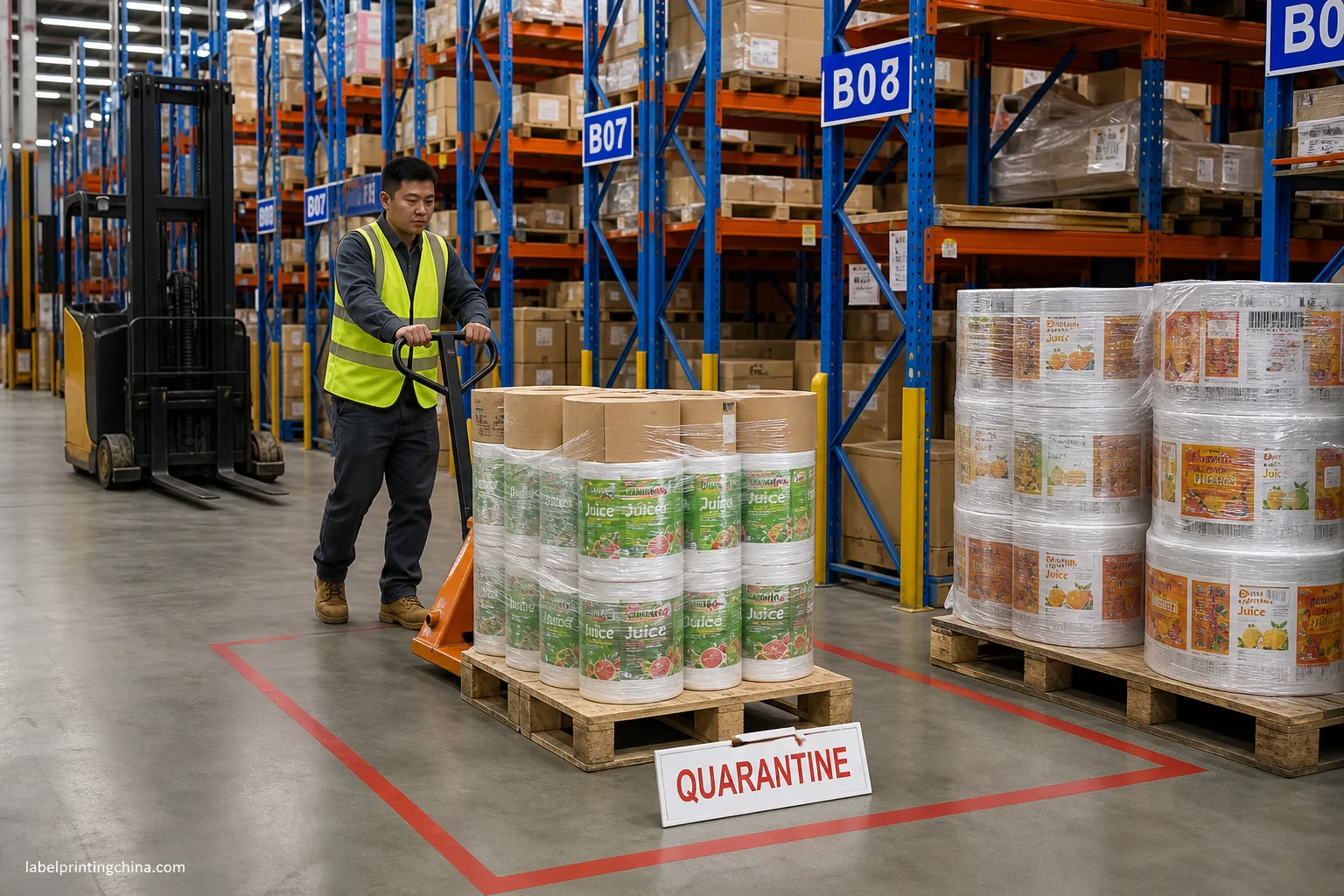
New seasonal art on the same shelf as last year’s cores is how yesterday’s watermelon wrap ships under this year’s campaign date. Treat retirement as a signed gate—not a hope that pickers remember the window closed.
Write the gate into your PO checklist so purchasing cannot release the new print until warehouse replies “quarantine complete.”
| Signal you see | Ready or Hold |
|---|---|
| Old cores counted, tagged, moved to marked quarantine bay | Ready to receive new seasonal print |
| Last-season rolls still on live pick face | Hold inbound until quarantine is signed |
| Marketing wants to “use up” leftover seasonal art after window | Hold unless sell-by story and file revision both update |
When a summer drop went live while last year’s cores stayed on the open rack, a temp picker grabbed the familiar green carton and you ate a chargeback for wrong season art. Photograph the quarantine bay and attach the image to the PO folder the same day you sign the sheet.
Do not treat the generic multi-SKU beverage checklist as a substitute for this juice-specific gate—bottle pick faces and curved wraps fail differently than can lines.
Build Your Juice SKU Replenishment List for Seasonal Runs
Velocity splits and quarantine gates only work if someone owns the refill rhythm. A one-page replenishment list ties flavor code, open roll count, and reorder trigger to the same cold-door calendar marketing uses for promos.
- SKU row: flavor code, file name, die code, and current roll count on hand
- Reorder trigger: weeks of cover left at last measured fill rate—not calendar guesswork
- Seasonal flag: core vs limited; date window when limited art must retire
- Linked PO: last print date, quantity, and whether a refill PO is already open
- Owner: one name for purchasing and one for warehouse quarantine sign-off
When replenishment lived in three spreadsheets, apple-ginger ran out while a full roll of test flavor sat untouched because nobody updated counts after the promo ended. Review the list weekly during seasonal windows and after every distributor pull report.
If you also run beverage cans or cups, keep juice bottle rows separate—shared brand name is not shared inventory logic. Cross-link only the production rules that truly match on the beverage side.
Before the next seasonal PO, verify wrap width on the juice label size guide and compare clear vs white film on the clear white juice labels page if drink color shows through the bottle.
Lock Your Multi-Flavor Juice Label System Before You Print
Multi-flavor juice bottle labels work as one system when flavor codes, shared wrap maps, seasonal file names, velocity-based quantities, and quarantine gates sit in the same folder—not scattered across design, ops, and purchasing threads.
That pack is what lets you approve a seasonal refill or a new test flavor without re-learning the cold room every quarter. Reopen the locks if bottle height, co-packer, or storage band changes mid-season.
When your flavor list, quantity split, and seasonal plan are aligned, send them with artwork through custom juice bottle labels for a production review—so your next run ships as one controlled family, not a pile of almost-matching rolls.