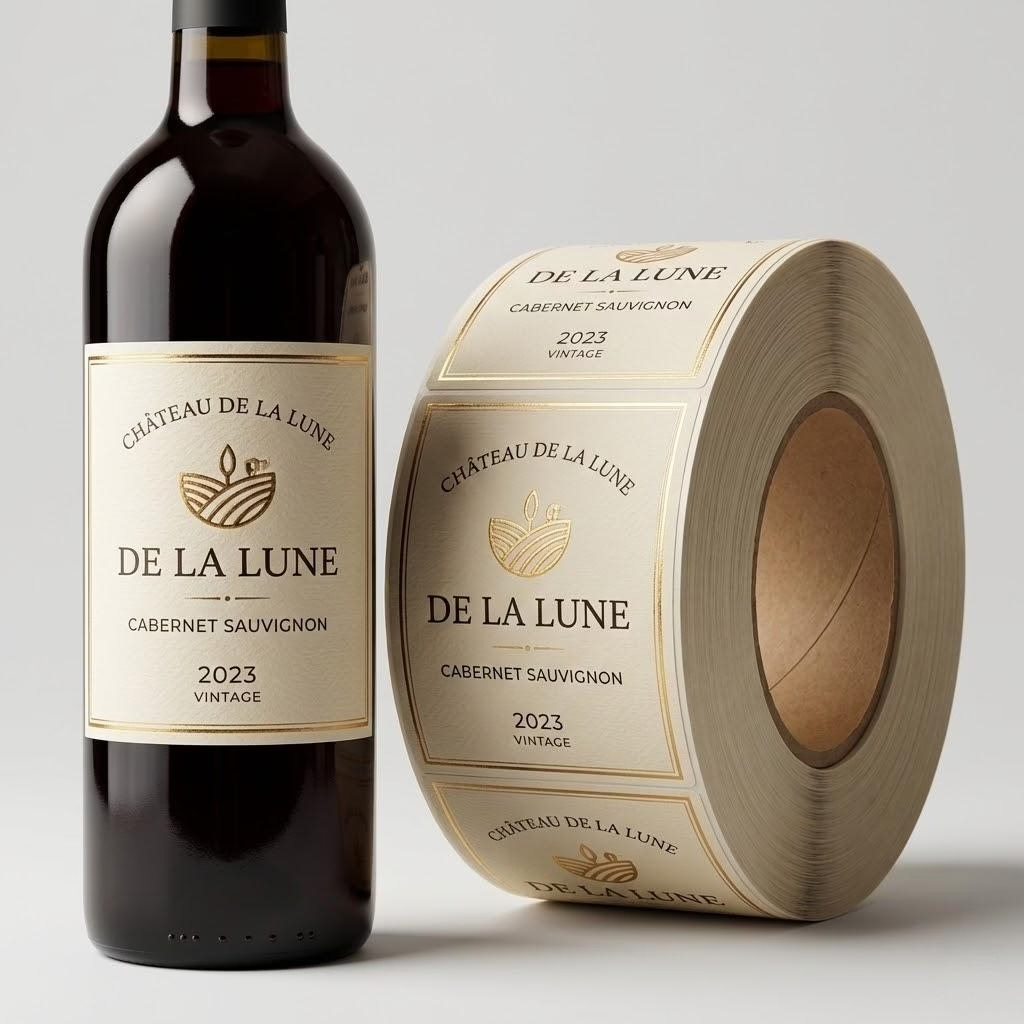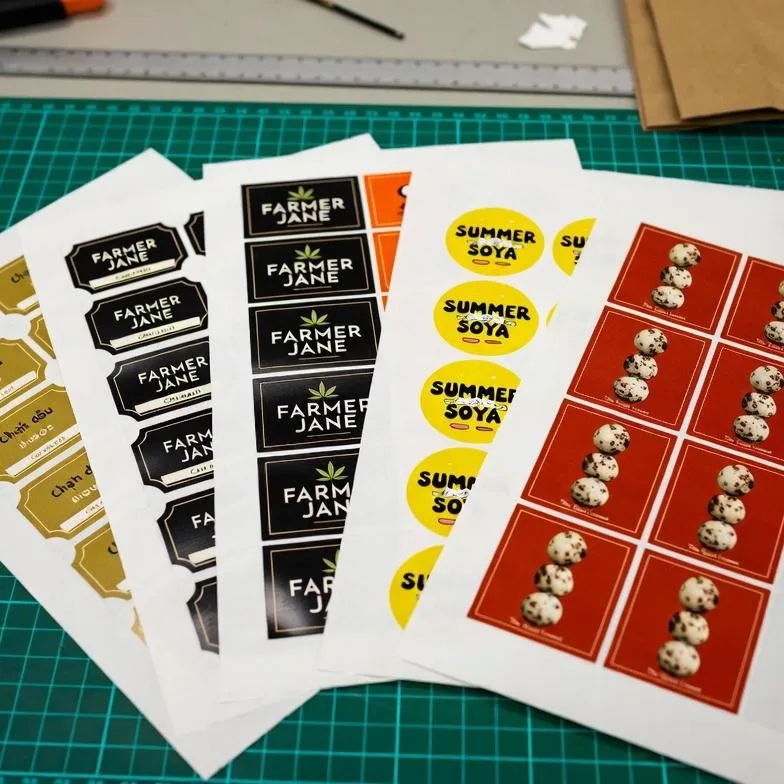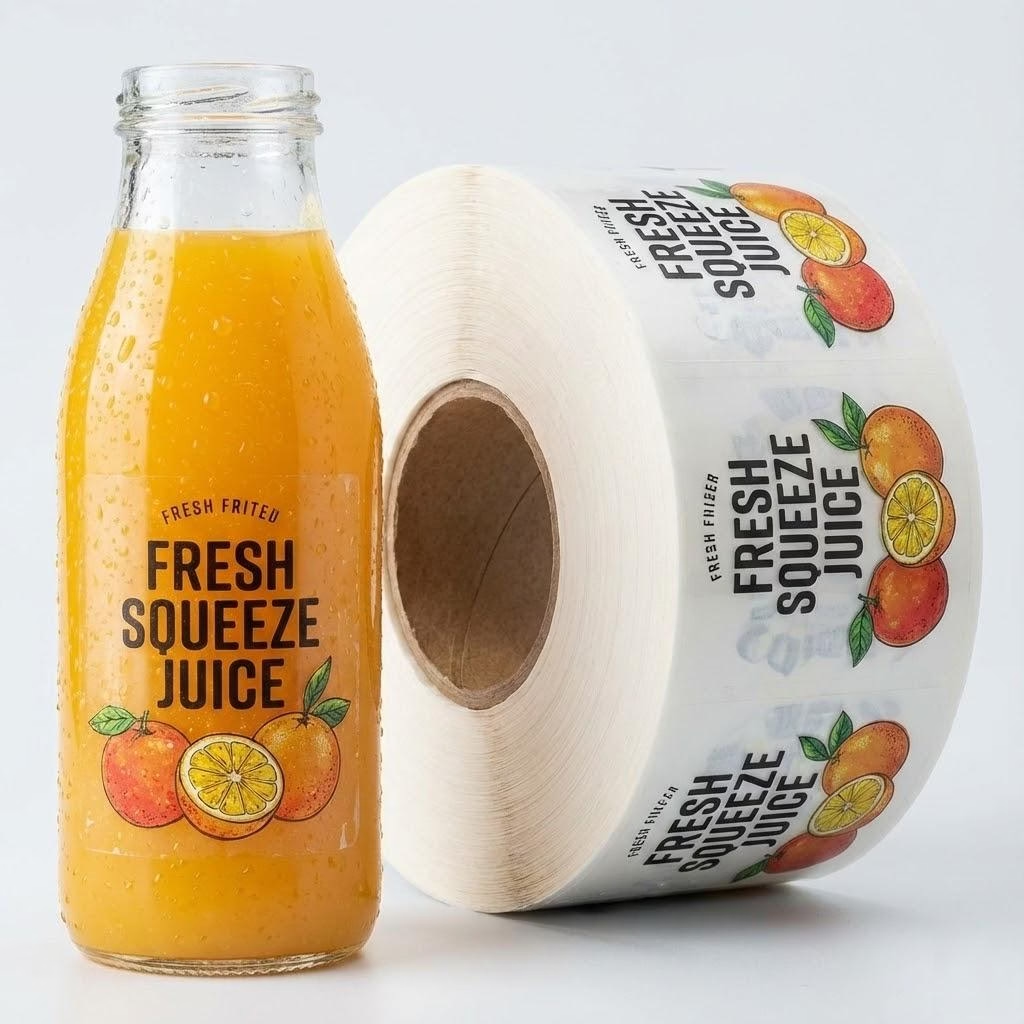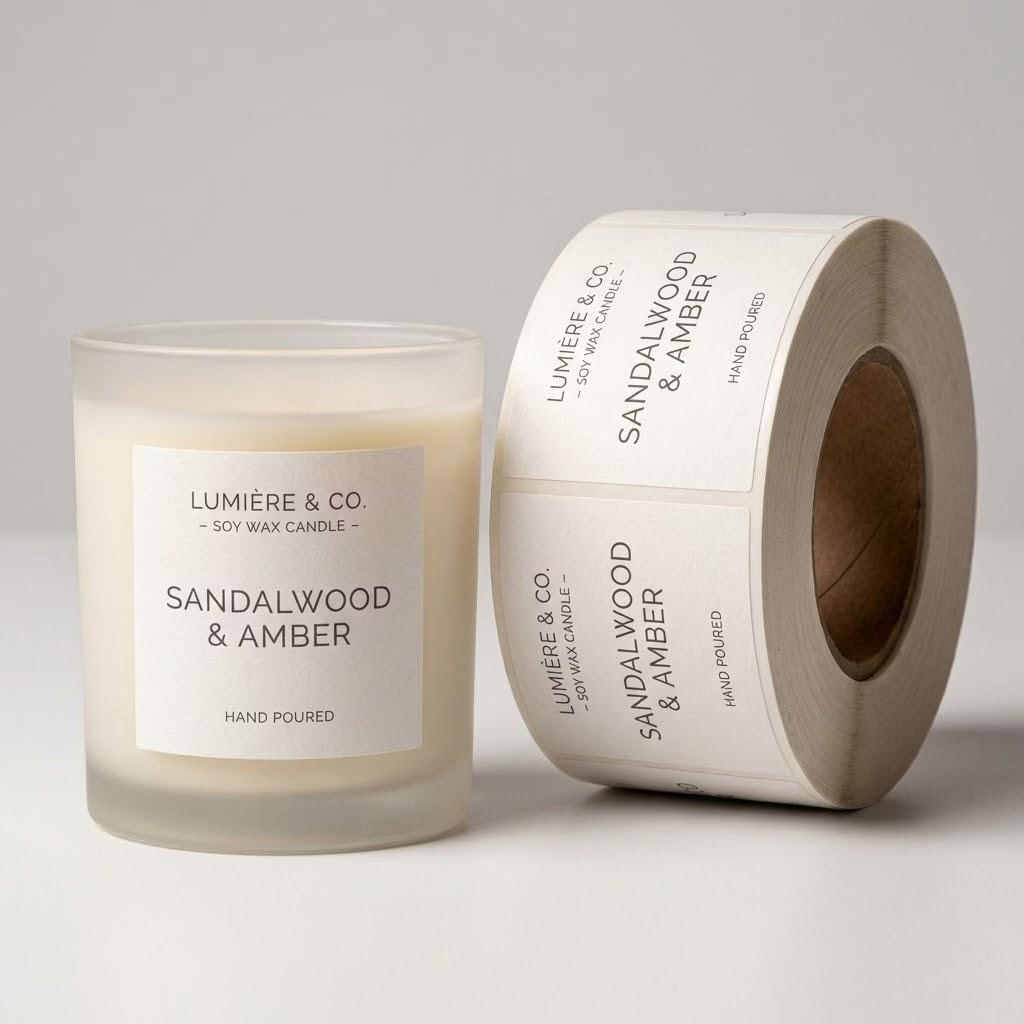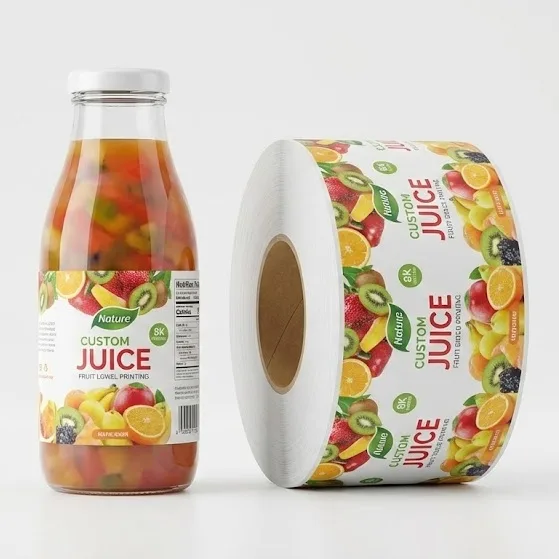
You locked a summer flavor drop, then realized your label files still share one vague “final” name across every SKU. Warehouse picks the wrong roll, the line pauses, and last year’s mango art shows up next to this year’s limited can.The pain is rarely “nicer artwork”—it is that your cooler, co-packer, and printer each hold a different story about which roll belongs to which flavor this week. You can freeze a production checklist that keeps flavor changes and seasonal releases from colliding before you print.
Multi-SKU beverage labels stay under control when you lock one shared die, assign a flavor color code, name every seasonal file uniquely, split quantities by sell-through, and retire last-season rolls before the new window ships.
Keep reading and you will walk out with a color-code map, a shared-template field list, a naming rule warehouses can follow, a velocity-based quantity split, and a clear gate for freezing old stock—so your next beverage RFQ lists SKUs the way the press and the cooler both understand them.
Color-Code Flavors Before You Touch Artwork
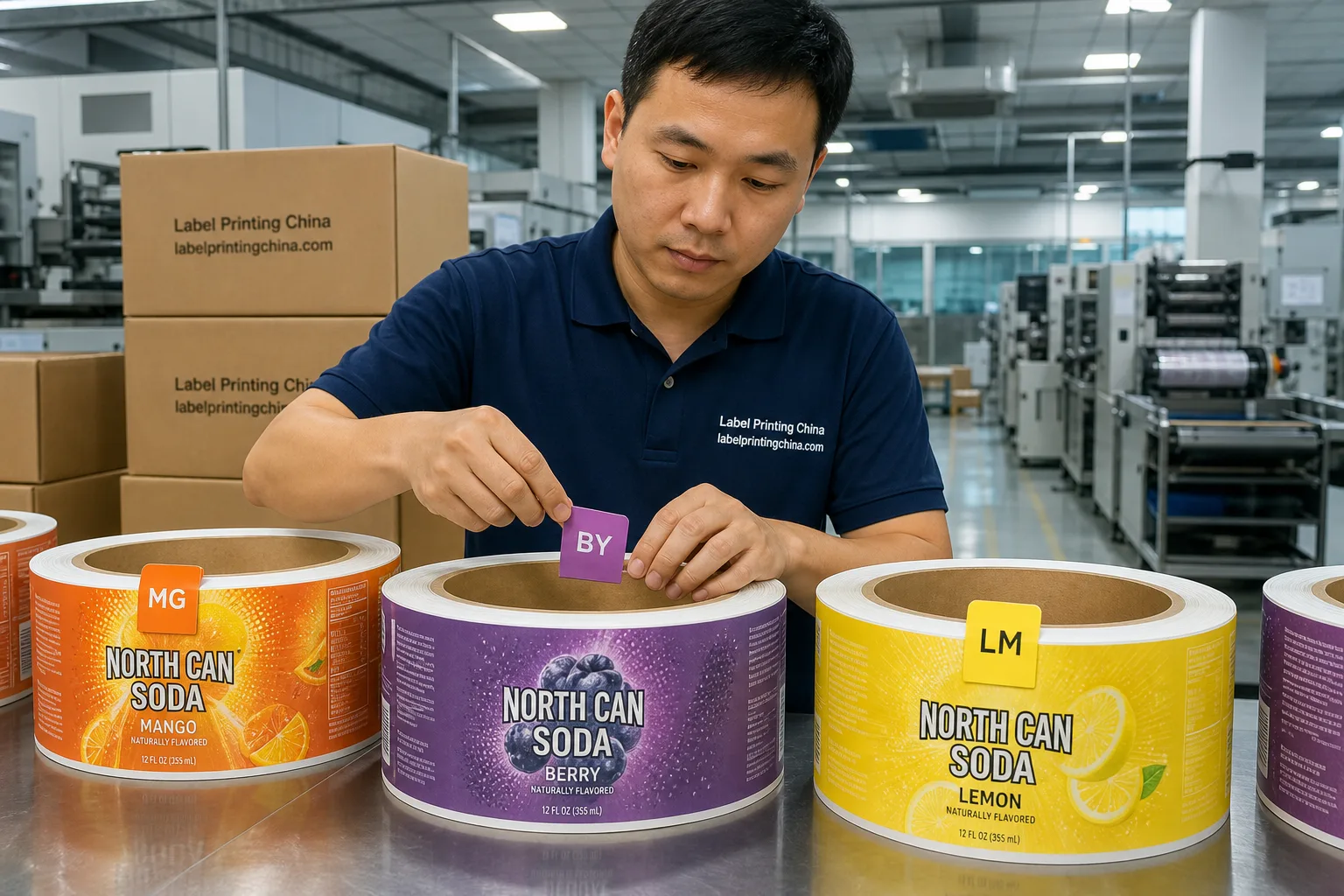
When you jump straight into illustrator files, pickers and press operators still argue about which roll is “the red one.” Give every flavor a color chip and a short code that appears on the carton mark, the roll core tag, and the proof header before anyone moves pixels.
Think of the chip as a plant language, not a brand mood board. If two flavors share the same warm orange in the consumer art, your plant still needs two different chip codes so a carton glance cannot lie.
| Your flavor situation | What you lock today |
|---|---|
| Core line of 3–6 flavors, year-round | One chip per flavor + two-letter code (e.g., MG / BY / LM) on core tags and PO lines |
| Limited summer or holiday variant of an existing flavor | Keep the base chip; add a season suffix color bar so staff never treat it as the core roll |
| Near-identical art with tiny flavor callouts | Enlarge the chip zone on cartons; do not rely on tiny front-panel type alone for picking |
When you once shipped “mango” and “mango splash” with the same orange sticker on both cartons, night shift mixed the rolls and you discovered it after fifty cases. Your color code is not decoration—it is the only signal that survives a rushed pick list.
Print the legend as a one-page PDF and tape a laminated copy at the labeling station. If a new seasonal bar appears, update the PDF the same day you release art—do not wait for “someone to tidy the drive later.”
Write the chip legend once, paste it into every RFQ for custom beverage labels, and refuse artwork review until the legend matches the SKU list.
Before you redesign every flavor “just a little,” freeze the die, the panel map, and the barcode window. Flavor changes should swap ink and callouts—not reinvent the knife every time you add peach.
Your shared die is also how you protect applicator settings. When every flavor secretly shifts by two millimeters, operators re-teach sensors all week and blame “bad rolls” that were actually bad templates.
- Same width, height, corner radii, and bleed for the whole beverage family
- Fixed slots for brand mark, flavor name, net contents, and barcode quiet zone
- One unwind, a 3 mm label gap, and a 76 mm (3″) core so applicators do not relearn settings per flavor
- White-ink or opaque underprint rules written once if you use clear film
When you keep size and material identical across SKUs, you can gang flavors on one digital run the way the multi-SKU digital label guide describes—without paying a new plate story for every seasonal tweak.
Lock the shared fields in a short spec sheet: die code, face stock, adhesive, finish, gap, unwind, and core. Flavor art then rides on top of that sheet.When marketing wants a “slightly taller” summer badge, you either approve a true die change with a new code or you push the badge back inside the existing panel. Measure the die once, verify the barcode window on a physical proof, and check that every flavor PDF still lands in the same knife.
If a flavor truly needs a taller neck wrap or a different can diameter, split that SKU into its own die family instead of “almost the same” files that break ganging and confuse inventory. Your cooler may look like one brand family, but the press still needs honest die families.
When that family is round juice bottles in a cold door, use our multi-flavor juice labels for curved-wrap codes, seasonal files, and refill lists.
Name Seasonal Versions So Nobody Mixes Rolls
When your drive still holds mango_final_v3 and mango_FINAL_real, you already lost the warehouse. Seasonal beverage labels need names humans can read on a core tag under fluorescent light.
If your team works across time zones, ban local nicknames in file names. “Leo’s summer mango” means nothing to a night picker in another city who only sees the core stencil.
- Pattern: Brand_Flavor_Season_YYYY_Rev (example: NorthCan_Mango_Summer_2026_R01)
- Never reuse “final,” “new,” or “use this” as the only differentiator
- Put the same string on the PDF, the PO line, the carton stencil, and the roll core
- Archive last season’s PDF in a /retired/ folder the day you freeze stock
When you launched a winter spice cola last year, the printer got spice_cola_new.ai while the co-packer still held rolls labeled only “spice.” Half a shift later you had mixed cases on the dock. Your naming rule is the cheap insurance that artwork version equals physical roll.
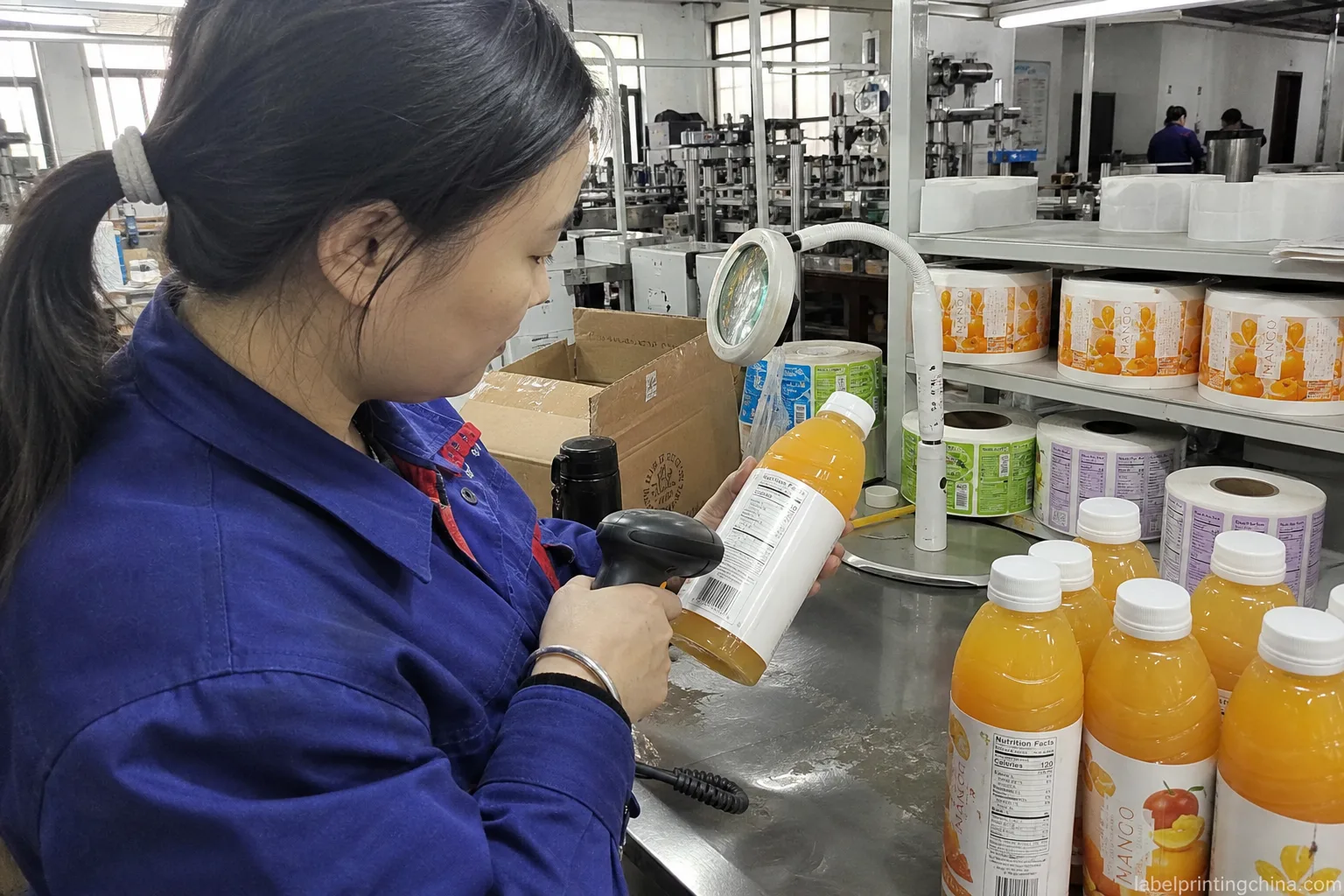
Put the revision on the core tag in the same font size as the flavor name. If night shift cannot read the season token without opening a laptop, the name failed. Train one person to reject any inbound roll whose core string does not match the open PO line character for character.
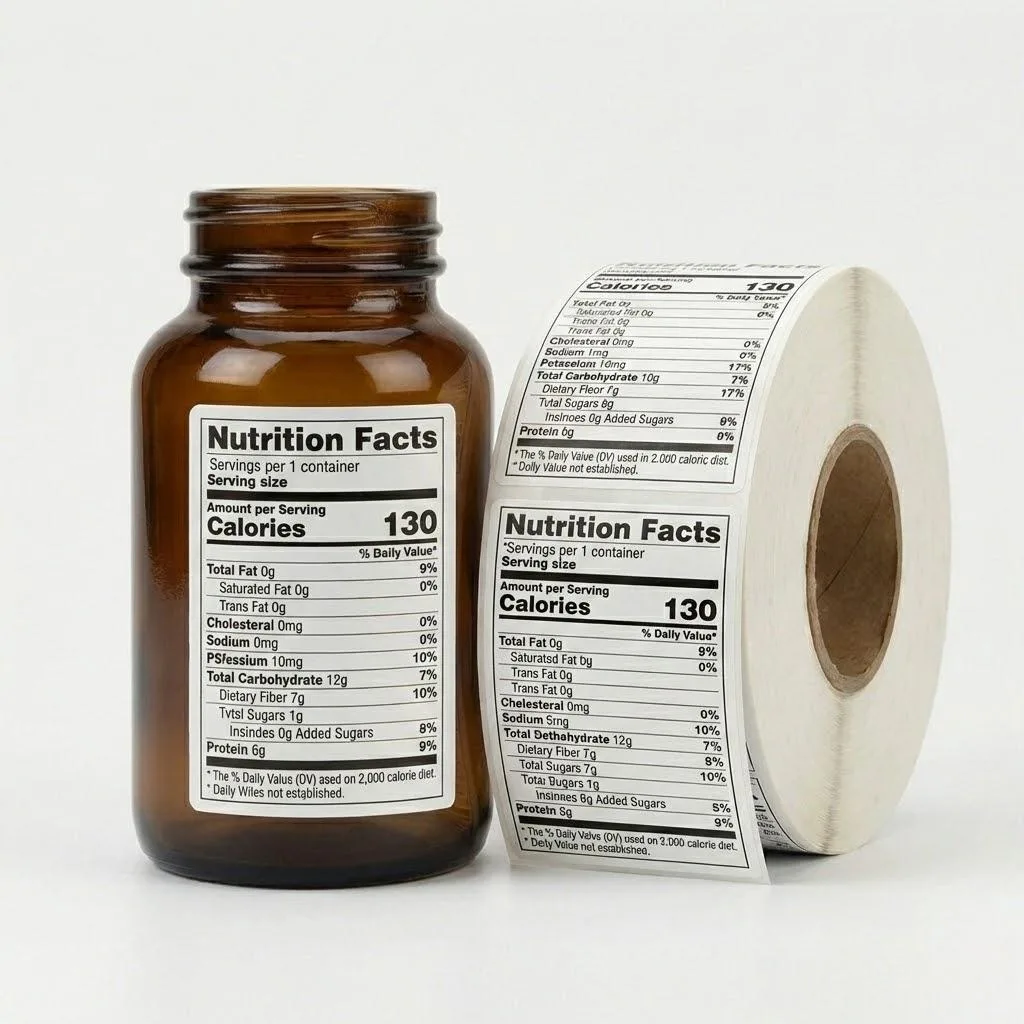
If a flavor change also updates nutrition or ingredient panels, align the file name with the approved panel set and keep a bookmark to 21 CFR Part 101 labeling so your copy owner knows which revision sits in which SKU—not which designer felt “done.”
Split Print Quantities by Flavor Velocity
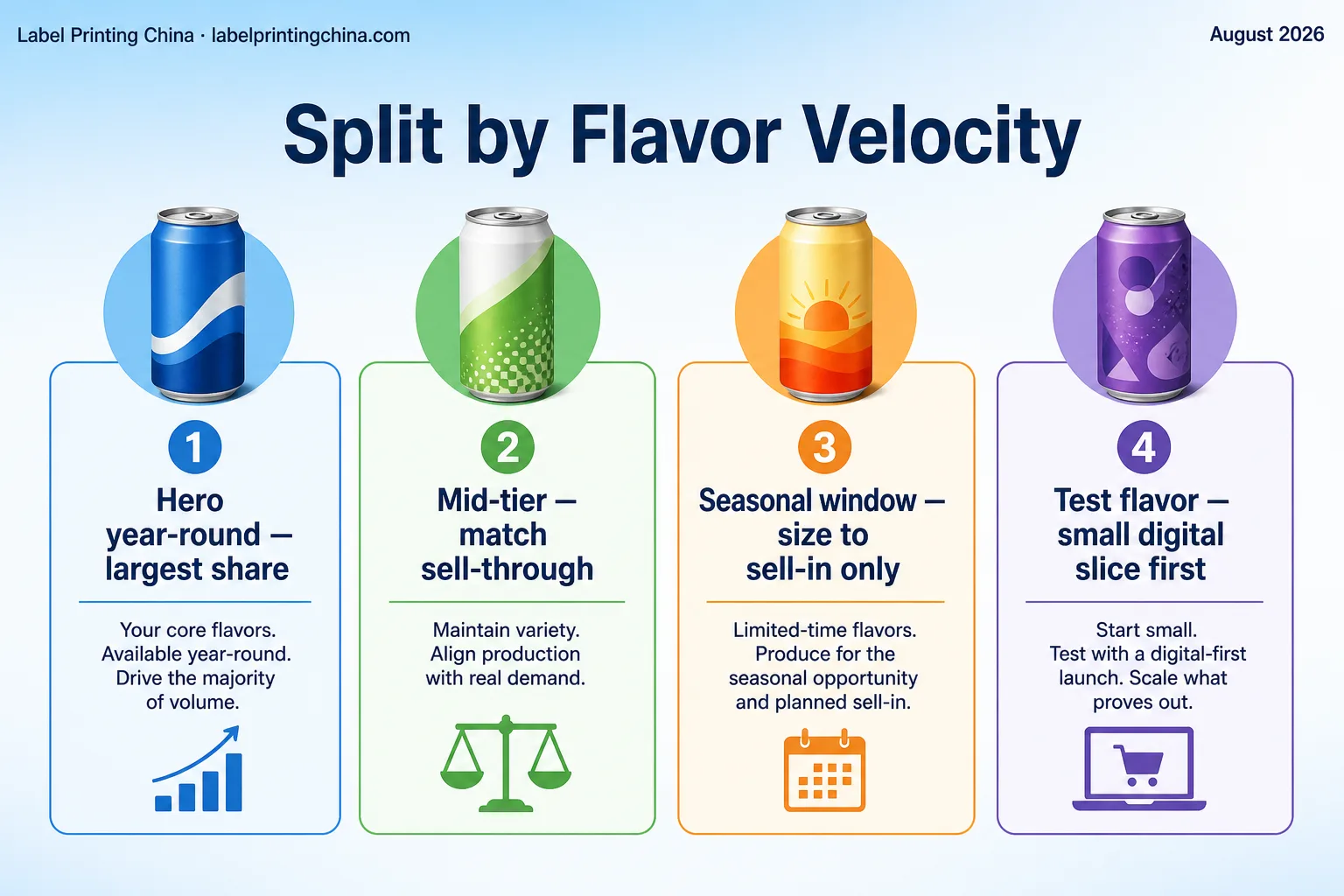
When you split every flavor into equal boxes “to keep it simple,” you overbuy the slow seasonal and stock out the hero SKU mid-window. Quantity is part of beverage label SKU management, not an afterthought on the quote.
Seasonal windows are especially unforgiving: a short refill is cheaper than a pallet of pretty leftovers after the display comes down. Your split should look unfair on a spreadsheet and correct on the fill calendar.
| SKU type | How you split the print |
|---|---|
| Hero year-round flavor | Largest share; cover your next 8–12 weeks of fill (about 56–84 days) plus a small buffer—not a vanity MOQ that matches every sibling SKU |
| Steady mid-tier flavors | Match recent sell-through; avoid “equal to hero” vanity quantities |
| Seasonal / limited window | Size to the sell-in window only; plan one short refill, not a year of dust |
| Test flavor with no history | Small digital slice first; scale after two weeks of real pulls |
When you once ordered 5,000 for every flavor “because digital is cheap,” the summer peach sat in cartons while lemon ran dry in week three. Your PO should list unequal counts in the same ganged run—same die, different quantities—then mirror those counts on carton marks.
Build the split from fill-plan weeks, not from a round number that feels fair in a meeting. If lemon fills four days a week and peach fills one, the label PO should look lopsided on purpose. Ask your co-packer for last month’s case pulls before you type quantities into the quote form.
If cash is tight while you scale fills, pair this split with the batch logic in the scaling beverage label orders guide so you do not confuse a production checklist with a blank check for dead stock.
Ready to review your beverage SKU list?
Send your flavor list, seasonal window, unequal quantity split, and shared die size for a factory production review before you lock the PO.
Retire Last-Season Rolls Before the New Window Ships
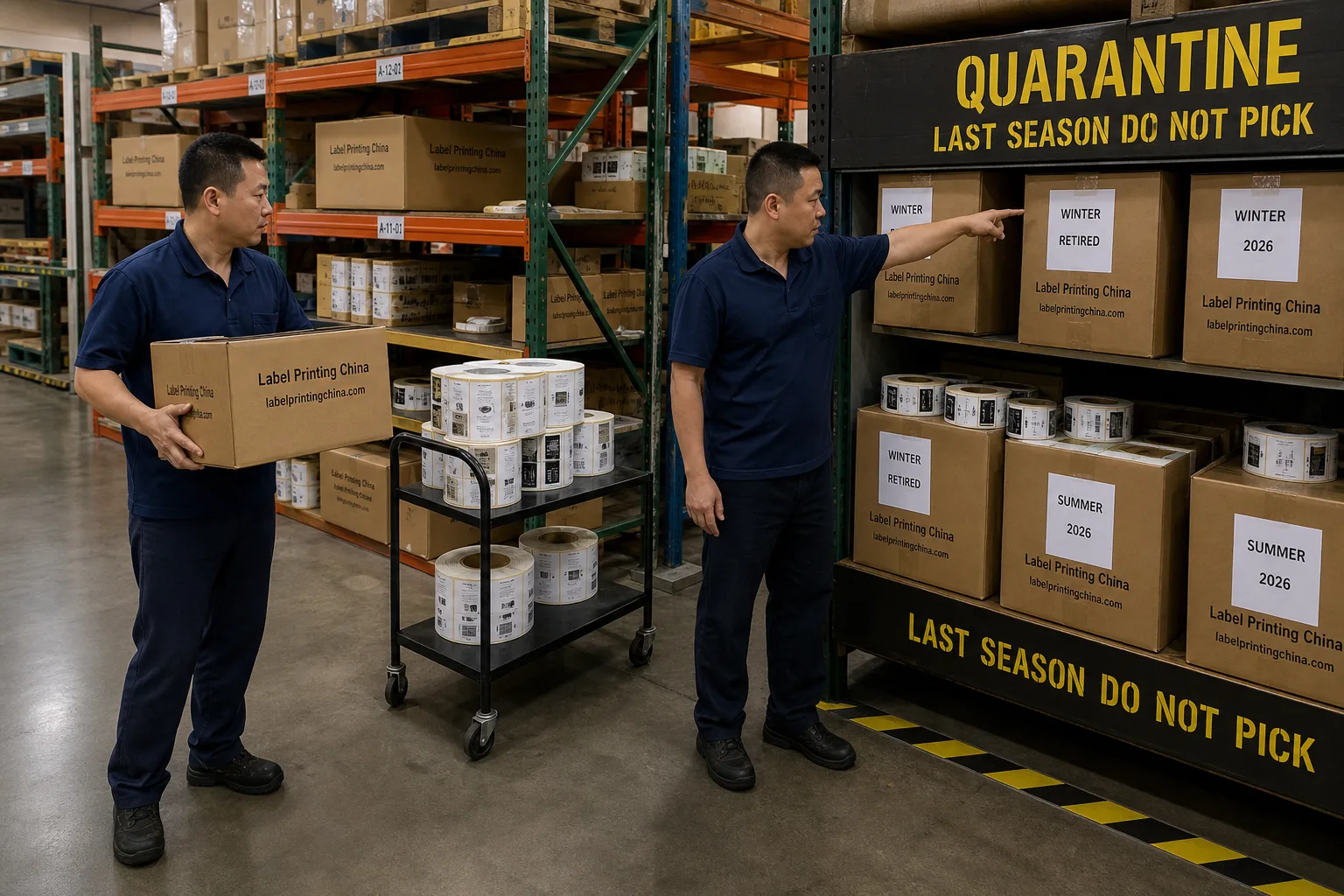
When new seasonal art arrives while old cores still sit on the same shelf, someone will load yesterday’s window. Treat retirement as a gate, not a hope.
Write the gate into the PO checklist so purchasing cannot release the new print until warehouse replies “quarantine complete.” If that reply is missing, your new art is not late—your process is incomplete.
| Signal you see | Ready or Hold |
|---|---|
| Core tags match the new file name; old cores counted and moved to a marked quarantine bay | Ready to receive the new print |
| Old rolls still on the live pick face with no quarantine label | Hold inbound until quarantine is signed |
| Partial leftover that marketing wants to “use up” after the window | Hold unless you rewrite the sell-by story; do not mix with new cores |
| Artwork change only on flavor callout; same UPC | Ready only after QC confirms the old visual cannot ship under the new campaign date |
When your summer drop went live while winter cores stayed on the open rack, a temp picker grabbed the familiar carton color and you ate a chargeback for wrong season art.Assign one owner to sign the quarantine sheet the same day the new PO is released. A red flag is any live pick face that still shows last-season cores after the new PO date—inspect that bay before you authorize inbound freight.
Photograph the quarantine bay after the move and attach the photo to the PO folder. If marketing later asks “can we burn the leftover winter art on secondary channels,” you have a dated record of what still exists and what already shipped under the new campaign.
For broader dead-stock patterns beyond beverage seasons, skim the label inventory waste guide after you finish this retirement gate—do not skip the quarantine step because a general SKU article exists.
Freeze Your Beverage SKU Checklist Before You Print
You keep multi-SKU beverage labels clean by locking color codes, one shared die, unique seasonal names, velocity-based quantities, and a signed retirement gate—not by hoping “final” files sort themselves out on press day.
Tonight: paste your flavor–chip legend into the RFQ, rename every seasonal PDF with Brand_Flavor_Season_YYYY_Rev, and write unequal counts next to each SKU. Move last-season cores to a quarantine bay before the new rolls land. If any of those four steps is still a Slack thread, you are not print-ready yet.
When your list, window, and split are ready, send them with artwork for a beverage production review on the custom beverage labels page—so your next flavor change ships as one controlled family, not a pile of almost-matching rolls.