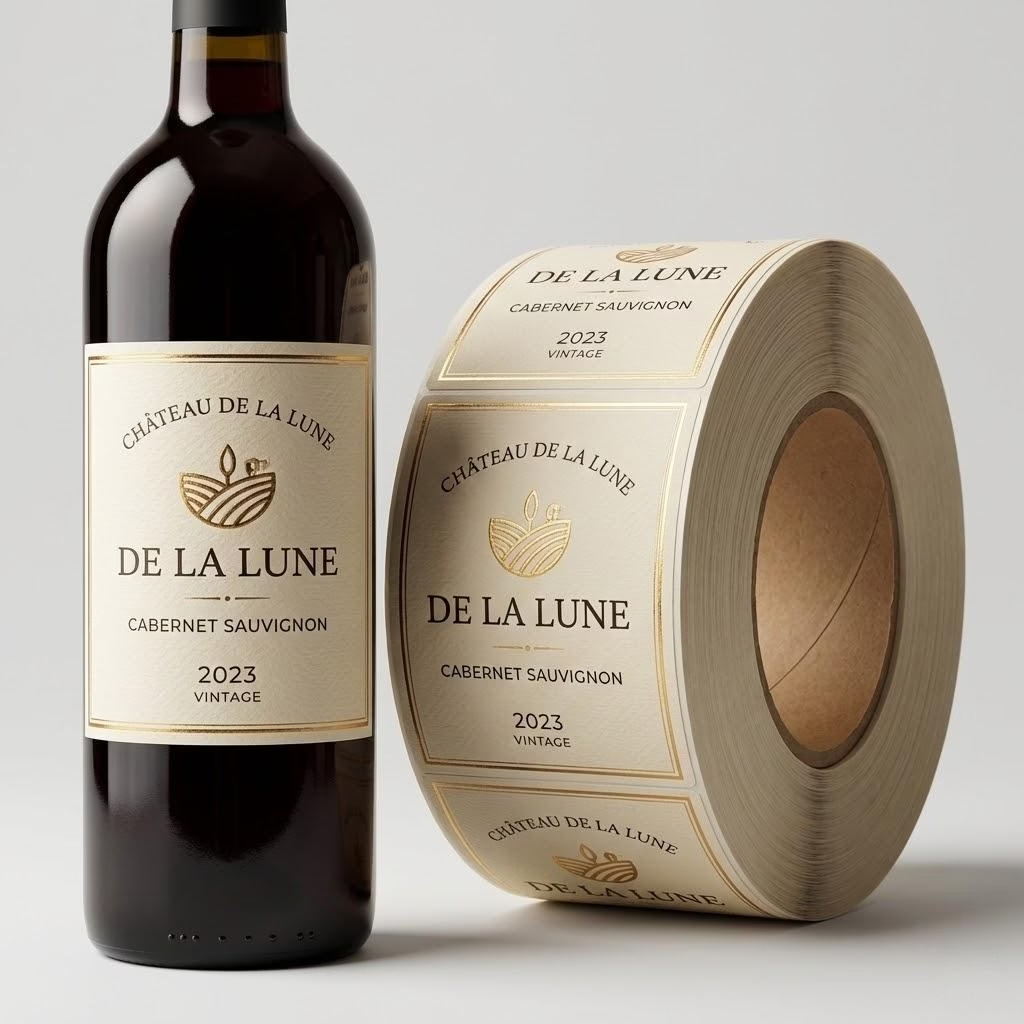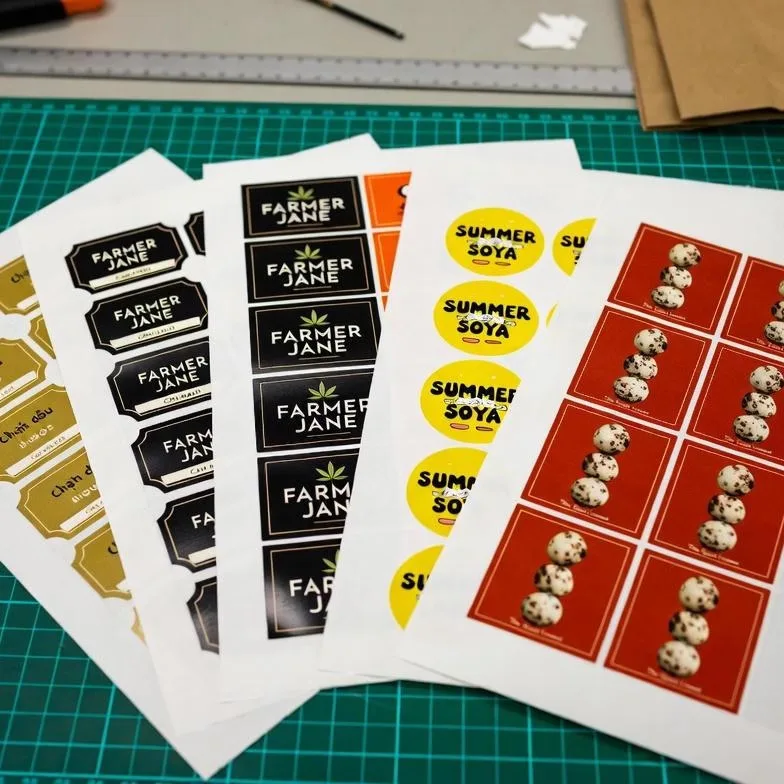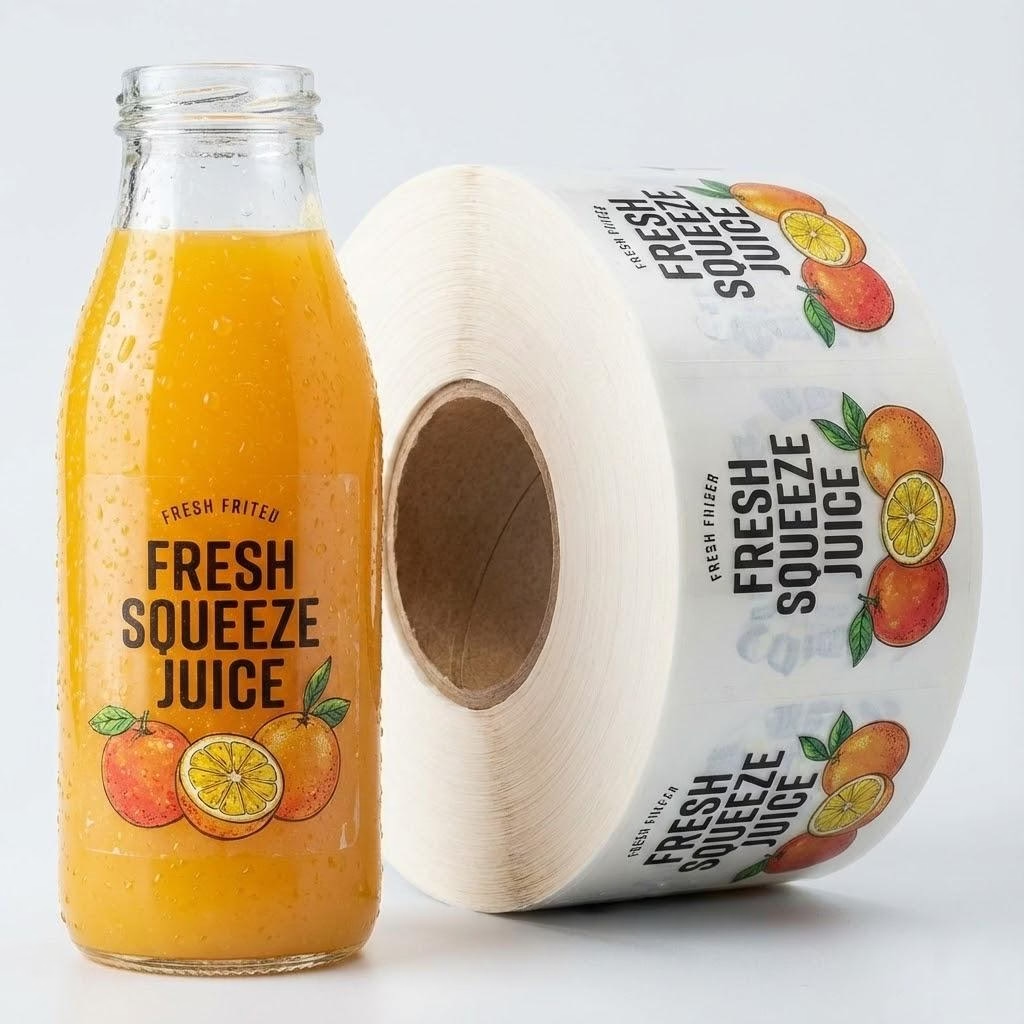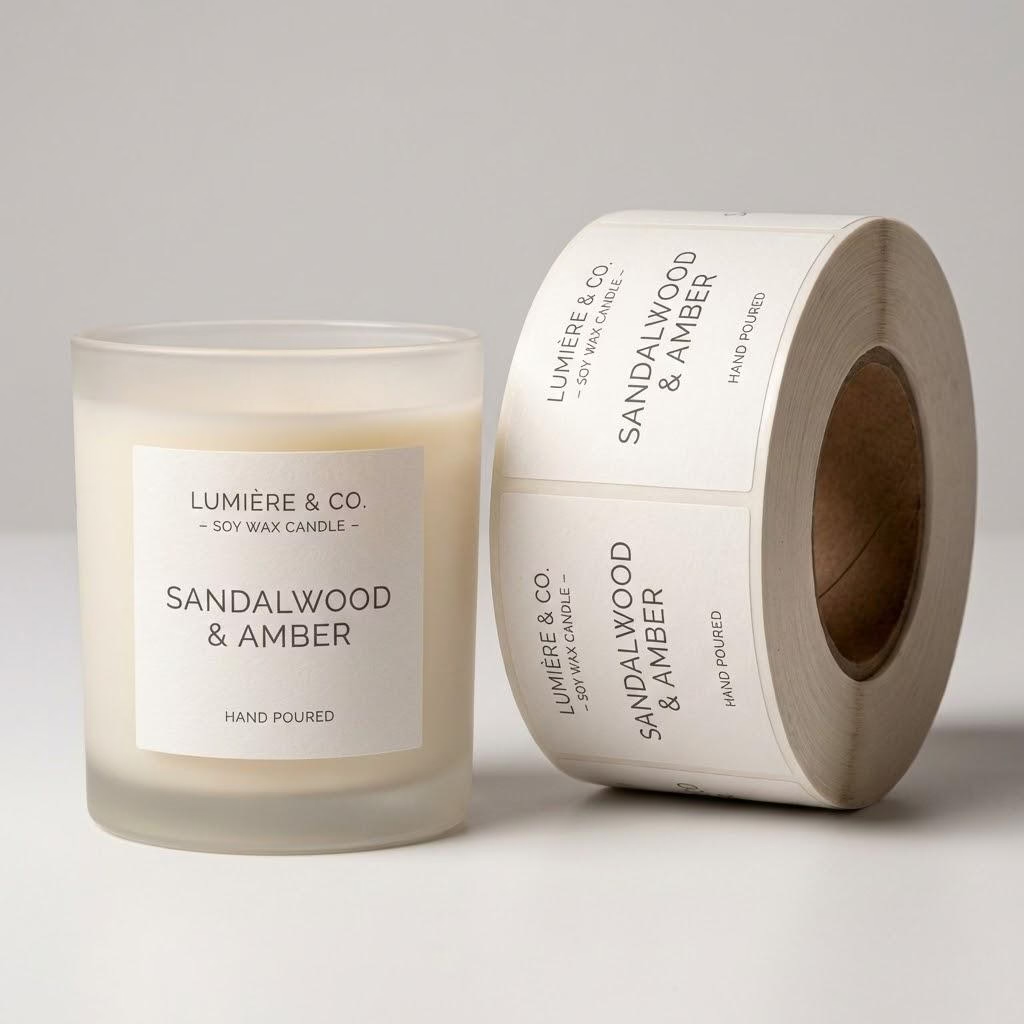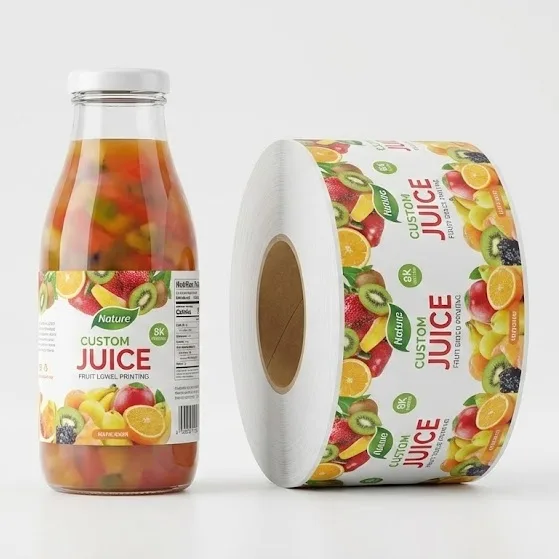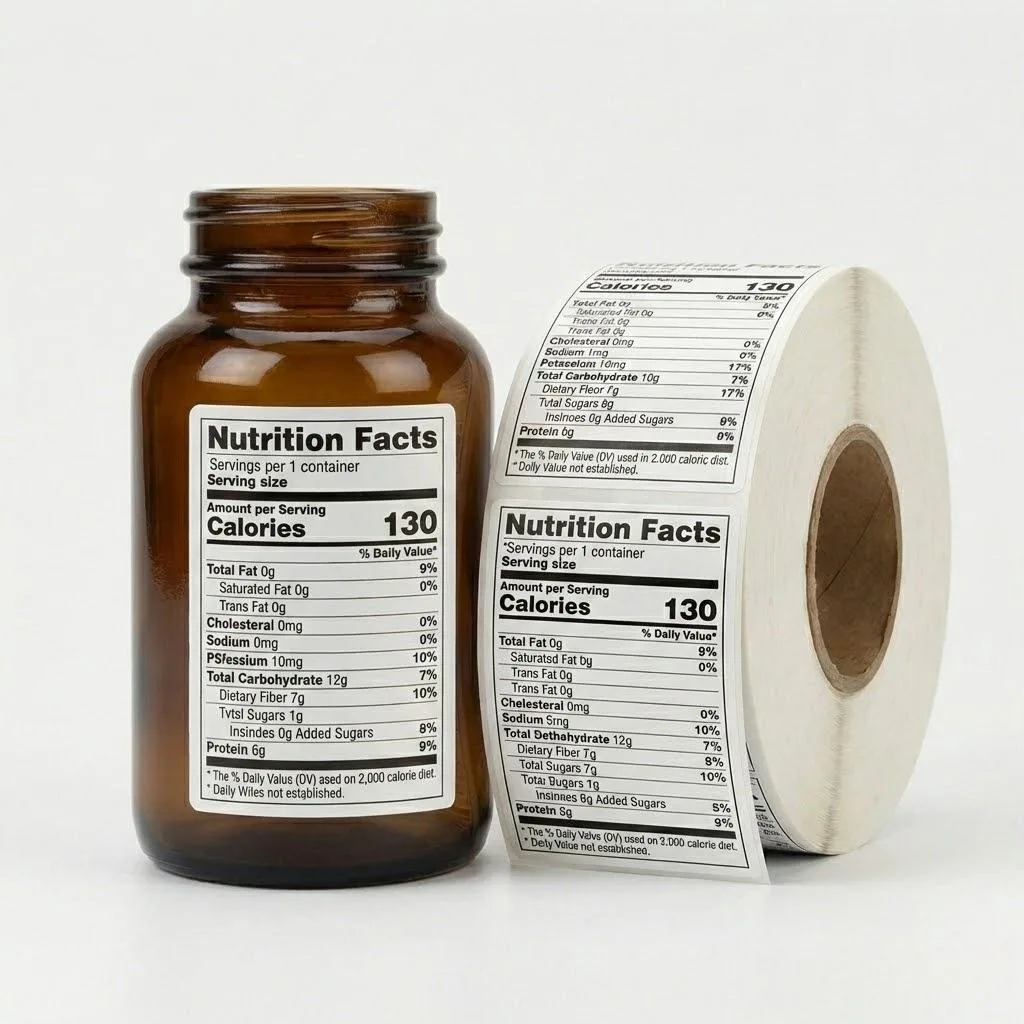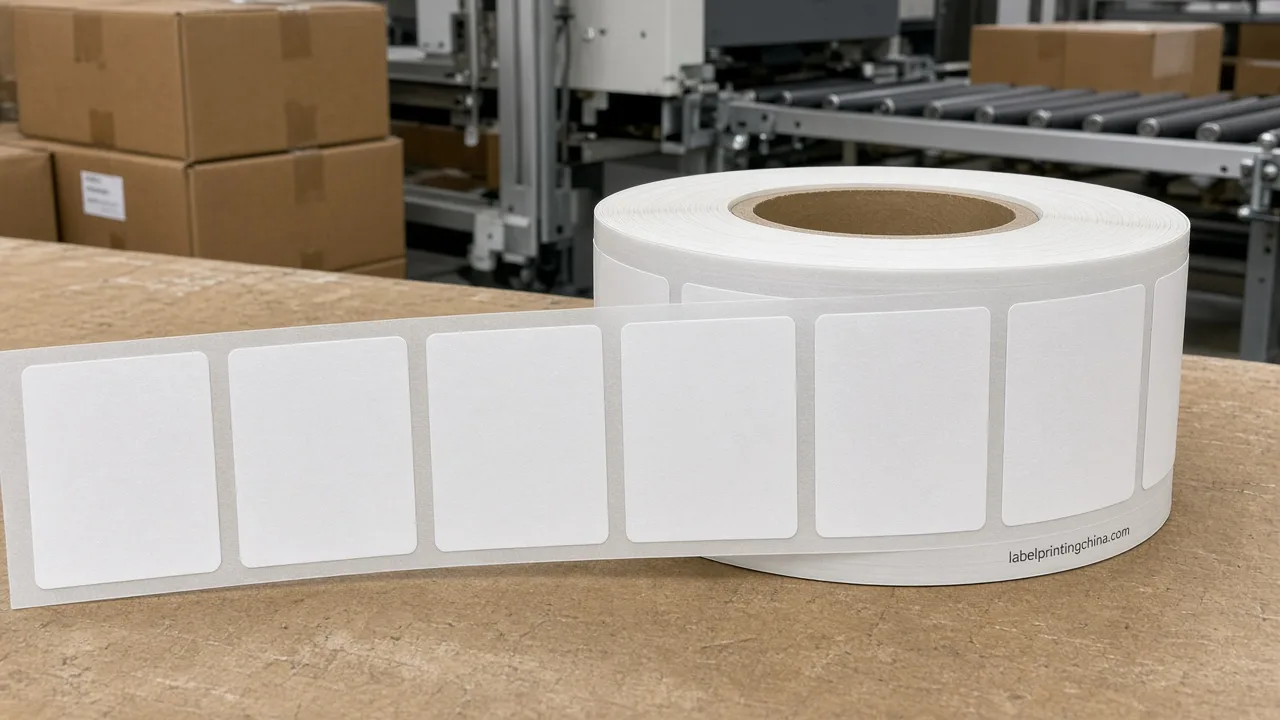
When several SKUs share one press window, quotes stall because the RFQ mixes a single total quantity with incomplete size, material, or roll notes—so estimators cannot price material and press time without guessing.
A usable custom label RFQ lists use or end-use, container, size, material or survival conditions, adhesive, process and finish, SKU count, quantity per SKU, roll versus sheet, application method, artwork status, and the need-by date—so printers can price without inventing missing fields.
You leave able to copy one twelve-field pack, see what each blank costs the quote, and send specs through custom label printing without rewriting the brief three times.
Start With the Twelve Fields a Printer Can Price

Buyers repeatedly request pricing or quotation details. Buyers repeatedly provide or request size and dimensional specifications. So the RFQ is a decision sheet, not a polite hello. Customization and artwork requirements recur in buyer RFQs. That is why artwork status sits on the same list as size and adhesive.
Write the twelve fields once: use or end-use, container, size, material, adhesive, process and finish, SKU count, quantity per SKU, roll versus sheet, application method, artwork status, and lead-time need date.
This table is the copyable custom label RFQ shell—fill every row before you ask for numbers.
| RFQ field | What to write |
|---|---|
| Use / end-use | Product type and where the labeled pack lives (wet, chill, outdoor, abrasion) |
| Container | Bottle, jar, pouch, carton; material and curve notes |
| Size | Width × height (or diameter) plus shape / corner radius |
| Material | Known facestock, or survival conditions if the name is unknown |
| Adhesive | Permanent, removable, or special; surface at labeling if known |
| Process / finish | Colors, varnish or laminate, foil or other effects |
| SKU count | How many distinct artworks or variants |
| Qty per SKU | Labels needed for each design—not one blended total |
| Roll vs sheet | Rolls for applicators, sheets or kiss-cut packs for hand work |
| Application method | Hand apply or automatic; applicator model if known |
| Artwork status | Final, draft, or design still needed; file type if ready |
| Lead-time need date | Date labels must arrive, and whether the date is fixed |
Per Etalex label quote checklist: To get an accurate label quote, send the manufacturer the label size and shape, quantity per version, material or the conditions the label must survive, number of print colours, finishes, the container and how labels are applied, roll format if machine-applied, your artwork or its status, and the date you need delivery.
When Quantity Per Version Is Missing, Quotes Drift

When several designs share one order, write quantity per version—not one merged total—so the custom label RFQ does not force the printer to guess SKU splits.
After the per-version counts are clear, read how custom label MOQ changes so setup, die, and finish choices are not treated as a single sticker minimum.
When one email says “50,000 labels, five flavors” and never splits the count, estimators cannot set press time or plate changes, and the first number that comes back is a placeholder. Buyer RFQs repeatedly include order quantity or MOQ requirements. Total-only language is the gap—not a missing brand story.
A common slowdown is simply: No quantity per version when there are several designs. Size and quantity set the amount of material and press time. Material and finish set the cost of what is used. A single combined quantity does not replace quantity per version when designs differ.
This second table shows what each blank costs—read the impact column before you hit send.
| If this field is blank | What the quote loses |
|---|---|
| Use / end-use | Material and adhesive become guesses |
| Container | Curve, squeeze, and liner choices stay open |
| Size | Material area and tooling cannot lock |
| Material | Unit cost and durability stay provisional |
| Adhesive | Peel or residue risk is unpriced |
| Process / finish | Pass count and specialty ops stay open |
| SKU count | Changeovers and plates stay invisible |
| Qty per SKU | Quote becomes unreliable across versions |
| Roll vs sheet | Finishing path and waste band stay open |
| Application method | Core, OD, and wind may be omitted wrongly |
| Artwork status | Pre-press hours and proof path stay fuzzy |
| Lead-time need date | Schedule and freight assumptions stay soft |
Once those blanks are filled—or honestly marked with use conditions—you already have enough to ask for a real number. Send the pack now; the next sections only tighten material and roll notes.
Send your completed custom label RFQ
Copy the twelve-field checklist, then send the completed specifications and artwork so estimators can quote without guessing quantity per version or facestock.
Send Use Conditions If You Do Not Know the Facestock
Material selection is a recurring buyer decision point in RFQs. Yet many briefs name a film they saw once and skip chill, oil, or wash-down. If the trade name is unknown, send the conditions the label must survive instead of inventing a stock code.
Size and quantity set the amount of material and press time. Material and finish set the cost of what is used.To get an accurate label quote, send the manufacturer the label size and shape, quantity per version, material or the conditions the label must survive, number of print colours, finishes, the container and how labels are applied, roll format if machine-applied, your artwork or its status, and the date you need delivery. Guessing a facestock trade name does not replace stating the conditions the label must survive.
After material and adhesive notes are clear, pair the RFQ with the label artwork handoff checklist so fonts and links do not reopen the quote later. Multi-SKU process choice stays on digital vs flexo labels; this page only locks the RFQ fields.
Add Roll Format Only When Machines Apply Labels
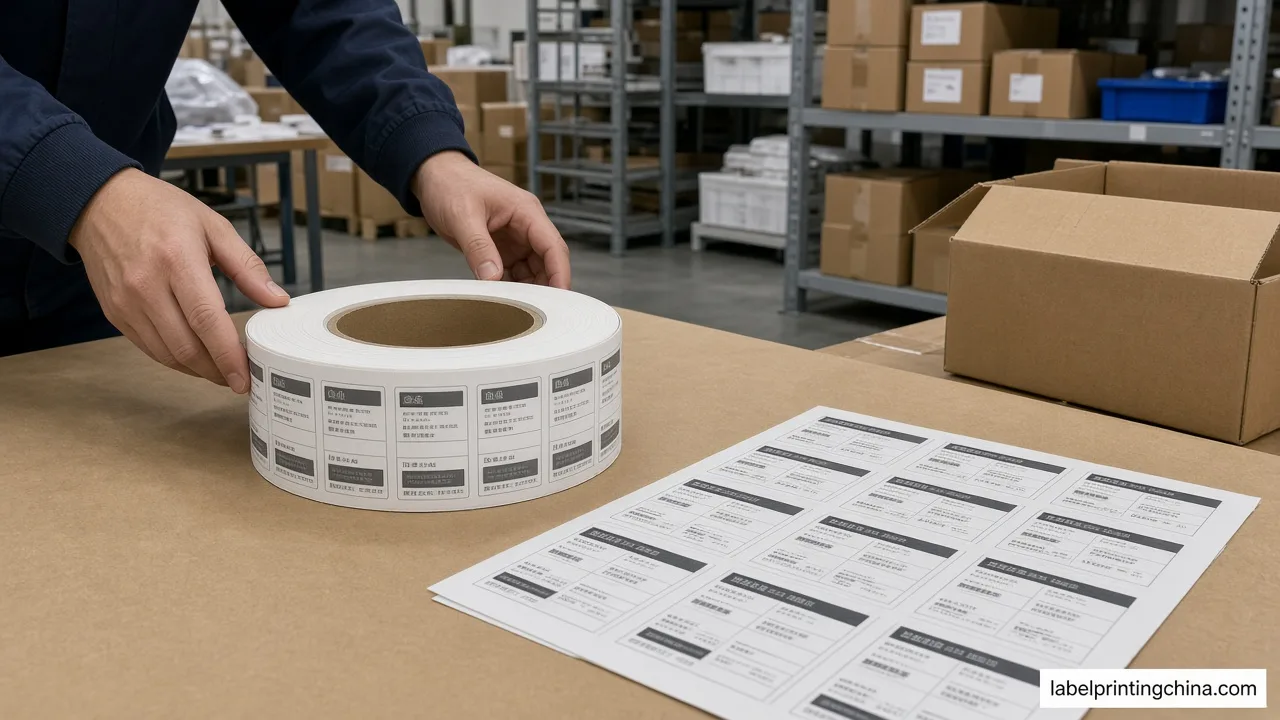
If labels will run on an automatic applicator, roll format is part of label printing quote requirements—not a nice-to-have footnote. Hand-applied sheet jobs do not need applicator core, outer-diameter, and wind specs.
Per Hally Labels quoting questions: How many labels do you need on each roll? This can be particularly important to consider if you will be automatically applying the labels, as you may have a maximum diameter that will fit on the equipment.What size core do you require? Our most common sizes include 25, 38, 41 and 76mm. Your applicator may dictate this. Measure core ID in mm, max outer diameter in mm, and labels per roll, then check those numbers against the applicator plate before you approve the quote. Verify labels-per-roll against the max OD before you freeze the purchase order.
Lead time and delivery deadlines recur in buyer RFQs, so put the need-by date beside roll notes when the line date is fixed.On a yogurt-tub wrap RFQ, buyers who already list wrap size, permanent adhesive, and roll supply still need labels-per-roll and core called out if a machine will apply them—otherwise the desk quote and the line setup disagree.
Artwork status belongs on the same send: final file, draft, or design still needed. If the file is still a concept PDF, say so; estimators price pre-press hours differently than a print-ready pack.Pair the need-by date with whether that date is fixed for a launch or flexible for the first replenishment—soft dates change freight assumptions, hard dates change which press window is even possible.
Send Your Completed Custom Label RFQ
When the twelve fields and the missing-impact check agree on one revision, the pack is ready: copy the table, attach artwork status, and send it with the need-by date. If you already used the quote button above after the impact table, you are done—this close only confirms the same send path.
Prefer to open the money page directly? Use custom label printing with the completed checklist and artwork status so estimators quote without guessing quantity per version or facestock.