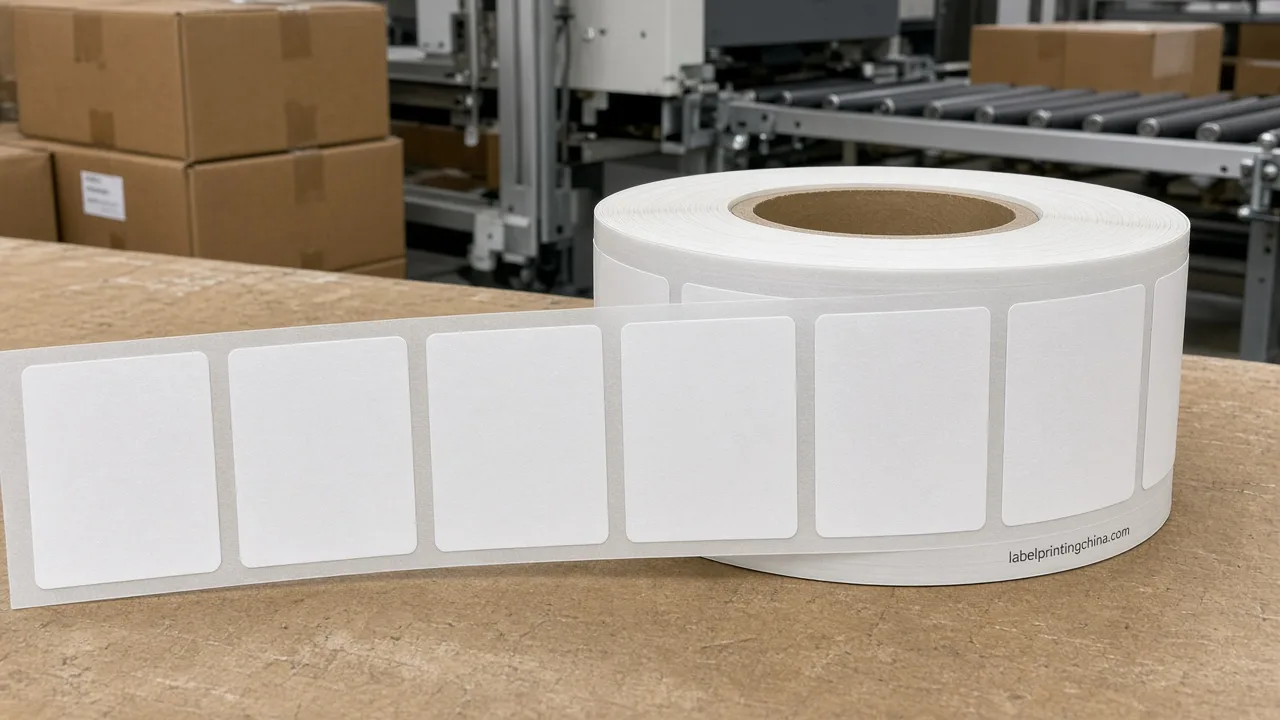
When a line needs unique serials, lot-tied codes, or SKU-linked barcodes on the same label stock, the failure usually starts in the data file—not on the press—because start/end ranges, quiet zones, and sample grades were never locked together.
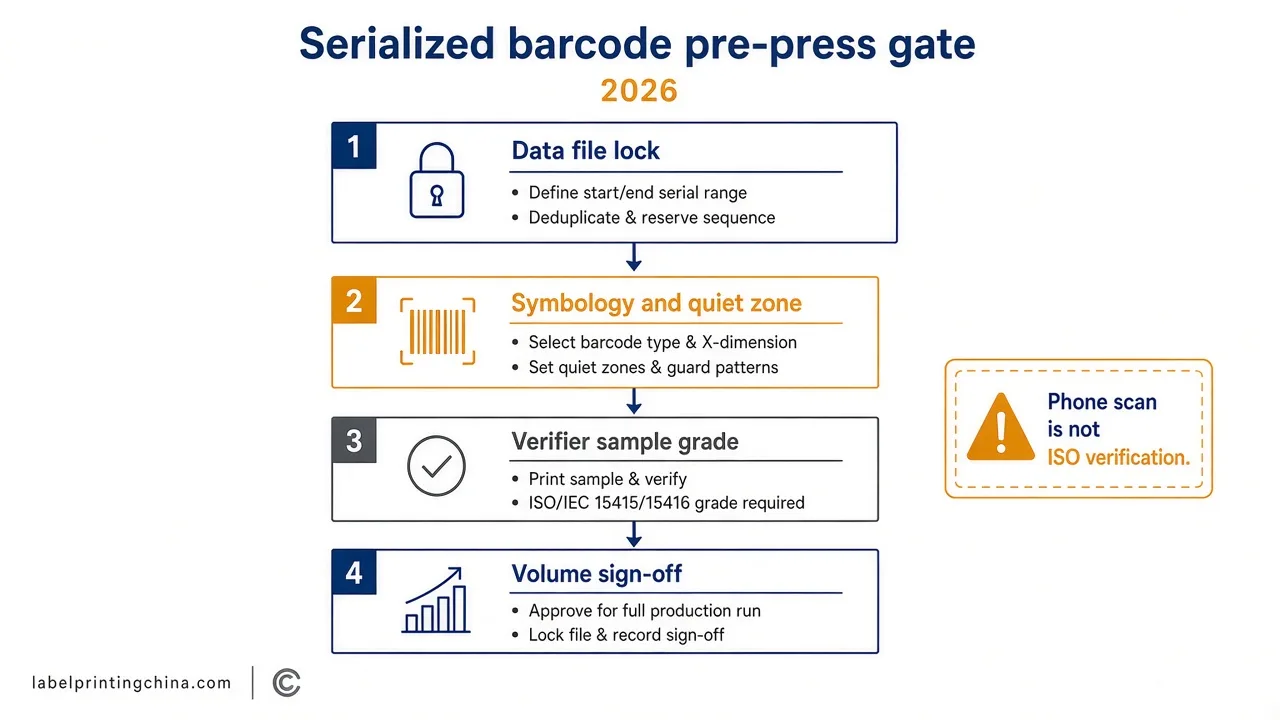
Lock the data file format, start and end serials, dedupe rules, symbology, and quiet zone first, then approve a verifier-grade sample before you freeze serialized barcode labels for volume. Tracking applications stay on a separate page; this page owns the pre-press checklist.
You leave able to assemble one pre-press pack that production can print without guessing serial ranges. Multi-SKU tracking use-cases stay on the variable data label printing for SKU tracking guide.
Lock the Data File Before Numbers Hit the Press
Buyers who send artwork alone still stall when the serial list arrives as a screenshot or a column with mixed leading zeros.Customization and artwork requirements recur in buyer RFQs, and sample or pre-production approval is a recurring buyer decision point—so treat the data file as part of the artwork pack, not a side chat.
Write one machine-readable file (CSV or the printer’s agreed template) that states: field order, character set, leading-zero rule, start serial, end serial, total unique count, and the dedupe key.
Reject files that reuse a serial inside the same job unless the brief explicitly allows reissue after scrap, and say who owns the master list.
When the matrix is clear, open a short conflict check: if marketing wants decorative type inside the symbol area while ops needs scan path A, the data owner and the art owner sign the same revision before RIP.Variable data label printing for campaign stories still belongs on the SKU tracking page; here you only freeze the numbers and fields the press will print.
Choose Symbology and Keep the Quiet Zone Clear
Pick the barcode or QR symbology that the receiving scanner family already supports, and keep human-readable text outside the symbol. Do not scale a symbol in layout software to “make it fit.”
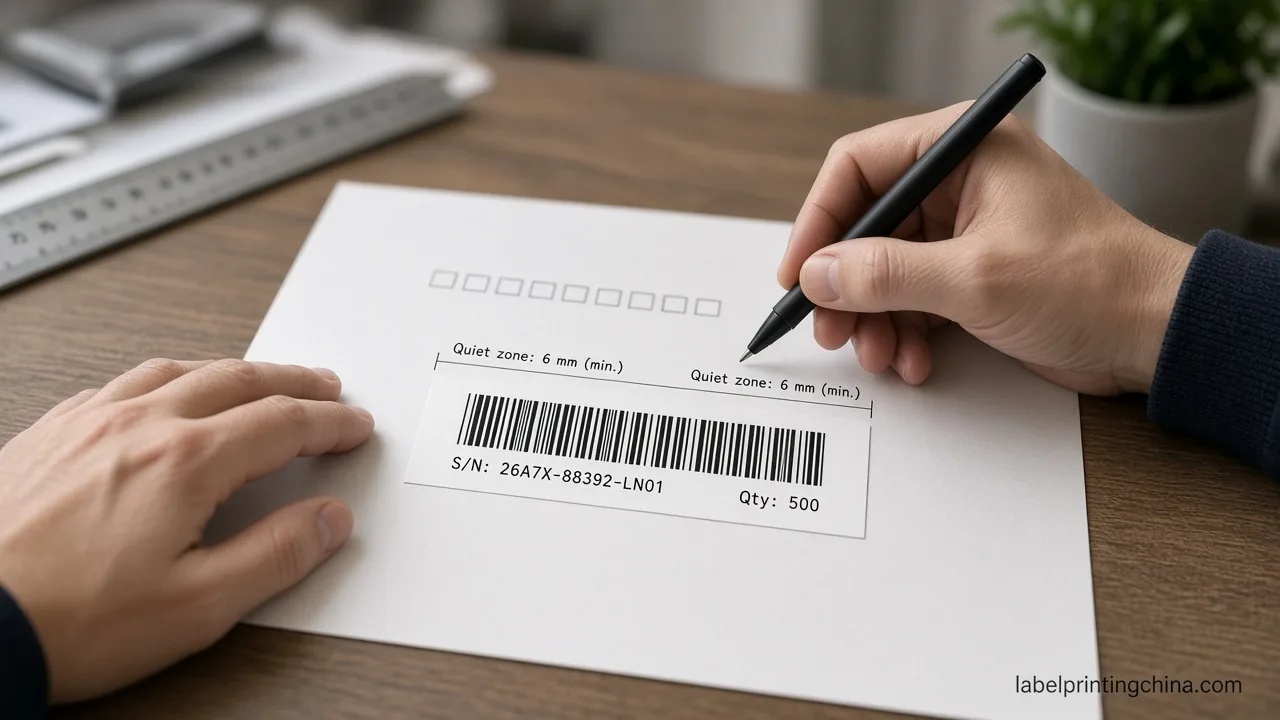
Per GS1 US barcode placement guidance: Also, leave a clear, unprinted area on the left and right sides of the barcode (known as the quiet zone).If you need to change the size of the barcode art, do not shrink or enlarge it – it may not scan correctly. If you need to resize the barcode art, just re-create the barcode in the desired size.
The best color combination for a barcode is black bars with a white background (spaces and quiet zones). Avoid printing the bars in red, or in a reddish color, like brown. This is because scanning lasers use red light, and red bars are “invisible” to the scanner’s red light.
If a designer crops into the quiet zone to save millimeters, stop the job and recreate the symbol at the required size with intact margins. Quiet-zone and resize rules do not pick symbology or decide serialization business logic. And they do not replace the data-file lock from the previous section.
Prove Readability on Samples Before Volume
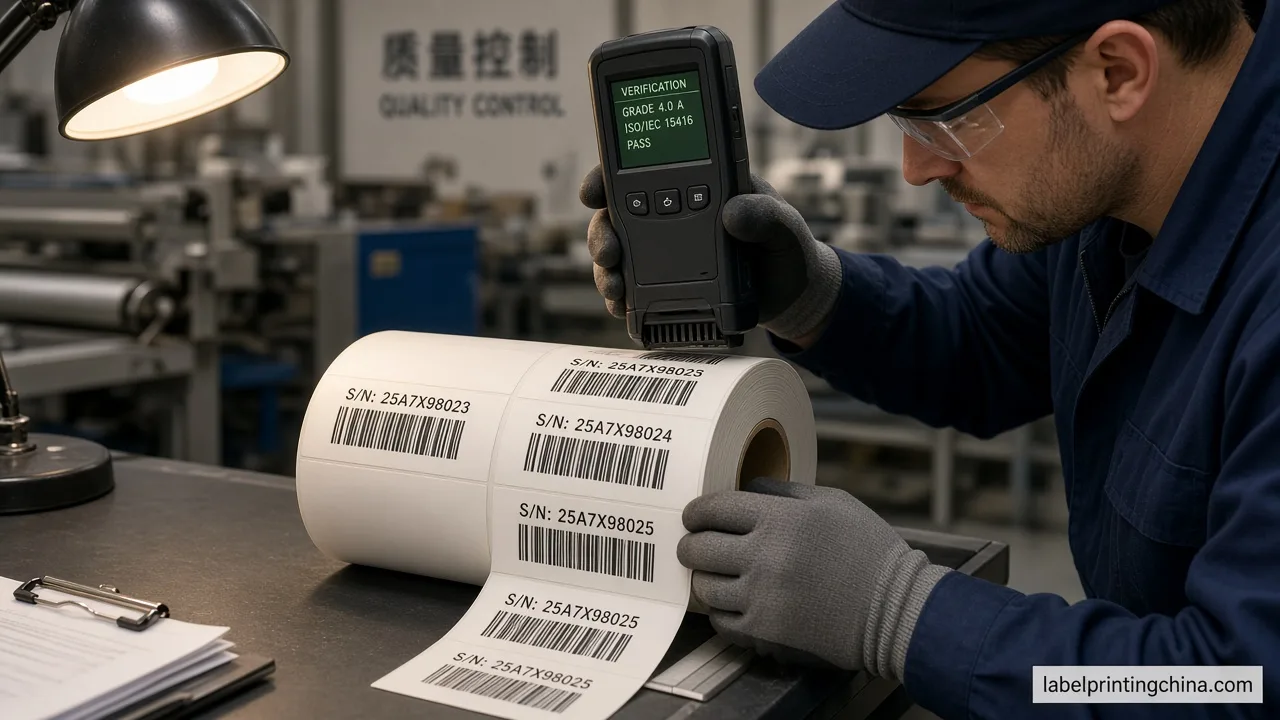
When the first sample roll arrives, quality, testing, or compliance requirements recur in buyer RFQs for a reason: a pretty proof can still fail the dock scanner. Use a formal verifier path, not only a phone camera.
You or your printer can measure the quality of printed barcodes by using a barcode verifier that is compliant with the ISO/IEC standard, ISO/IEC 15426-1 Information technology – Automatic identification and data capture techniques – Barcode verifier conformance specification – Part 1: Linear symbols and ISO/IEC 15426-2:2005 Information technology – Automatic identification and data capture techniques — Barcode verifier conformance specification — Part 2: Two-dimensional symbols.A compliant verifier will measure different parameters of the symbol and then provide an overall grade. That boundary matters: A phone-camera scan is not formal verification against that ISO path.
Source: GS1 barcode verification note.
Pull samples across the roll—not only the first meter—and record overall grade, failed parameter, and serials tested. If grades drop after a ribbon or plate change, re-verify before the rest of the lot ships. Pair this with the label artwork handoff checklist when fonts and links also moved with the job.
Keep Serial Lists Confidential Through Sign-Off
Serial masters are operational secrets even when the label art is not. Limit who can download the full range, watermark internal previews with “sample—not live range,” and destroy or vault scrap labels that already carry live serials.
| Pre-press gate | Pass signal |
|---|---|
| Data file | Start/end, leading zeros, unique count, and owner named |
| Symbol + quiet zone | Recreated at size; clear left/right margins; no red bars |
| Sample grade | ISO-path verifier overall grade recorded on sampled serials |
| Confidentiality | Live range access limited; scrap with live codes controlled |
This table helps you decide whether the job can leave pre-press—not which tracking platform to buy.
Send Your Serialized Barcode Pre-Press Pack
When the four gates above pass on the same revision ID, the pack is ready: data file, symbol spec, quiet-zone screenshot or dieline callout, verifier report, and confidentiality note. That is the moment to request production—not after the press is already booked.
Send your serialized barcode pre-press pack
Attach the data file, quiet-zone proof, and verifier grades with material and size notes so production can quote without guessing serial ranges.