When a brand line reprints, rebrands, or changes printers, the risky moment is sending “the old files” without knowing whether the package can open, match the structure, or keep barcodes clear.
Hand off a native package folder—not a lone PDF—with locked dieline revision, clear barcode quiet zone, and a rebuild-versus-reprint call before plates move. Reprint only when that package matches the last approved plate; otherwise rebuild.
You leave able to assemble one handoff pack and call reprint versus rebuild before plates move. Supplier-switch timing without downtime stays on the switch label supplier guide.
Package Native Files Before You Send the Job

A PDF proof helps people look; it does not give the printer fonts and links to rebuild. Adobe Illustrator’s Package files path is the handoff unit for a label artwork checklist that must survive a reprint or rebuild.
You can gather the files you’ve used, including fonts (except Chinese, Korean, and Japanese) and linked graphics, for easy handoff. When you package a file, you create a folder that contains the Illustrator document, any necessary fonts, linked graphics, and a package report.
A warning displays when you package fonts. Check your license agreement to see if you’re permitted to copy fonts. Chinese, Korean, and Japanese fonts stay outside that copy step, so name those faces in the handoff note if the art uses them. Send the package folder plus a flat reference PDF, not the PDF alone.
If linked images still sit on a designer laptop path the printer cannot open, the package failed before color talk starts. Re-package from the machine that holds the final links, then zip the whole folder for transfer.
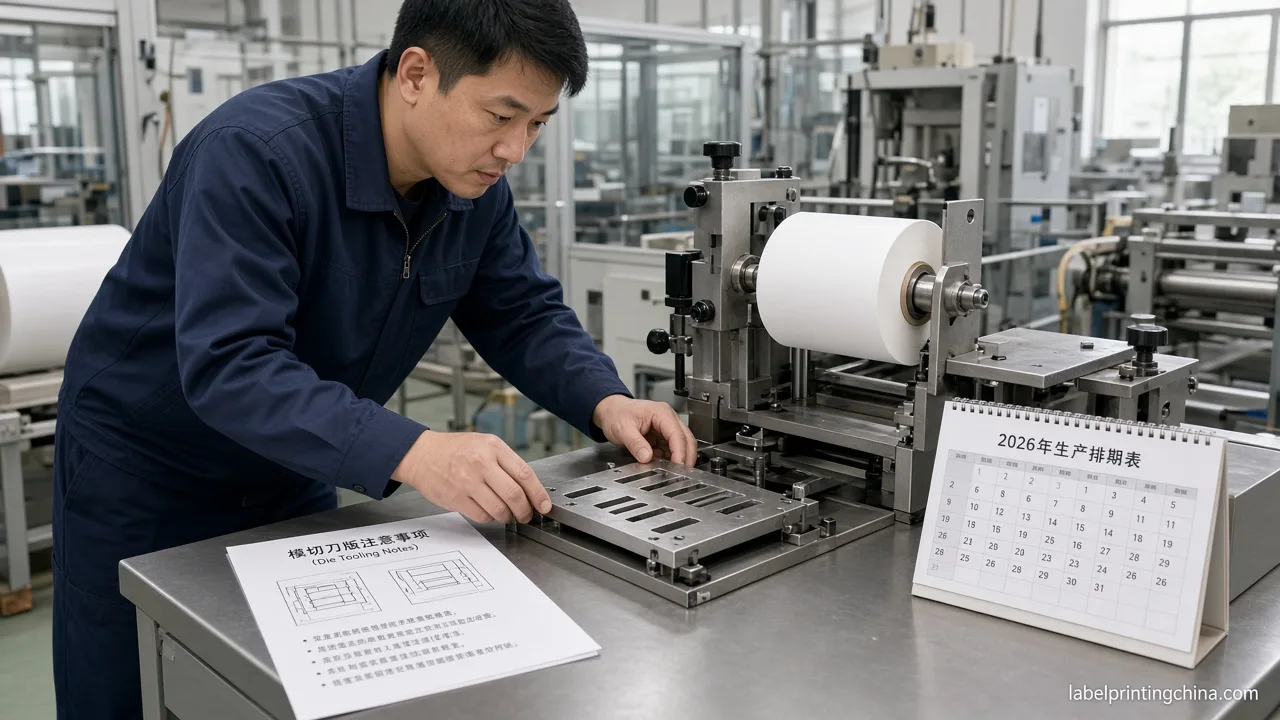
Lock the Dieline Revision Before Artwork

When size, substrate, or finishing changed—or the file came from a prior supplier—structure has to win before color talk. Industry preflight guidance put it this way in the print-ready artwork guide: Before releasing artwork, confirm the product and packaging structure, lock the correct dieline revision, keep cut, crease and glue information separate from printable graphics, extend backgrounds to the approved bleed boundary, keep critical content inside the safe area, package fonts and linked images, and provide a reference PDF.
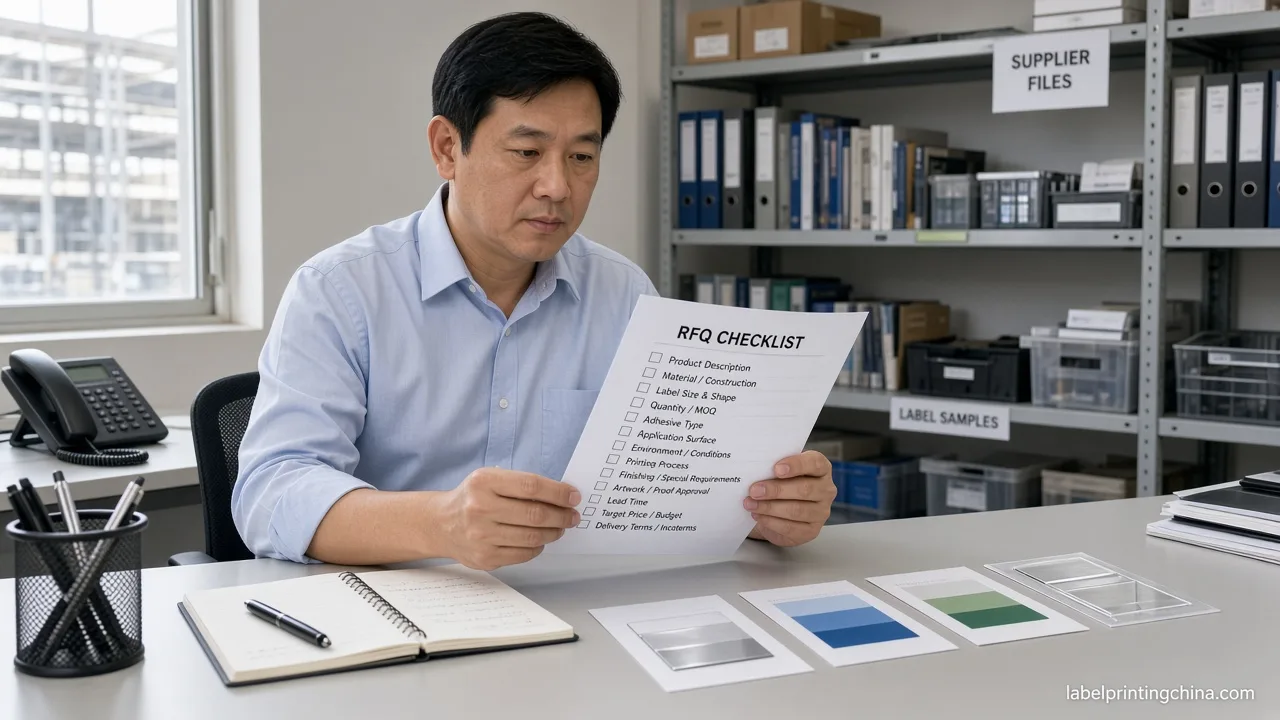
Once the dieline revision is locked, fill the custom label RFQ checklist so quote fields match the same structure before you send files.
A dieline from a previous supplier, a competitor package or an AI-generated concept may help explain the idea, but it should not be treated as the final production structure. Write the approved revision ID on the RFQ. Keep knife, crease, and glue on their layer; keep brand panels inside the safe area with bleed filled to the approved edge.
When the only change is ink color or a SKU line inside a frozen panel, the same revision can stay. When the bottle diameter, corner radius, or laminate stack changes, treat the old knife as a sketch until structure is re-approved.
Keep Quiet Zone Clear and Plan Barcode Grade
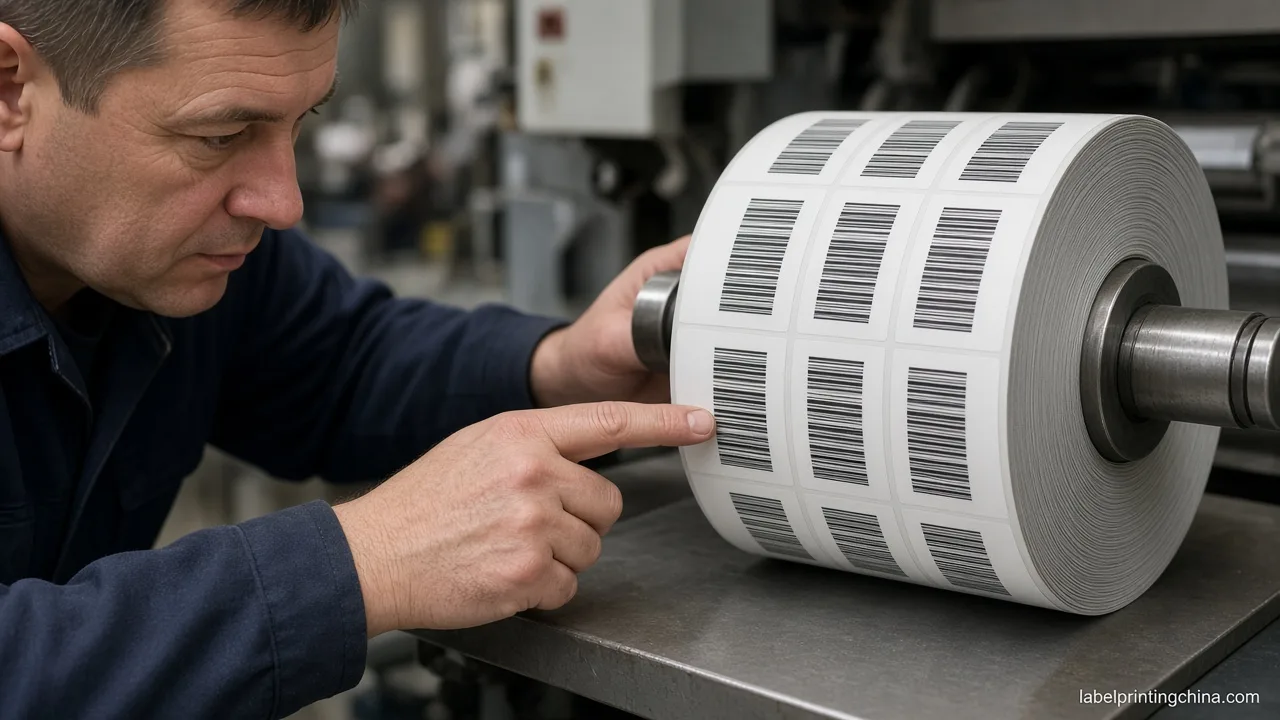
Quiet zone, in GS1 terms, is A clear space which precedes the start character and follows the stop character of a linear barcode or surrounds a 2D barcode. Keep varnish, foil, and heavy backgrounds out of that clear space when you place art for handoff.
After print, grade matters more than a phone photo. Per GS1 barcode verification: You or your printer can measure the quality of printed barcodes by using a barcode verifier that is compliant with the ISO/IEC standard, ISO/IEC 15426-1 Information technology – Automatic identification and data capture techniques – Barcode verifier conformance specification – Part 1: Linear symbols and ISO/IEC 15426-2:2005 Information technology – Automatic identification and data capture techniques – Barcode verifier conformance specification — Part 2: Two-dimensional symbols. A compliant verifier will measure different parameters of the symbol and then provide an overall grade.
A phone-camera scan is not formal verification against that ISO path. Put the intended symbol type and who will run the verifier in the change notes so receiving is not guessing.
If art tightens the bars to “fit the panel,” stop and restore the clear space first. A pretty crop that eats the quiet zone will fail at the dock even when the proof looks fine on screen.
Choose Reprint Only When the Package Matches
This table helps you call reprint versus rebuild from what you can actually open and measure—not from hope that “the old art still works.”
| What you can verify | Call |
|---|---|
| Native package opens; fonts/links present; dieline revision matches last plate; quiet zone clear | Reprint path |
| PDF-only, missing links/fonts, old-supplier dieline, size/finish change, or quiet zone cropped | Rebuild path |
| Barcode art changed or finish moves onto bars | Rebuild barcode art; plan ISO verifier on press sheets |
Reprint only when native package, locked dieline revision, and barcode clear space all match the last approved plate; otherwise rebuild. That call does not replace a press OK or a formal GS1 grade on the sheets you ship.
- List old SKUs, new SKUs, and what actually changed (art, size, finish, stock).
- Attach package folder, reference PDF, and dieline revision ID.
- Note barcode type and who grades with an ISO/IEC 15426-compliant verifier.
- Flag leftover inventory that must not mix with the new plate.
Send Your Label Artwork Handoff Pack
If the pack is incomplete, stop and rebuild the missing piece before anyone quotes a reprint. Color targets and press method still need their own RFQ lines once the file set is honest.
Send your old and new artwork, label dimensions, dielines, SKU list, and change notes for an artwork handoff review. Ask for a clear reprint-or-rebuild call tied to the package you attached.
Ready for an artwork handoff review?
Send your old and new artwork, label dimensions, dielines, SKU list, and change notes for an artwork handoff review.